Best AI Video Editor for YouTube Content Creators

Today many YouTubers are looking for an AI video editor for YouTube. They want one that's fast and easy to use and has great AI features. There are tools out there, but one called Picwand AI Video Editor is getting a lot of attention. Its designed to be easy for beginners and has video enhancement features. In this review, we will look at AI editor for YouTube, and why AI video editors are important for YouTube creators. We will also check out which features are most important. The best tools available will be discussed.
Contents:
Part 1. Why YouTubers Need AI Video Editors
Creating successful YouTube content involves much more than recording footage. Editing plays a major role in viewer retention, engagement, and channel growth.
However, modern creators face several challenges:
- • Limited editing experience
- • Tight publishing schedules
- • Large amounts of raw footage
- • Multi-platform content adaptation
- • High audience expectations
AI YouTube video editor helps solve these problems by automating repetitive tasks and improving editing efficiency.
Faster Content Production
YouTube rewards consistency. Channels that upload regularly often perform better in search results and recommendations.
AI editing tools reduce production time by:
- • Automatically trimming clips
- • Enhancing video quality
- • Generating captions
- • Removing backgrounds
- • Applying smart effects
This allows creators to publish videos more frequently.
Lower Learning Curve
Traditional editing software can be really scary for people who are just starting out. The thing is, AI-powered tools make things a lot easier by doing some of the work for you and being simple to use.
People who make things can get good results without having to spend a lot of time learning how to edit like a professional. They can use these AI-powered tools to make their work look great. That is what Traditional editing software and AI-powered tools are all, about making Traditional editing software and AI-powered tools easy to use.
Better Video Quality
AI enhancement technologies can improve:
- • Sharpness
- • Lighting
- • Color balance
- • Noise reduction
- • Resolution quality
Even videos recorded on smartphones can look more professional after AI optimization.
Improved Audience Engagement
Modern AI tools support features that directly improve viewer experience:
- • Auto subtitles
- • Dynamic scene adjustments
- • Cinematic framing
- • Visual cleanup
- • Better pacing
These enhancements help increase watch time and audience retention.
Easier Multi-Platform Editing
Many YouTubers also publish content on:
- • TikTok
- • Instagram Reels
- • Shorts
AI video editors can automatically resize and optimize videos for different aspect ratios and platforms.
Part 2. Key Features for YouTube Video Editing
Not all AI video editors offer the same capabilities. When choosing an AI video editor for YouTube, creators should focus on features that improve both efficiency and video quality.
AI Video Enhancement
A strong AI editor should automatically improve visual quality through:
- • Upscaling
- • Noise reduction
- • Color correction
- • Lighting adjustment
- • Detail enhancement
This is especially important for creators using older cameras or mobile devices.
Background Removal
AI background removal allows creators to:
- • Replace messy backgrounds
- • Create clean talking-head videos
- • Add creative visual effects
Without requiring green screen setups.
AI Scene Expansion
Some advanced editors now include AI outpainting or scene expansion features that generate additional visual space naturally.
This is useful for:
- • Cinematic effects
- • Thumbnail creation
- • Aspect ratio conversion
- • Creative storytelling
Beginner-Friendly Interface
Many people who make things think it is more important for tools to be easy to use than to have a lot of features. A simple and clean interface that uses intelligence to help with work makes it easier for new people to make good content quickly.
Part 3. Best AI Video Editors for YouTube
There are free AI YouTube video editors that use artificial intelligence and are popular with people who make videos for YouTube. Each AI video editor is good for things depending on how you like to edit, how much experience you have and what you need to make your videos.
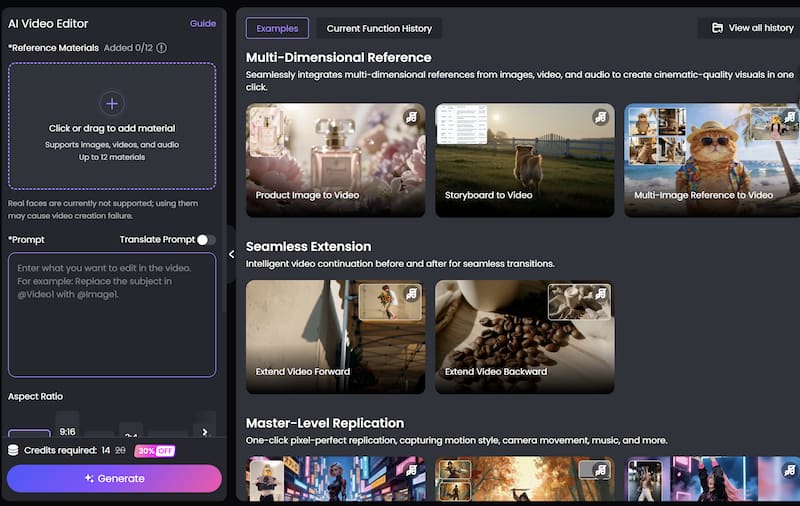
1. Picwand AI Video Editor
The Picwand AI Video Editor is really easy to use. It works very fast. This is great for people who make videos and want to edit them quickly using intelligence.
The Picwand AI Video Editor is different, from video editing software. Other software makes you do a lot of things by hand. The Picwand AI Video Editor uses tools and makes your videos look better automatically.
Key Features of Picwand AI Video Editor
• AI Video Enhancement
PicWand can improve video quality automatically by enhancing:
- • Sharpness
- • Clarity
- • Lighting
- • Color balance
This helps creators make low-resolution footage look cleaner and more professional.
• AI Background Removal
The tool supports smart background editing without requiring advanced masking skills.
Creators can:
- • Remove distractions
- • Replace backgrounds
- • Create studio-like visuals
- • Quickly and efficiently.
AI Video Expansion
One of Picwand’s most interesting features is AI-powered visual expansion. Users can generate wider video frames and extend scenes naturally in this free AI video editor for YouTube.
This is especially useful for:
- • YouTube thumbnails
- • Cinematic content
- • Aspect ratio conversion
- • Cross-platform publishing
Beginner-Friendly Editing Experience
Picwand’s interface is designed for simplicity. Even creators with little editing experience can navigate the platform easily. The streamlined workflow helps reduce editing fatigue and speeds up production.
Fast Processing Speed
Content creators often work under tight deadlines. Picwand focuses on rapid AI processing, helping users complete edits faster.
This is ideal for:
- • Daily vloggers
- • Short-form creators
- • Marketing teams
- • Small YouTube channels
Pros of Picwand AI Video Editor
- • Easy for beginners
- • AI-powered automation
- • Fast enhancement tools
- • Natural visual expansion
- • Supports creative storytelling
- • Clean interface
Potential Limitations
Like many AI editors, advanced professional filmmakers may still require highly detailed manual controls offered by enterprise editing software. However, for most YouTube creators, Picwand provides an excellent balance between simplicity and functionality.
2. Adobe Premiere Pro
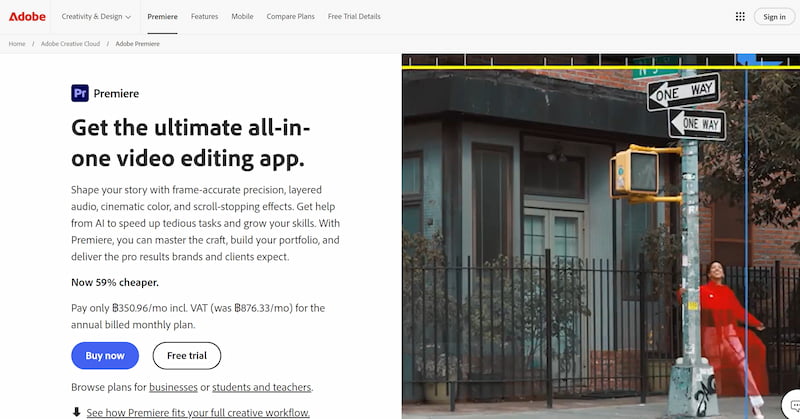
Adobe Premiere Pro integrates several AI-powered tools through Adobe Sensei.
Strengths include:
- • Professional-grade editing
- • Advanced timeline controls
- • AI color correction
- • Auto reframing
However, it has a steeper learning curve and higher subscription cost.
3. CapCut
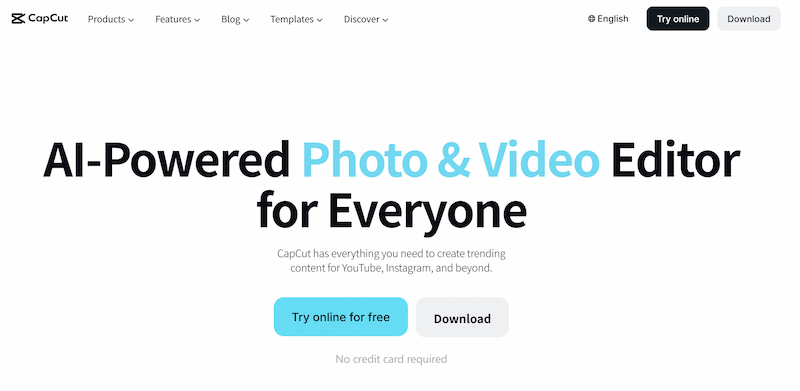
CapCut is popular among short-form content creators.
It offers:
- • AI captions
- • Templates
- • Auto effects
- • Mobile editing convenience
It’s a great Runway AI alternative, but some advanced desktop editing capabilities remain limited.
4. Descript
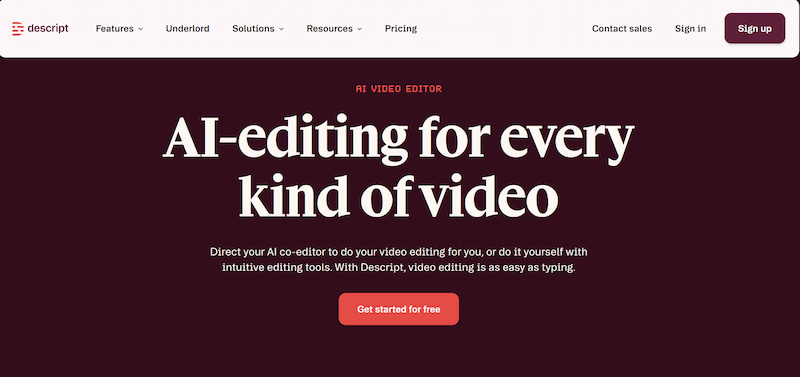
Descript focuses heavily on AI transcription and text-based editing.
It is especially useful for:
- • Podcasts
- • Tutorials
- • Educational videos
- • Talking-head content
Its text-driven workflow is highly efficient for dialogue-heavy YouTube videos.
Part 4. How to Edit YouTube Videos Faster with Picwand AI Video Editor
Efficiency is essential for YouTube growth. Faster editing means more consistent uploads and more time for content planning and audience engagement. Here is how creators can streamline their workflow using Picwand AI Video Editor. Similar to Hunyuan, it’s pretty easy and convenient to use.
Step 1. Upload Your Video
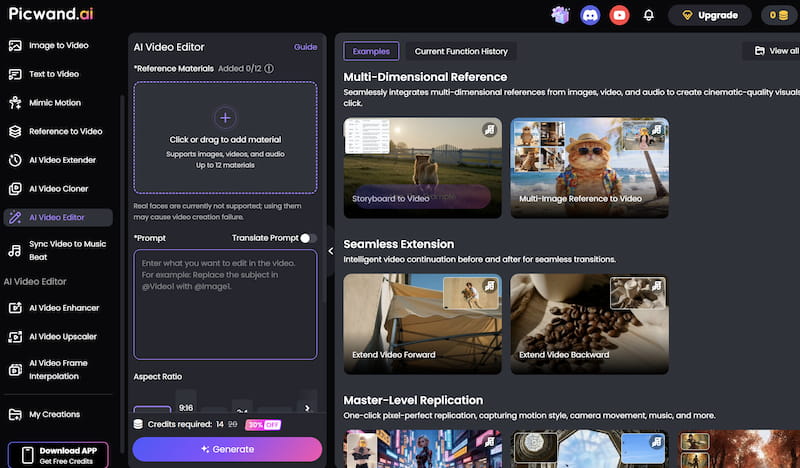
Open the PicWand AI Video Editor website and Click or drag to add material. After uploading, the AI system will process the video automatically.
Step 2. Apply Visual Effects
Browse available AI filters and effects and choose the one you need.
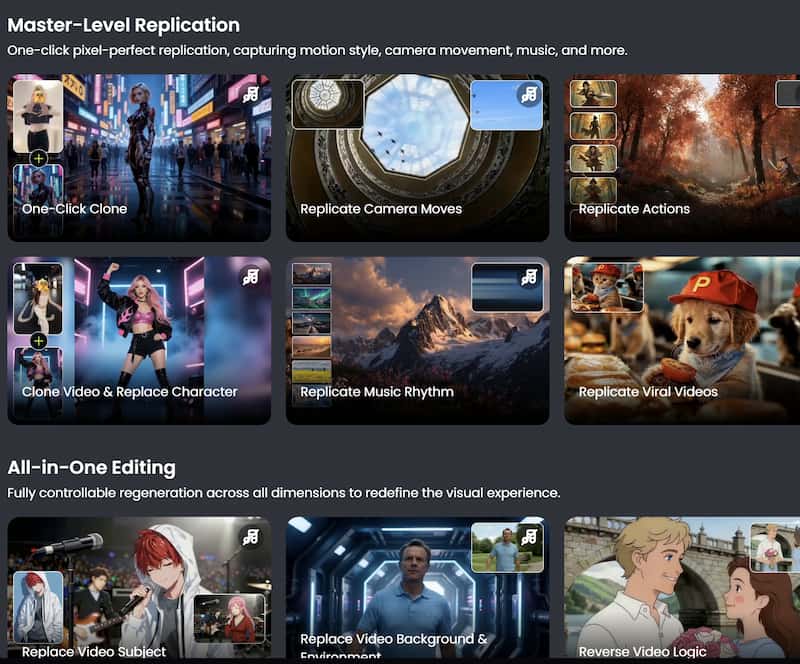
Step 3. Preview and export the Final Video
After finishing the edits, export the video in your preferred resolution. Download the final video and share it directly on your preferred platforms.
Part 5. FAQs about AI Video Editor for YouTube
What is the best AI video editor for people who are just starting out on YouTube?
The PicWand AI Video Editor is a choice because it uses AI to make videos look better and it is also easy to edit videos with it.
Can AI video editors make videos look better?
Yes. AI video editors can make the picture clearer get rid of noise make the lighting better and make details sharper all, by themselves.
Are AI video editors good for YouTube Shorts?
Absolutely. Many AI tools support automatic resizing and optimization for vertical formats like YouTube Shorts.
Conclusion
That’s all about AI video editor for YouTube. AI technology is rapidly transforming YouTube video production. From auto enhancement to smart scene addition AI video editors help creators save time and make their content more interesting. Picwand AI Video Editor is a choice, for YouTube creators who want a simple and easy-to-use AI video editor. It offers a mix of automation, visual improvement and creative freedom. If you are making a YouTube channel creating Shorts making tutorials or handling marketing content AI video editing tools can make your work easier. They help your videos stand out on a platform where lots of people are competing for attention.
AI Picwand - Anyone Can be A Magician
Get Started for Free