Best Kling AI Alternative Tools in 2026: Which One to Choose?

As generative AI continues transforming the way we produce visual content, tools like Kling AI have gained attention for text-to-video and image-to-video capabilities. However, many creators, marketers, and businesses are now seeking alternatives that offer better usability, broader features, or more cost-effective plans. In this comprehensive review, we evaluate the leading Kling AI alternatives in 2026. We’ll highlight their core features, strengths and weaknesses, pricing, and help you choose the right tool for your creative workflow. Whether you’re focused on enhanced editing, professional video output, or seamless AI enhancements, finding the right tool can make all the difference.
Contents:
Part 1. Why Consider Kling Alternatives
Kling AI has made strides in AI video generation, but it may not meet every user’s needs. Some common reasons to look for alternatives include:
1. Limited Editing Flexibility
Despite its strength in generating cinematic-style content, Kling AI is still evolving when it comes to fine-grained editing options. Many creators want more control over specific elements like transitions, timelines, and detailed scene adjustments.
2. Rendering Speed and Stability
AI-generated video can be computationally intensive. Users sometimes experience long wait times, especially on high-definition or extended clips. Alternatives may offer faster processing or cloud acceleration.
3. Broader Feature Sets
Some tools combine AI video with additional capabilities—like image enhancement, audio generation, or integrated marketing assets—making them more valuable for a wider range of tasks.
4. Cost Efficiency
While Kling AI’s pricing may fit some budgets, others find that alternatives provide more flexible plans, especially for teams or commercial use cases. For these reasons and more, creators often evaluate other AI platforms that better suit their workflows, project requirements, and budget constraints.
Part 2. At a Glance: Comparing the Top Kling AI Alternative in 2026
Below is a snapshot of the best Kling AI alternatives available now, including their main focus, ideal users, and pricing structure.
This comparison will help you narrow down options based on what matters most—whether it’s advanced video quality, integrated features, or affordability.
Part 3. Top 5 Kling AI Alternatives
Top 1. Picwand – Best Kling Alternative
Picwand AI Text-to-Video Generator stands out as the most versatile alternative to Kling AI. Instead of focusing solely on video generation, Picwand AI combines powerful image editing, enhancement, and video capabilities that serve a broader set of creative needs.
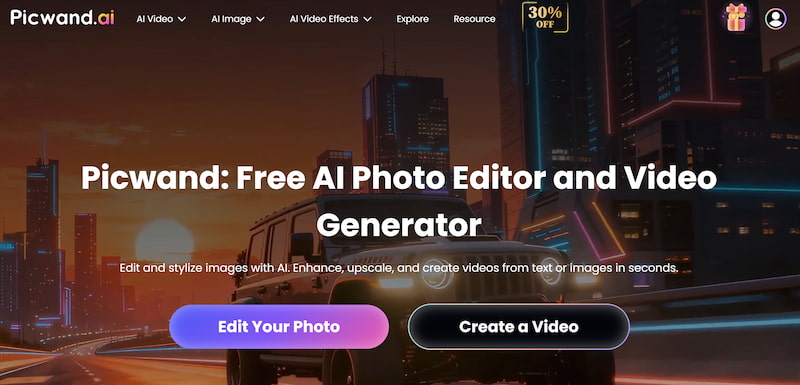
Core Features
- • AI-powered image enhancement and upscaling
- • Background removal
- • Automated video generation tools
- • Customizable templates for ads and social media
- • Intuitive interface with one-click edits
Suitable Users
- • Social media marketers
- • E-commerce product editors
- • Small business owners
- • Content creators seeking quick visual enhancements
Pricing
Picwand offers tiered plans ranging from basic to professional suites. Flexible licensing and scalable options make it accessible for individuals and teams alike.
Pros
- All-in-one creative suite
- Beginner-friendly
- Fast processing and smart automation
- Broad output formats
Cons
- Video generation may not be as cinematic as dedicated tools
- Advanced customizations require exploration
Top 2. Google Veo
Google Veo represents an enterprise-grade AI video generation platform focused on scalable video production.
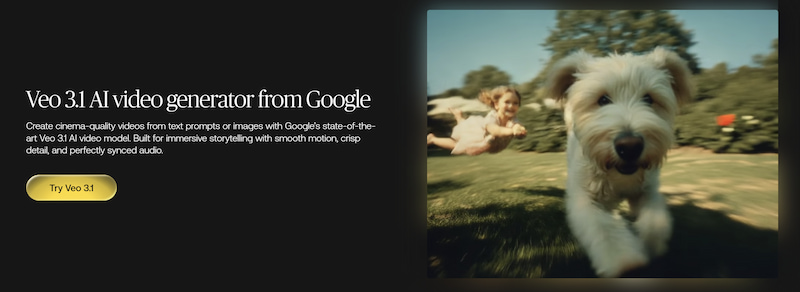
Core Features
- • High-resolution AI video rendering
- • Enterprise integrations with cloud workflows
- • Advanced customization for professional use
Suitable Users
- • Large studios
- • Media companies
- • Corporate production teams
Pricing
Premium pricing with enterprise contracts and usage-based billing.
Pros
- Industry-level output quality
- Scalable infrastructure
- Strong data security
Cons
- Higher cost
- Requires technical resources
Top 3. Luma AI
Luma AI specializes in immersive 3D scene capture and AI-generated environments, appealing to creators building AR/VR experiences. You can refer to Luma AI prompts for better results.
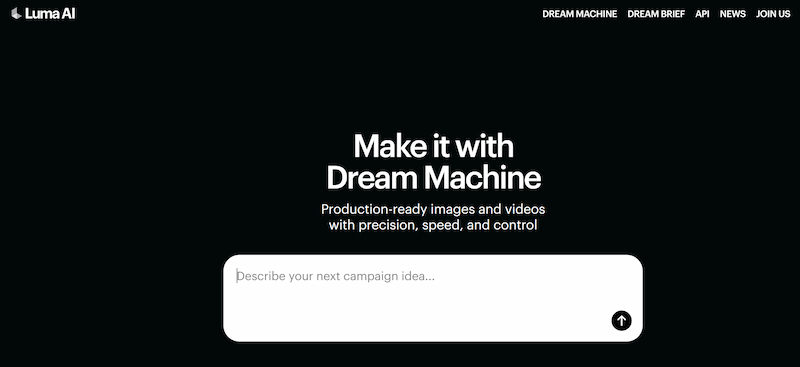
Core Features
- • 3D scene generation from photos
- • Spatial computing tools
- • Immersive environment exports
Suitable Users
- • AR/VR developers
- • 3D artists
- • Visualization professionals
Pricing
Moderate pricing with project-based options.
Pros
- Excellent for 3D content
- Photorealistic spatial results
Cons
- Not focused on traditional video editing
- Learning curve for beginners
Top 4. PixVerse AI
PixVerse AI targets creators producing short, engaging clips for social media platforms. Referring to PixVerse prompts to improve final visual effects.
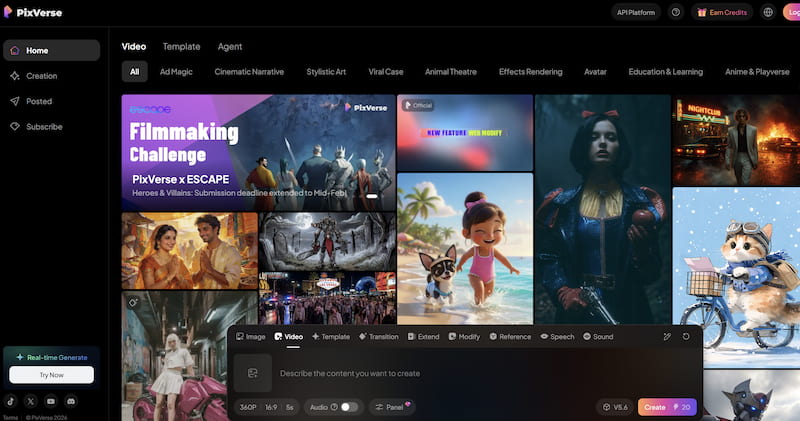
Core Features
- • Quick video generation templates
- • Trend-optimized motion presets
- • Social media export sizes
Suitable Users
- • TikTok creators
- • Influencers
- • Social advertisers
Pricing
Affordable subscription plans with starter options.
Pros
- Fast results for short clips
- Easy template-based workflows
Cons
- Limited custom scene control
- Not designed for cinematic production
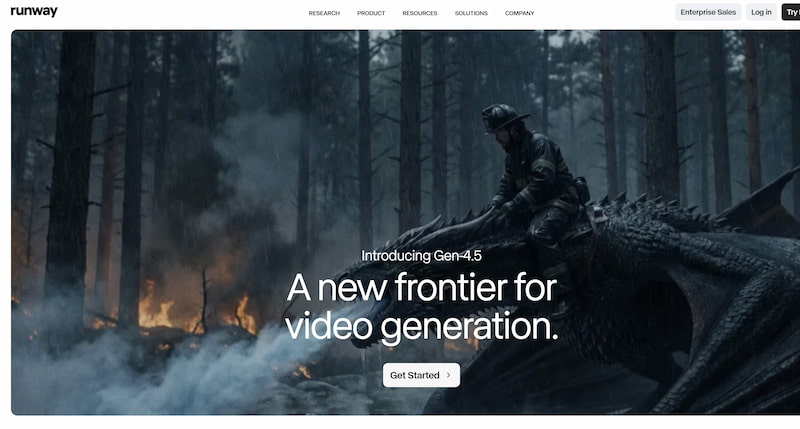
Top 5. Runway AI
Runway AI is a creative suite that blends AI video tools with professional editing features.
Core Features
- • AI-assisted video editing
- • Background replacement
- • Motion tracking tools
- • Text and voice-activated edits
Suitable Users
- • Creative professionals
- • Video editors
- • Multimedia storytellers
Pricing
Subscription-based with several creative tiers.
Pros
- Comprehensive editing tools
- Seamless creative workflow
Cons
- Learning curve for advanced features
- Less focused on pure generative video
Part 4. How to Choose the Right Alternative
Choosing the right free Kling AI Alternative depends on your priorities:
1. Output Quality vs. Speed
If cinematic quality is essential and you have time to refine prompts, tools like Google Veo may deliver superior visuals. For fast short clips, PixVerse AI works well.
2. Feature Breadth
Do you need more than video generation? Picwand AI’s all-in-one suite covers image and video needs, making it ideal for diverse workflows.
3. Budget and Scalability
Individuals and small teams may prefer affordable plans, while studios may invest in enterprise solutions with broader capabilities.
4. Learning Curve
Some tools require technical expertise. Consider how much time you’re willing to invest in mastering a platform.
Part 5. FAQs about Kling AI Alternative
Is Picwand AI better than Kling AI?
Picwand AI offers broader creative tools, especially for image editing and quick marketing content, while Kling AI focuses more on cinematic video generation.
Can these alternatives replace Kling AI entirely?
It depends on your goals. Some tools focus on different strengths—choose based on your primary needs.
Are these AI tools suitable for commercial use?
Most allow commercial output, but always review licensing terms before large-scale deployment.
Conclusion
Kling AI brought impressive strides to AI video generation, but it’s not the only choice. In 2026, a variety of AI tools serve creators across different needs—whether you’re focused on enhanced editing, social content, immersive 3D, or all-in-one creative workflows.
Among the Kling AI alternatives, Picwand AI Text-to-Video Generator stands out as the best overall alternative, especially for marketers, small businesses, and creators who want powerful image and video capabilities in one place. With flexible pricing, user-friendly tools, and broad functionality, Picwand AI offers a balanced solution that helps you create better visuals without steep learning curves.
By considering your goals, budget, and workflow preferences, you can select the alternative that best fits your creative journey.
AI Picwand - Anyone Can be A Magician
Get Started for Free