*Image

Add an Image
Add an Image
Video Resolution
Video Duration
Background Music
Public Visbility
vip
Copy Protection
vip
Inspiration
Current Function History
View all history
'/%3e%3cpath%20d='M9.34735%205.07241C11.8356%205.07241%2013.9133%206.66418%2014.4578%208.83779C14.5265%209.20482%2014.5341%209.42424%2014.462%209.87377C14.3473%2010.4315%2013.9838%2010.9592%2013.3677%2011.4305L18.6592%2011.5945C18.8793%2010.9561%2018.9982%2010.2749%2018.9982%209.56752C18.9982%205.94038%2015.8716%203%2012.0148%203C9.47604%203%207.25371%204.27403%206.03125%206.17934C6.93603%205.48726%208.09017%205.07241%209.34735%205.07241Z'%20fill='url(%23paint1_linear_1934_63555)'/%3e%3cpath%20fill-rule='evenodd'%20clip-rule='evenodd'%20d='M11.481%2011.5949C14.3855%2011.5949%2016.7401%209.38049%2016.7401%206.64894C16.7401%205.77328%2016.4981%204.95076%2016.0736%204.2373C17.8326%205.42984%2018.9777%207.37338%2018.9777%209.56846C18.9777%2013.1956%2015.8511%2016.136%2011.9943%2016.136C11.8476%2016.136%2011.7019%2016.1317%2011.5574%2016.1233V16.1558C11.4179%2016.1471%2011.2771%2016.1427%2011.1352%2016.1427C8.15594%2016.1427%205.66016%2018.0896%205.00781%2020.7043V15.0129C6.1949%2012.9801%208.49286%2011.6023%2011.133%2011.6023C11.2191%2011.6023%2011.3049%2011.6037%2011.3902%2011.6066V11.5941C11.4204%2011.5946%2011.4506%2011.5949%2011.481%2011.5949Z'%20fill='url(%23paint2_linear_1934_63555)'/%3e%3cdefs%3e%3clinearGradient%20id='paint0_linear_1934_63555'%20x1='11.9834'%20y1='3'%20x2='11.7463'%20y2='16.6886'%20gradientUnits='userSpaceOnUse'%3e%3cstop%20stop-color='%23E5007C'/%3e%3cstop%20offset='0.585'%20stop-color='%239351FF'/%3e%3cstop%20offset='1'%20stop-color='%23873DFF'/%3e%3c/linearGradient%3e%3clinearGradient%20id='paint1_linear_1934_63555'%20x1='12.5147'%20y1='3'%20x2='15.6761'%20y2='9.09519'%20gradientUnits='userSpaceOnUse'%3e%3cstop%20stop-color='%23FA0BFF'/%3e%3cstop%20offset='1'%20stop-color='%23EF500C'/%3e%3c/linearGradient%3e%3clinearGradient%20id='paint2_linear_1934_63555'%20x1='6.39714'%20y1='14.8007'%20x2='19.3204'%20y2='13.5723'%20gradientUnits='userSpaceOnUse'%3e%3cstop%20stop-color='%23FF2B5B'/%3e%3cstop%20offset='1'%20stop-color='%23FFAA72'/%3e%3c/linearGradient%3e%3c/defs%3e%3c/svg%3e)


Step 1
Upload a clear person/pet photo.

Step 2
Hit "Generate" and wait for your 360-rotation video.

Step 3
Save your HD spin video instantly!
Watch photos come alive with cinematic 360° rotation! Picwand AI 360° Rotation Generator analyzes depth, lighting, and textures to render impossibly smooth spins - no robotic glitches. Subjects rotate naturally, revealing every angle: hairstyles, costumes, or your cat's fluffy tail. Shadows pivot realistically; fabrics flow like in real motion. Ideal for detail-focused showcases - finally see that jacket's embroidery from all sides!
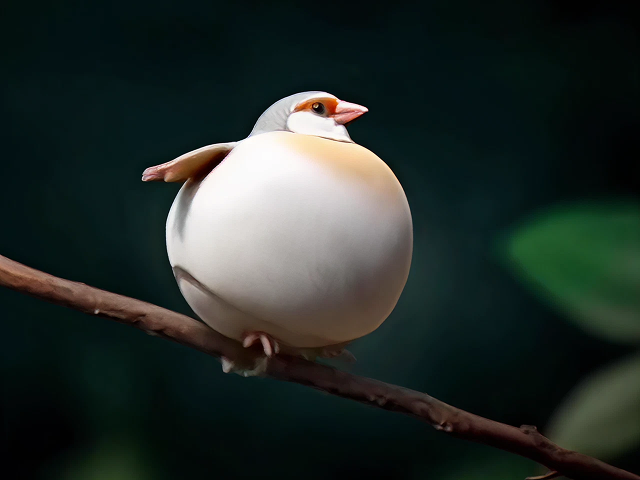
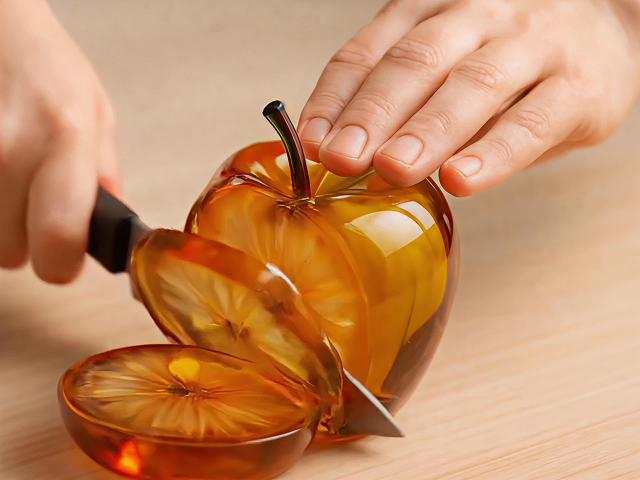
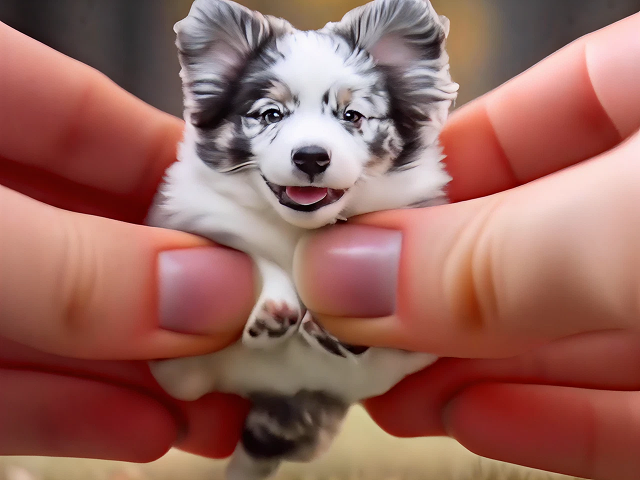
Break limits! With the microwave AI effect, make celebrities, action figures, or your dear pets rotate in 360°. Upload superhero art for a comic-book intro, or your cat with shiny fur to show off its beauty. As an advanced 360-degree video maker, Picwand adapts to any subject - fur, scales, or skin details retain lifelike texture during rotation. No green screens, no 3D scans: one photo unlocks infinite creativity.
Beyond laughs, 360° spin videos solve real needs. Fashion darlings showcase newly cut trendy hairstyles from every angle. Pet owners capture quirky personalities, like guilty treat-stealing moments. Using the microwave filter TikTok and following the microwave trend, you can share it directly to Instagram or TikTok—Gen Z loves it! Turn viewers into buyers, followers, or delighted friends.
People 360° Rotation
Animal 360-Degree Rotation
Object 360° Rotation
E-commerce Product 360° Display
Figure 360° Rotation
Anime Character 360° Rotation
Rated 4.5 with 300+ reviews
Rated 4.5 with 550+ reviews
Rated 4.5 with 1210+ reviews
Rated 4.0 with 1050+ reviews
Rated 4.0 with 500+ reviews

Seamless 360° Rotation

No Watermark

For Social Media & E-commerce

Free to Use
What is the Microwave AI Filter?
The 360-degree video creator is an AI video effect that turns uploaded images into 360-degree microwave-style rotating videos, ideal for product showcases and social media.
How to create a 360-degree spin video?
You can use Picwand's Microwave AI Filter for free. Upload a photo of a person, pet, or object, and the main subject will rotate 360 degrees in seconds, no editing skills required.
What photo background works best?
Use plain, uncluttered backgrounds (white wall/outdoor space). Avoid patterns that confuse AI. Ensure full subject visibility - no cropped limbs. Good lighting reduces artifacts. Pets? Capture their full-body photo sitting calmly for buttery-smooth spins!
Can this tool fully display the details provided by the picture?
It depends on the quality of the photos users provided to the tool to a large extent. So you’d better choose pictures with as many details as possible. It's a good idea to ensure that a single subject is at the center of the picture presentation.
How do I share these on Instagram Stories?
Download the MP4, then upload natively to Stories - our video format fits perfectly! Add polls, titles, or swipe-up links. For TikTok, use tags like 360Rotation and trending audio. Mention friends to join you!
Is my data safe with this AI rotate tool?
Yes. Unless with your consent, Picwand will not display your creations to the public. You can also choose Copy Protection to further protect the privacy and security of your works.
Also available for mobile:
Copyright © 2026 Picwand Studio. All rights reserved.