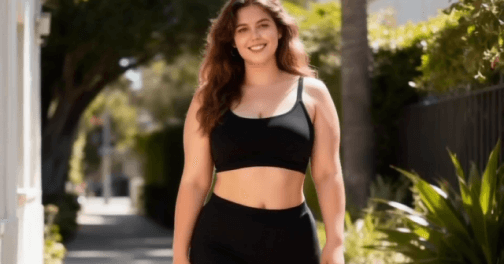
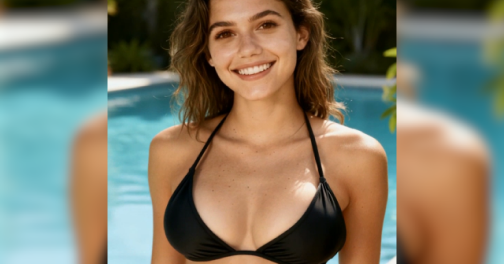
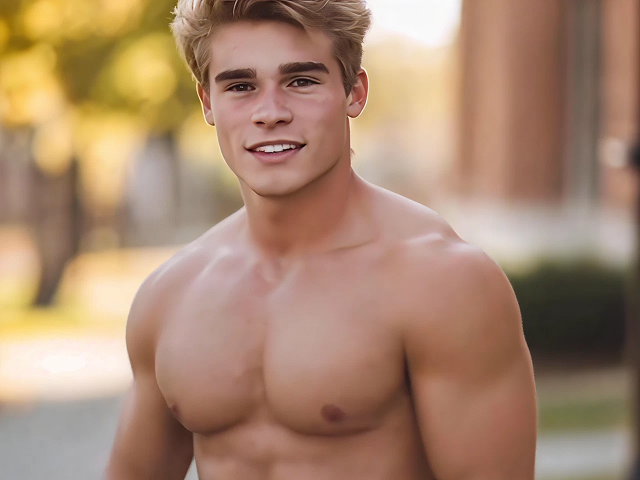
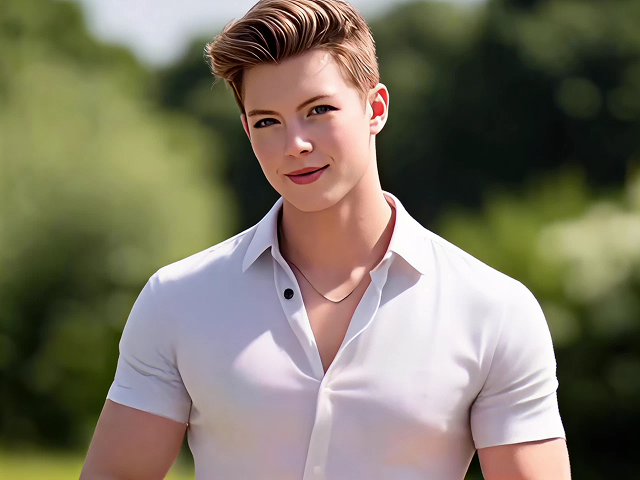
*Image

Add an Image
Add an Image
Video Resolution
Video Duration
Background Music
Public Visbility
vip
Copy Protection
vip
Inspiration
Current Function History
View all history
'/%3e%3cpath%20d='M9.34735%205.07241C11.8356%205.07241%2013.9133%206.66418%2014.4578%208.83779C14.5265%209.20482%2014.5341%209.42424%2014.462%209.87377C14.3473%2010.4315%2013.9838%2010.9592%2013.3677%2011.4305L18.6592%2011.5945C18.8793%2010.9561%2018.9982%2010.2749%2018.9982%209.56752C18.9982%205.94038%2015.8716%203%2012.0148%203C9.47604%203%207.25371%204.27403%206.03125%206.17934C6.93603%205.48726%208.09017%205.07241%209.34735%205.07241Z'%20fill='url(%23paint1_linear_1934_63555)'/%3e%3cpath%20fill-rule='evenodd'%20clip-rule='evenodd'%20d='M11.481%2011.5949C14.3855%2011.5949%2016.7401%209.38049%2016.7401%206.64894C16.7401%205.77328%2016.4981%204.95076%2016.0736%204.2373C17.8326%205.42984%2018.9777%207.37338%2018.9777%209.56846C18.9777%2013.1956%2015.8511%2016.136%2011.9943%2016.136C11.8476%2016.136%2011.7019%2016.1317%2011.5574%2016.1233V16.1558C11.4179%2016.1471%2011.2771%2016.1427%2011.1352%2016.1427C8.15594%2016.1427%205.66016%2018.0896%205.00781%2020.7043V15.0129C6.1949%2012.9801%208.49286%2011.6023%2011.133%2011.6023C11.2191%2011.6023%2011.3049%2011.6037%2011.3902%2011.6066V11.5941C11.4204%2011.5946%2011.4506%2011.5949%2011.481%2011.5949Z'%20fill='url(%23paint2_linear_1934_63555)'/%3e%3cdefs%3e%3clinearGradient%20id='paint0_linear_1934_63555'%20x1='11.9834'%20y1='3'%20x2='11.7463'%20y2='16.6886'%20gradientUnits='userSpaceOnUse'%3e%3cstop%20stop-color='%23E5007C'/%3e%3cstop%20offset='0.585'%20stop-color='%239351FF'/%3e%3cstop%20offset='1'%20stop-color='%23873DFF'/%3e%3c/linearGradient%3e%3clinearGradient%20id='paint1_linear_1934_63555'%20x1='12.5147'%20y1='3'%20x2='15.6761'%20y2='9.09519'%20gradientUnits='userSpaceOnUse'%3e%3cstop%20stop-color='%23FA0BFF'/%3e%3cstop%20offset='1'%20stop-color='%23EF500C'/%3e%3c/linearGradient%3e%3clinearGradient%20id='paint2_linear_1934_63555'%20x1='6.39714'%20y1='14.8007'%20x2='19.3204'%20y2='13.5723'%20gradientUnits='userSpaceOnUse'%3e%3cstop%20stop-color='%23FF2B5B'/%3e%3cstop%20offset='1'%20stop-color='%23FFAA72'/%3e%3c/linearGradient%3e%3c/defs%3e%3c/svg%3e)


Step 1
Upload a single-person photo, either half-body or full-body.

Step 2
Click "Generate" to create a weight gain video and check the effect.

Step 3
Suppose you are satisfied with the video effect. Click "Download" to download the video.
Create funny fat face or body fat videos with the chubby filter in just one click. Simply upload a photo of a person or a pet, and the AI will fatify the body and generate a realistic fatter video in seconds. No complicated steps are required. Create high-quality weight gain videos instantly with ease.
The fat face filter intelligently analyzes body proportions, contours, and posture to produce highly realistic weight gain results. It naturally simulates how the human body changes during weight gain, ensuring smooth and lifelike transitions. While preserving the subject's original features, the AI fat maker accurately recreates the visual appearance of weight increase, allowing you to see what a person would look like after gaining weight.
Use the AI fat generator to create fun and chubby transformation videos. Upload photos of your family or friends, generate their weight gain videos, and share them for a good laugh. You can also upload photos of celebrities and create AI weight gain videos to post on social media, spreading joy, increasing engagement, and attracting more attention.
What is an AI Fat Filter?
Fat generator is a fun AI video effect that adds realistic weight gain to people in photos, making them appear heavier. Simply upload an image, and the AI generates a weight gain transformation video in seconds.
How to make me fat with AI?
With the Picwand body fat simulator, just upload a photo and click Generate. In a few seconds, you'll see what you look like after gaining weight.
What kind of photos work best for better results?
For the best results, choose a clear photo of a single person. Front-facing half-body or full-body photos work best.
Also available for mobile:
Copyright © 2026 Picwand Studio. All rights reserved.