DiscordDiscord
Tap to add a video
AI Video Enhancer
Click to add a video to get started quickly
Or choose the scene that fits your needs:
Video Enhancer Scene Img
TV Series
Try Now
Video Enhancer Scene Img
Films
Try Now
Video Enhancer Scene Img
Concert Recordings
Try Now
Video Enhancer Scene Img
AI Generated Videos
Try Now
Video Enhancer Scene Img
Documentaries
Try Now
Video Enhancer Scene Img
Downloaded Videos
Try Now
Video Enhancer Scene Img
Old Home Movies
Try Now
Video Enhancer Scene Img
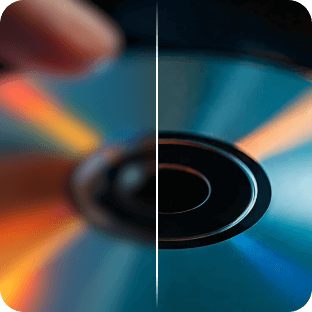
DVD Videos
Try Now
Video Enhancer Scene Img
Anime Videos
Try Now
Video Enhancer Scene Img
Daily Vlog
Try Now
Video Enhancer Scene Img
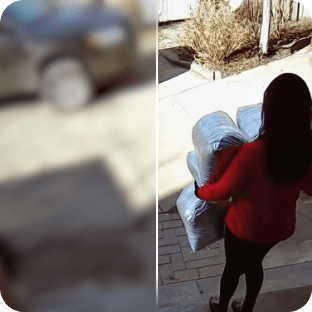
Surveillance Footage
Try Now
Video Enhancer Scene Img
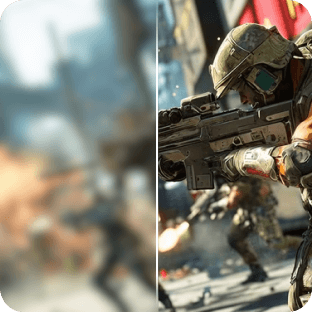
Game Recordings
Try Now
Video Enhancer Scene Img
Action Camera Footage
Try Now
Video Enhancer Scene Img
Other Videos
Try Now
undefined Scene Img
TV Series
Try Now
undefined Scene Img
Films
Try Now
undefined Scene Img
Concert Recordings
Try Now
undefined Scene Img
AI Generated Videos
Try Now
undefined Scene Img
Documentaries
Try Now
undefined Scene Img
Downloaded Videos
Try Now
undefined Scene Img
Old Home Movies
Try Now
undefined Scene Img
DVD Videos
Try Now
undefined Scene Img
Anime Videos
Try Now
undefined Scene Img
Daily Vlog
Try Now
undefined Scene Img
Surveillance Footage
Try Now
undefined Scene Img
Game Recordings
Try Now
undefined Scene Img
Action Camera Footage
Try Now
undefined Scene Img
Other Videos
Try Now
Sample
View all history
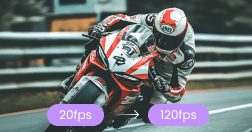
Best AI Video Enhancer for Different Occasions

Content Creation
Old Video Restoration
Pixelated Anime
Business
Professional-Production
afterAfter
BeforeBefore

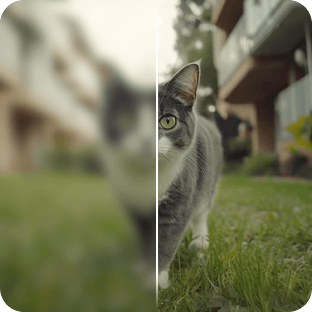
Easily enhance YouTube video quality, also applicable to TikTok, Instagram, and other social media platforms.

afterAfter
BeforeBefore

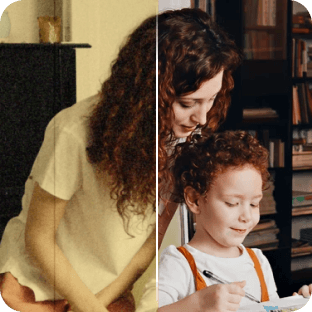
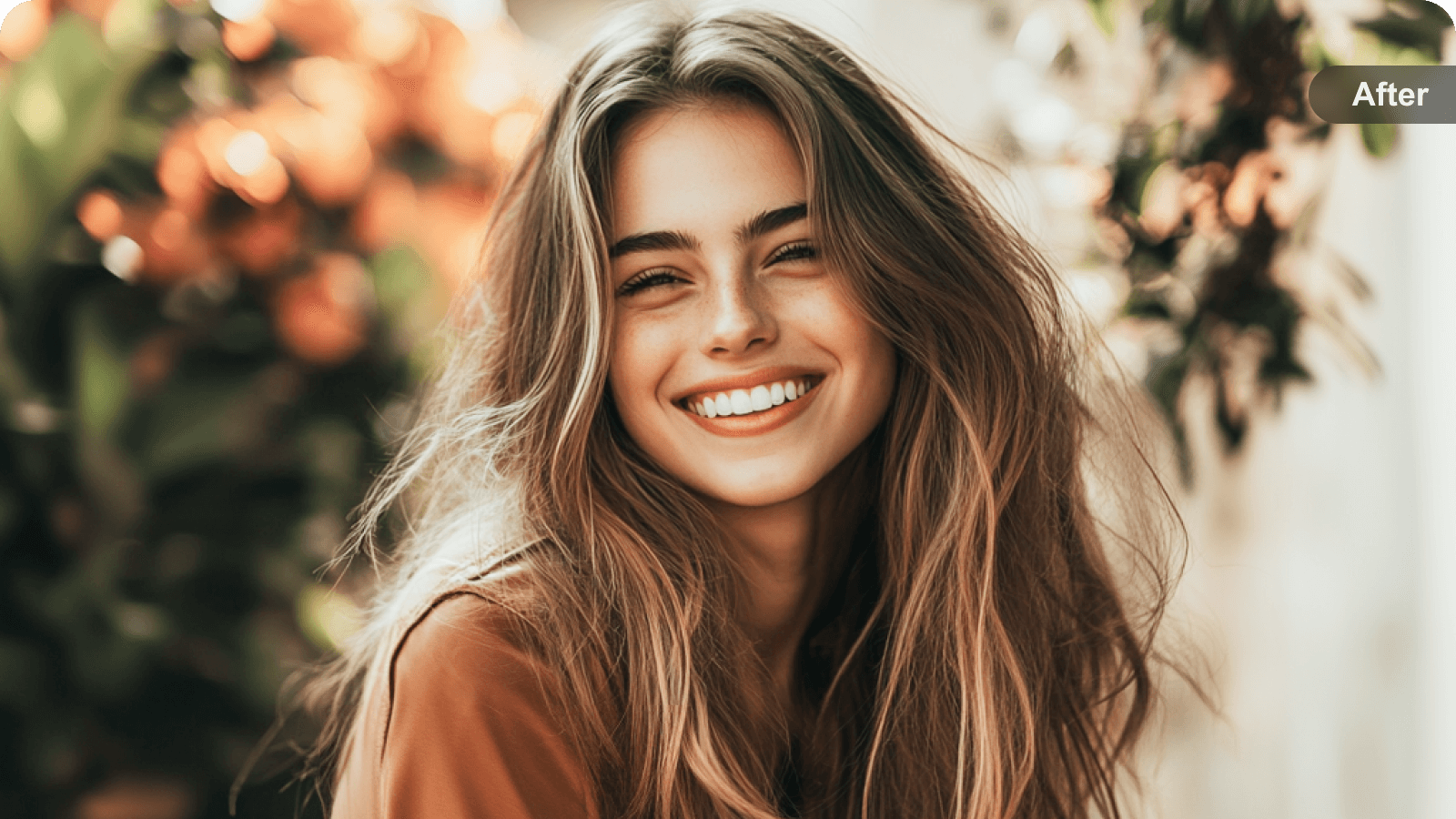
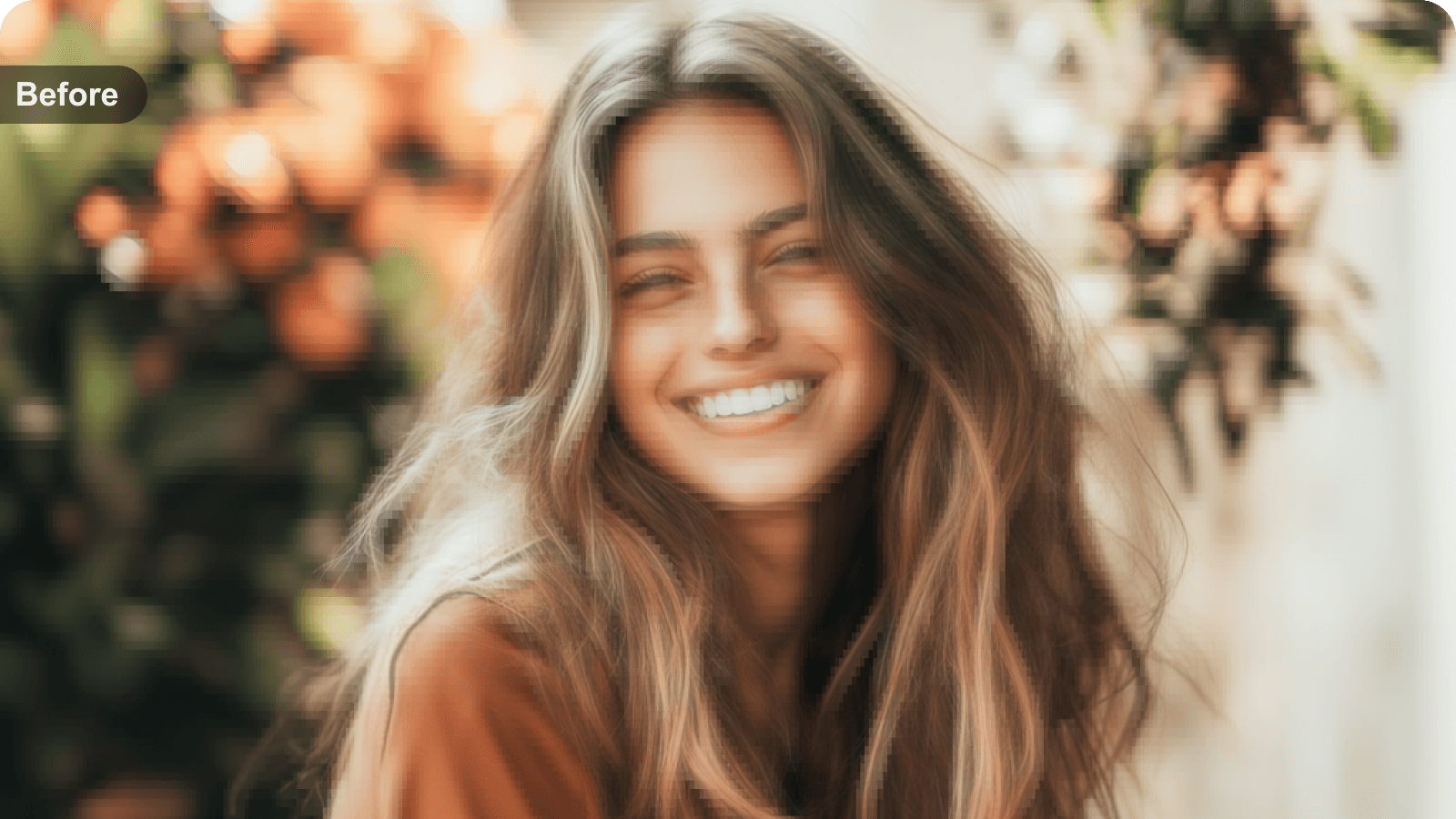
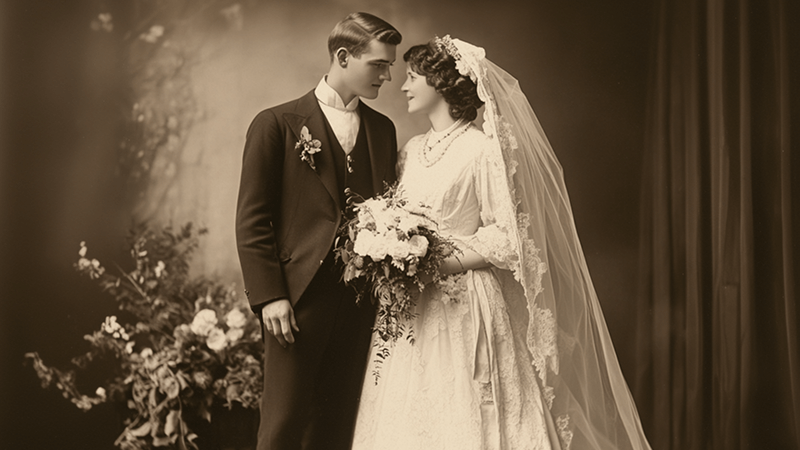
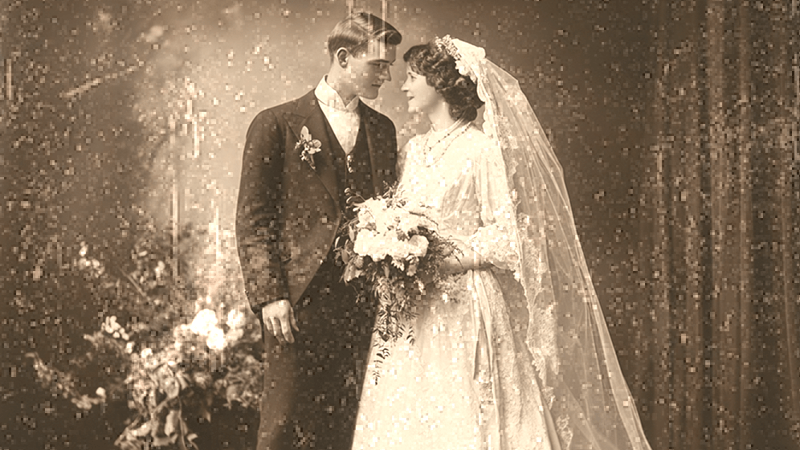
AI enhances old videos, bringing cherished memories back to life. It is perfect for enhancing birthday, wedding, or memorial videos.

afterAfter
BeforeBefore

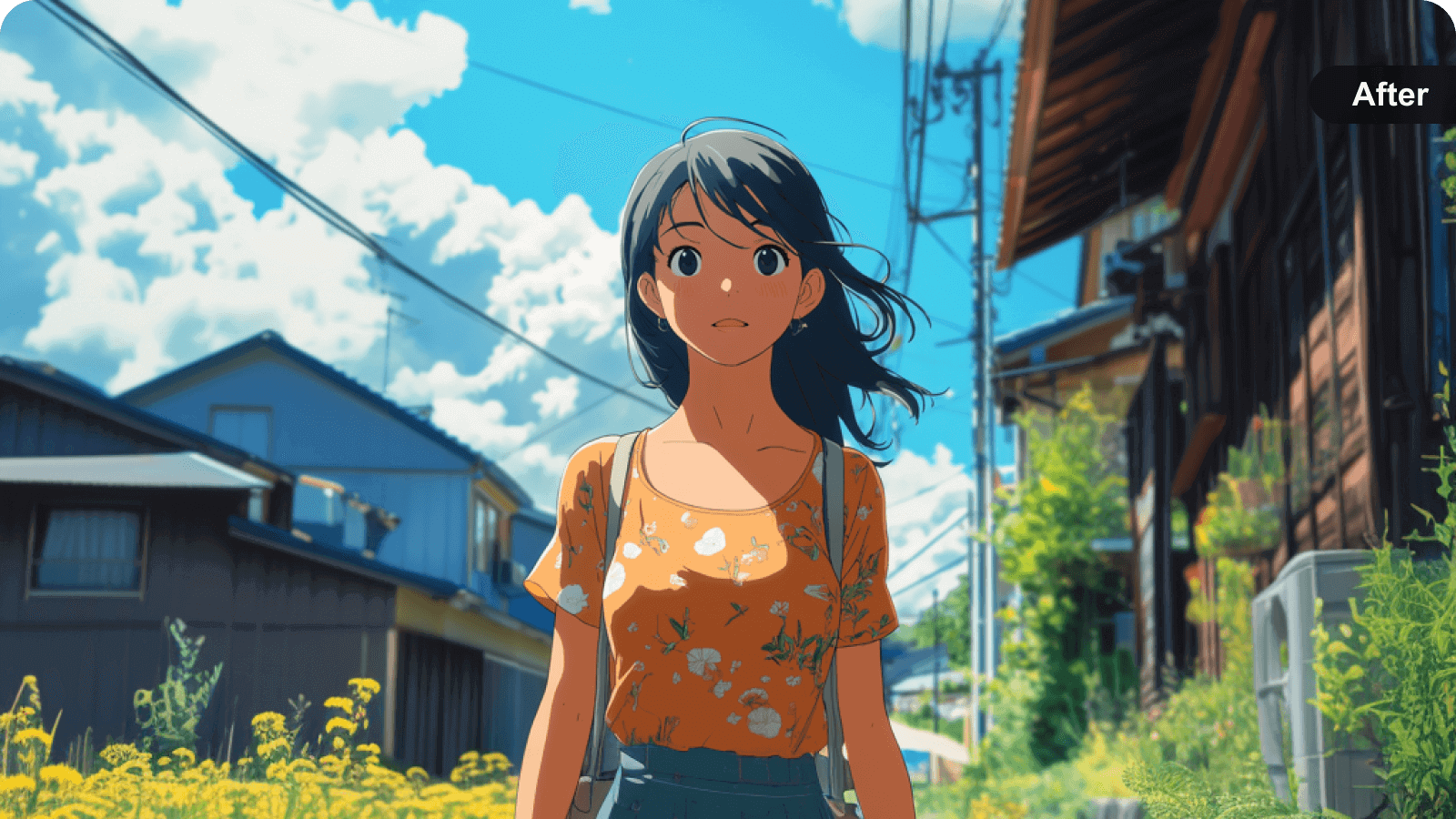
Upscale anime video effortlessly with our anime video enhancer, restoring details and improving clarity for a high-quality viewing experience.

afterAfter
BeforeBefore

Enhance your product video shoot with high-quality visuals to boost sales and showcase your brand effectively.

afterAfter
BeforeBefore

Experience top-level enhanced film production with our film enhancement tools for superior visual quality.

Bg
afterAfter
BeforeBefore

AI Video Enhancement – One Click to Upscale to 4K/1080P

Picwand AI video enhancer online uses advanced AI-powered super-resolution algorithms to increase video quality to 1080P or 4K. It intelligently reconstructs missing pixels, sharpens edges, and restores textures to improve overall visuals. Whether you want to enhance video quality, upscale anime clips, or optimize content for streaming platforms, this video quality enhancer makes every frame sharper and clearer.

AI Video Enhancement to Reduce Noise and Improve Clarity Online Free

Using AI denoise technology, Picwand enhances video clarity by reducing noise and restoring fine details in grainy or compressed footage. The system analyzes frames to reduce compression artifacts and restore fine textures, making it ideal for improving video quality, restoring old recordings, or fixing blurry videos with watermark-free output!

BgAI
afterAfter
BeforeBefore

Stabilize Your Video and Reduce Motion Blur for Smooth Playback

Shaky and blurry footage is no longer an issue with our AI 4K video quality enhancer for free. With AI motion stabilization and motion deblur technology, each frame is precisely adjusted to stabilize movement and reduce blur. This video enhancer online free transforms unstable recordings into smooth and professional-looking videos.

AI Upscaling to Improve Video Quality and Increase Resolution

Our free AI video quality enhancer uses deep-learning AI upscaling technology to increase video resolution to 4K while preserving original textures. It reduces pixelation, restores edges, and enhances details — making it perfect to upscale anime videos, classic movies, or low-resolution clips. Unlike traditional methods, it uses AI to increase the quality of video, and it supports a wide range of inputs and outputs in formats like MP4, H264, and AAC.

Enhance Your Video with 3 Steps

Upload

Step 1

Upload a Video

Dot
Upscale

Step 2

Enhance & Upscale

Dot
Download

Step 3

Download the Enhanced Video

What Our Users Are Saying

5.0

I honestly didn’t expect much from an online tool, but Picwand completely blew me away. I had some old 480p camcorder videos from a 2010 family trip that looked like they were shot through a foggy window. I uploaded one to test the waters, and in about ten minutes, it came back crisp, vibrant, and upscaled to 4K—without looking artificially smooth or plastic like some other AI tools I've tried.

ost gh

May 5, 2025

ost gh
5.0

I had a big wrong focus problem with a 4k video and their AI Video Enhancement help me to fix it. I expand it to 8K and bring it back yo 4K: worked perfectly. Thanks you so much.

Michel Blackburn

March 10, 2026

Michel Blackburn
4.0

It was really exciting to see video enhance or upscale feature in such an easy way with such low credits! Truly Amazed.

New Edits

October 2, 2025

New Edits
5.0

This app is easy to use and the result is visible. I use it mostly for video enhancing, but it also can do photos. The main pros is that it's real to use video enhancer for free, you just need to do some tasks and get coins needed.

Дося Фатин

July 8, 2025

Дося Фатин

Frequently Asked Questions

How fast does AI video enhancement take?

Processing time depends on the video size and resolution. Most videos enhanced with Picwand AI video resolution enhancer online are processed within 3 minutes, allowing you to improve video quality for quickly without installing software.

Can Picwand enhance low-quality or blurry videos?

Yes. Picwand uses AI to improve video clarity, sharpness, and colors, making low-resolution or slightly blurry videos look better. However, extremely damaged footage may have limited improvement.

Why is video enhancement important?

Video enhancement improves visual quality by fixing issues like poor lighting, dull colors, and noise, while also enhancing the overall viewing experience and impact.

What video issues can Picwand fix?

Picwand can reduce noise, sharpen blurry footage, enhance colors, optimize brightness and contrast, and restore details for clearer, more vivid videos.

Which enhancement scene should I choose?

You can use AI Auto mode to let Picwand enhance videos automatically, or select specific scenes like TV, Movie, Concert, VHS, Camera, Documentary, or Vlog for more targeted results.

Why Choose Picwand Online AI Video Enhancer

AI Technology

AI-powered technology

Fast

Upscale in one click

Safe

Protect your privacy

Platform

Support Cross-Platform

Image Enhancer Icon
Picwand Image Enhancer
Wait
Processing...
Cancel
Fail
Cancel
Pic Over 4k
Cancel
Pic Over 50 MB
Cancel
Fail
Retry
Cancel
Fail
Continue
Cancel
Fail
OK
Upgrade
Upgrade
Upgrade
Upgrade
Cancel
Cloud
Download
Processing
OK
Fail
OK
New Image

Original:

Upscaled:

General ModeCartoon Mode
1X
1X2X4X6X8X
  • Image Upscaler iConAI Model
    General Mode
    General ModeCartoon Mode
    1X
    1X2X4X6X8X
  • Original:
    Output:
    Save
    Back
    Save
Icon

Picwand Image Upscaler