AI Video Frame Interpolation
Tap to add a video
Click to add a video
Output Frame Rate
2X
3X
4X
Sample
View all history
'/%3e%3cpath%20d='M9.34735%205.07241C11.8356%205.07241%2013.9133%206.66418%2014.4578%208.83779C14.5265%209.20482%2014.5341%209.42424%2014.462%209.87377C14.3473%2010.4315%2013.9838%2010.9592%2013.3677%2011.4305L18.6592%2011.5945C18.8793%2010.9561%2018.9982%2010.2749%2018.9982%209.56752C18.9982%205.94038%2015.8716%203%2012.0148%203C9.47604%203%207.25371%204.27403%206.03125%206.17934C6.93603%205.48726%208.09017%205.07241%209.34735%205.07241Z'%20fill='url(%23paint1_linear_1934_63555)'/%3e%3cpath%20fill-rule='evenodd'%20clip-rule='evenodd'%20d='M11.481%2011.5949C14.3855%2011.5949%2016.7401%209.38049%2016.7401%206.64894C16.7401%205.77328%2016.4981%204.95076%2016.0736%204.2373C17.8326%205.42984%2018.9777%207.37338%2018.9777%209.56846C18.9777%2013.1956%2015.8511%2016.136%2011.9943%2016.136C11.8476%2016.136%2011.7019%2016.1317%2011.5574%2016.1233V16.1558C11.4179%2016.1471%2011.2771%2016.1427%2011.1352%2016.1427C8.15594%2016.1427%205.66016%2018.0896%205.00781%2020.7043V15.0129C6.1949%2012.9801%208.49286%2011.6023%2011.133%2011.6023C11.2191%2011.6023%2011.3049%2011.6037%2011.3902%2011.6066V11.5941C11.4204%2011.5946%2011.4506%2011.5949%2011.481%2011.5949Z'%20fill='url(%23paint2_linear_1934_63555)'/%3e%3cdefs%3e%3clinearGradient%20id='paint0_linear_1934_63555'%20x1='11.9834'%20y1='3'%20x2='11.7463'%20y2='16.6886'%20gradientUnits='userSpaceOnUse'%3e%3cstop%20stop-color='%23E5007C'/%3e%3cstop%20offset='0.585'%20stop-color='%239351FF'/%3e%3cstop%20offset='1'%20stop-color='%23873DFF'/%3e%3c/linearGradient%3e%3clinearGradient%20id='paint1_linear_1934_63555'%20x1='12.5147'%20y1='3'%20x2='15.6761'%20y2='9.09519'%20gradientUnits='userSpaceOnUse'%3e%3cstop%20stop-color='%23FA0BFF'/%3e%3cstop%20offset='1'%20stop-color='%23EF500C'/%3e%3c/linearGradient%3e%3clinearGradient%20id='paint2_linear_1934_63555'%20x1='6.39714'%20y1='14.8007'%20x2='19.3204'%20y2='13.5723'%20gradientUnits='userSpaceOnUse'%3e%3cstop%20stop-color='%23FF2B5B'/%3e%3cstop%20offset='1'%20stop-color='%23FFAA72'/%3e%3c/linearGradient%3e%3c/defs%3e%3c/svg%3e)




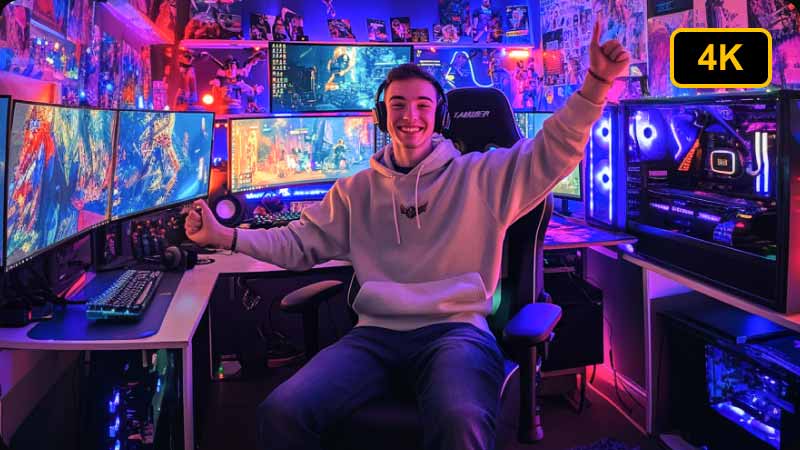
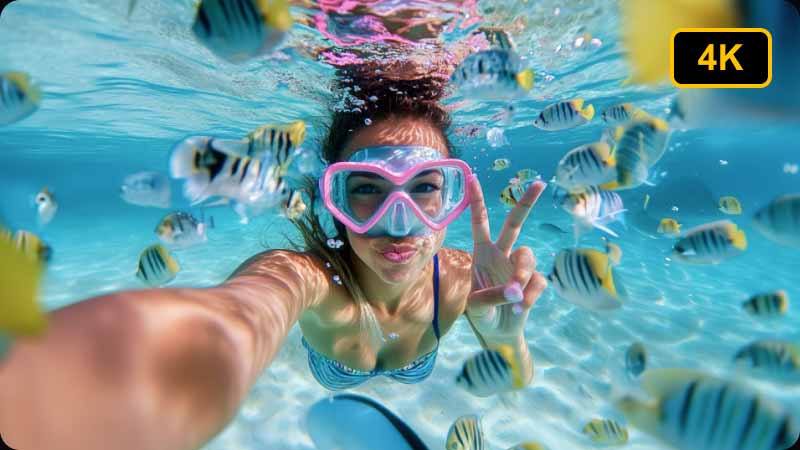
Picwand Video Frame Interpolation online leverages artificial intelligence to boost video quality, add smooth motion effects, and revive old footage with one click.

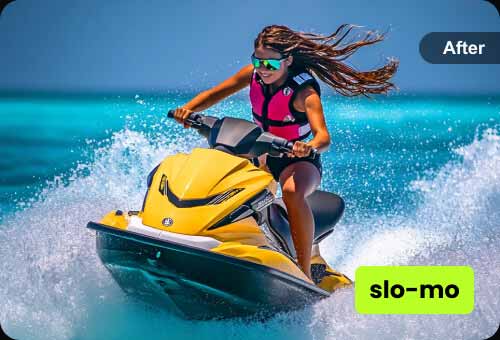

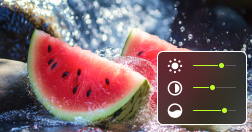
Picwand video interpolation turns videos into cinematic slow-motion visuals by inserting natural intermediate frames to eliminate choppiness. This AI frame interpolation also works as an FPS increaser, boosting low frame rate videos like 24FPS or 30FPS to 60FPS or higher for smoother playback without manual editing.
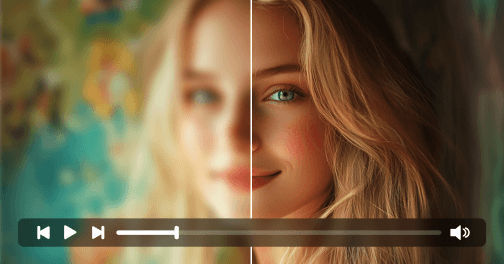
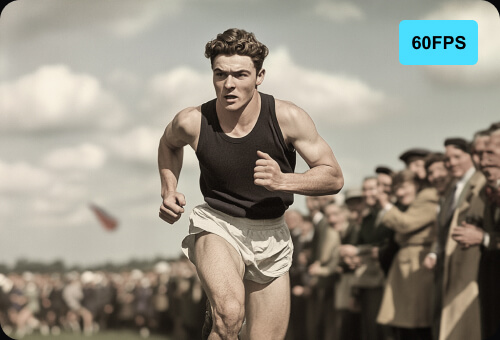
Interpolate NowPicwand Video Frame Interpolation allows for reviving grainy and blurry vintage videos with precise interpolation skills. With the aid of AI, Picwand can analyse missing frames, reduce flickers, and upscale resolution. Therefore, it is ideal for historical archives, classic films, and digitalizing collective memories.
Interpolate Now
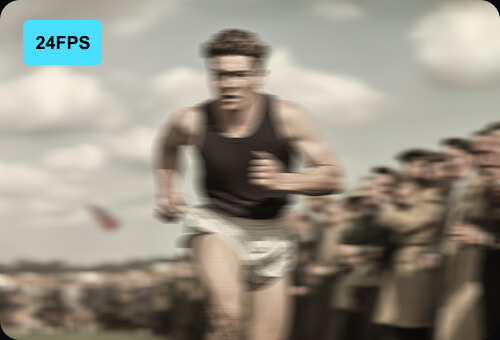
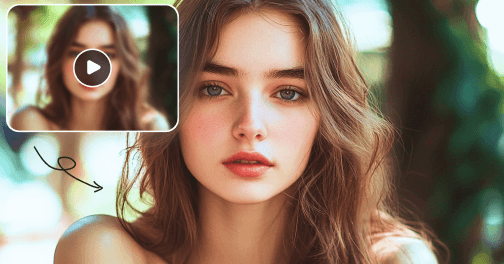
Picwand live frame interpolation is free to use, bringing real-time and smooth frame interpolation. You can enhance live streams or gaming videos by doubling frame rates for ultra-optical flow motion. Additionally, with no download required and no watermark, users can enjoy the best interpolated frames experience in Picwand.
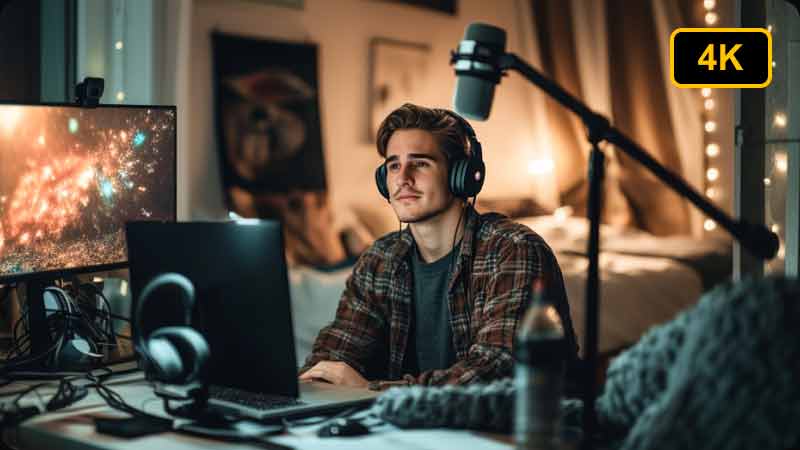
Interpolate NowPicwand Video Frame Interpolation online free can convert low-resolution videos to stunning HD with artificial intelligence. It can reduce noise, sharpen details, and interpolate frames to deliver professional-grade clarity for social media or other 4K projects. Therefore, it’s absolutely suitable for both hobbyists and professionals!
Interpolate Now
Step 1: Upload Your Video
Upload the low frame rate video you want to enhance using AI frame interpolation.

Step 2: Generate Smooth Video
Let AI insert intermediate frames to increase video FPS and create fluid, natural motion.

Step 3: Preview and Download
Preview the interpolated video and download your smooth, high frame rate result.
Rated 4.5 with 300+ reviews
Rated 4.5 with 550+ reviews
Rated 4.5 with 1210+ reviews
Rated 4.0 with 1050+ reviews
Rated 4.0 with 500+ reviews
Picwand frame interpolator can effortlessly transform 30fps sports recordings into 60fps slow-motion highlights. This AI video frame rate enhancer handles fast movements without ghosting, saving me hours in post-production!
Alex
Sports Videographer

Picwand AI video frame interpolation is useful for me! Its real-time interpolation makes zero lag during the live stream, bringing extreme smoothness. Many subscribers keep asking what tool I'm using—honestly, it's my secret weapon.
Jordan
Gaming Streamer

I like dancing and always post dancing videos on social media. For some parts I need to highlight, I love using Picwand AI frame interpolator to enhance resolution and bring clearer results on slow-motion parts. It really makes my content look polished.
Emily
Content Creator

Since we've all retired, my husband and I prefer sitting on the sofa to watching vintage movies. While the resolution of the old film is hard to tell. Thanks to Picwand AI video frame interpolation, we can enjoy high-resolution old films and bring back past, valuable memories.
Mandy
Film Lover

How can I increase video frame rate (FPS) using AI?
You can use an AI FPS increaser to automatically generate intermediate frames and boost your video from 24FPS or 30FPS to 60FPS or higher, resulting in smoother and more natural motion.
What is AI frame interpolation?
AI frame interpolation generates intermediate frames between existing frames to increase video frame rate and create smoother motion.
How can I increase video FPS online for free?
You can use an AI FPS increaser to upload your video and automatically boost frame rate without installing any software.
Can I use AI frame interpolation online free?
Yes. This tool allows you to perform AI frame interpolation online free with no watermark and no download required.
What is a video FPS increaser?
A video FPS increaser is a tool that increases frame rate to make videos smoother and more fluid using AI technology.
Does frame interpolation improve video quality?
Yes. It reduces motion blur, smooths playback, and enhances overall visual quality.
What video formats are supported?
Supports MP4, MOV, AVI, and other popular video formats.

One-Click Frame Interpolation
Generate smooth, high-frame-rate videos by intelligently adding missing frames with AI.

AI-Powered Technology
Advanced AI models analyze facial features to generate realistic age transformation results.

Ultra-Fast Processing Speed
Generate high-quality AI aging results within seconds using optimized cloud processing.

Privacy Protection Guaranteed
All images are securely processed and never stored or shared with any third party.

Cross-Platform Support
Works seamlessly on desktop, mobile, and all major browsers.
Also available for mobile:

Original:
Upscaled:

Picwand Image Upscaler
Copyright © 2026 Picwand Studio. All rights reserved.