AI Wallpaper 4K: Download & Create Stunning Ultra‑HD Backgrounds

A good wallpaper can make a world of difference to the experience of your phone, tablet or desktop. If you like clean minimalist patterns, bright anime art, dreamy aesthetics, or futuristic cyberpunk settings, AI wallpaper 4K has become one of the easiest methods to customise your screen. Unlike traditional wallpapers, AI‑generated wallpapers offer unlimited creativity. You can either download ready‑made 4K wallpapers or use a 4K AI wallpaper generator to create completely unique images based on your own ideas. Thanks to modern AI image generation technology, anyone can create professional‑looking wallpapers without any graphic design experience.
In this guide, you'll discover popular AI wallpaper styles, where to find inspiration, how to generate your own AI 4K wallpapers with AIPixWall, and several professional tips to make every wallpaper look perfect on your device.
Contents:
Part 1. Downloadable AI Wallpapers 4K in Various Styles
AI wallpaper collections now cover almost every artistic preference imaginable. Here are some of the most popular categories.
Minimalist AI Wallpaper
Minimalist wallpapers remain one of the most popular options. Clean, beautiful and useful. They employ basic compositions, subtle gradients, geometric patterns and restricted colour palettes to keep your home screen tidy. Here are a few popular minimalist AI wallpaper ideas:
- • Backgrounds with soft gradients
- • Landscapes drawing from Japanese
- • Geometric forms abstract
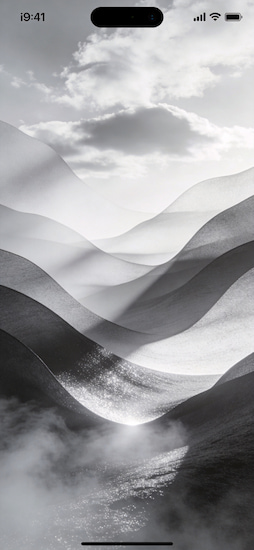
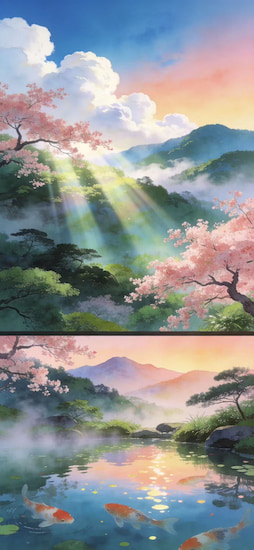
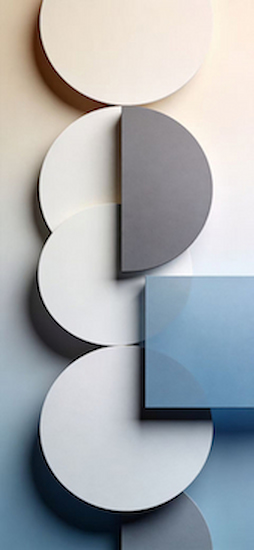
Minimalist wallpapers work especially well if you have many app icons, since they reduce visual distractions.
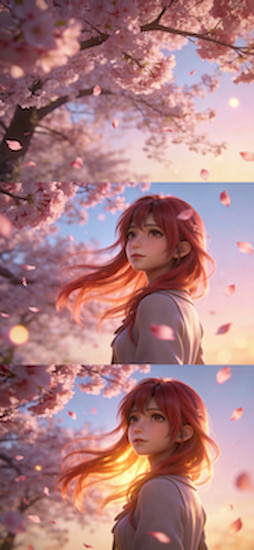
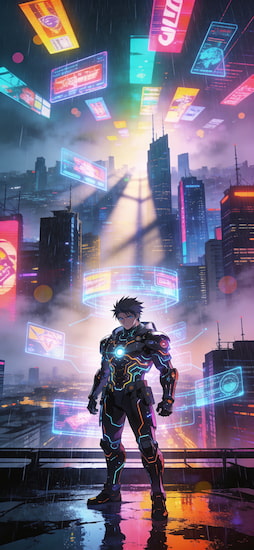
Anime AI Wallpapers
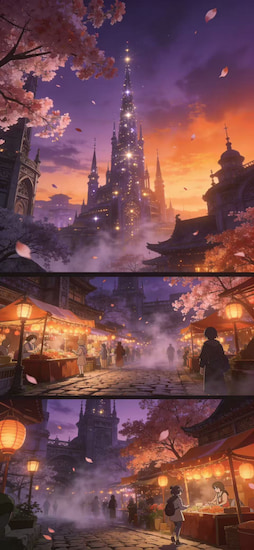
Anime lovers can now generate wallpapers inspired by virtually any visual style. AI can create original characters and cinematic scenes without copying existing artwork. Popular prompts are:
- • City of fantasy anime at dusk
- • Magical girl in cherry blossom
- • Cyberpunk anime warrior
Cute AI Wallpapers
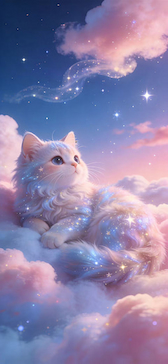
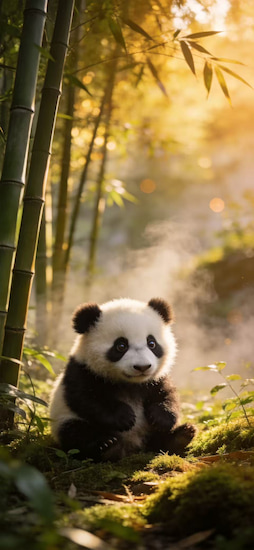
Cute wallpapers fill your screen with warmth and pleasant energy. They are extremely popular among users who like pastel colours and cute images. Many cute wallpaper apps offer a wide range of adorable designs, including kawaii characters, soft illustrations, and charming backgrounds. Common topics include:
- • Cute Kittens
- • Small panda
- • Cartoon ducks
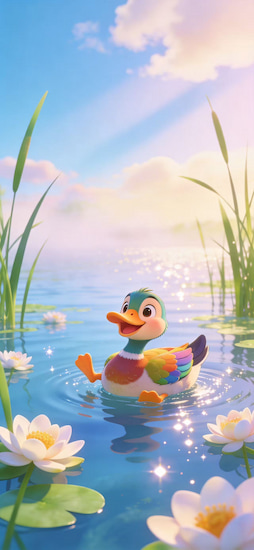
The soft lighting and rounded shapes of these wallpapers make them perfect for everyday usage.
Cool AI Wallpapers
If you’re into bold, stylish AI wallpapers provide dramatic images with eye‑popping colours. Ideas that are trending:
- • Streets of Cyberpunk
- • Cities of Neon
- • Race cars
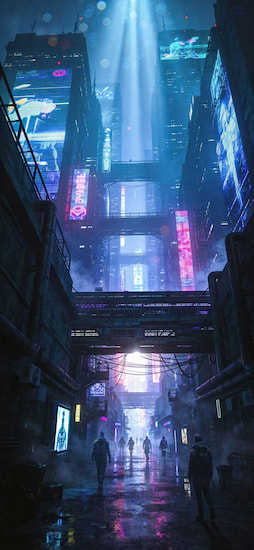
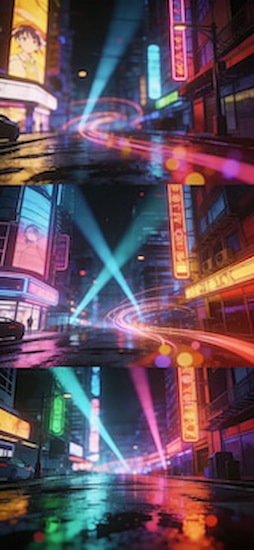
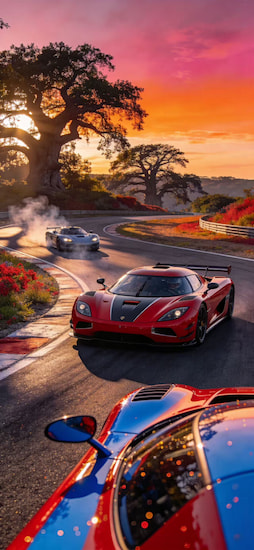
AI is good with these movie scenes, which are rich in detail and realistic lighting. AI‑improved image quality can be automatically employed during the generating process.
Part 2. How to Create AI 4K Wallpapers
Downloading wallpapers is convenient, but generating your own gives you complete creative freedom. Instead of using the same wallpaper as thousands of other users, you can create something uniquely yours. AI‑generated wallpaper 4k for mobile is pretty easy to use.
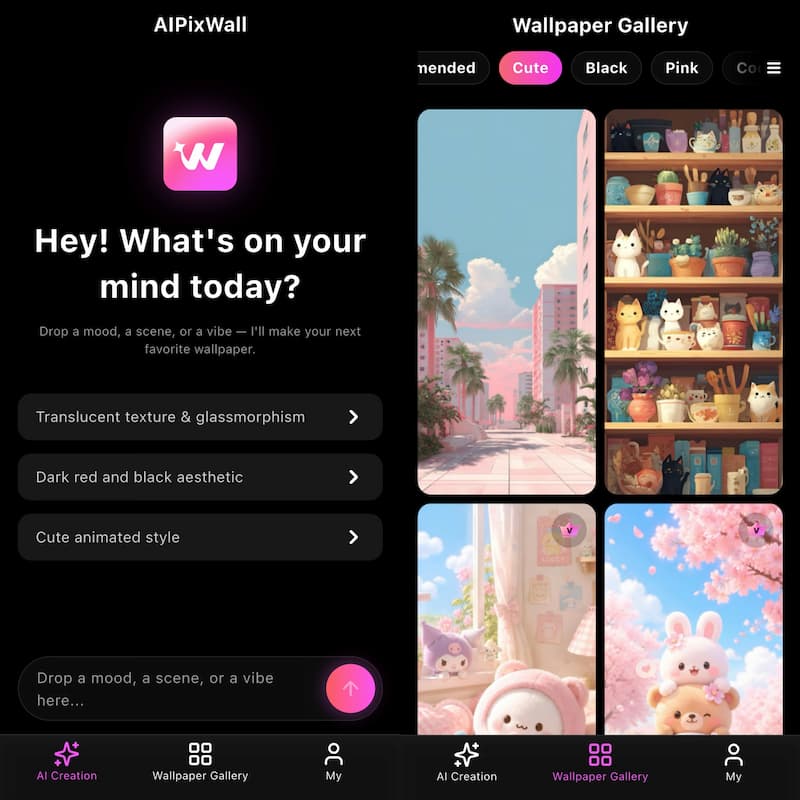
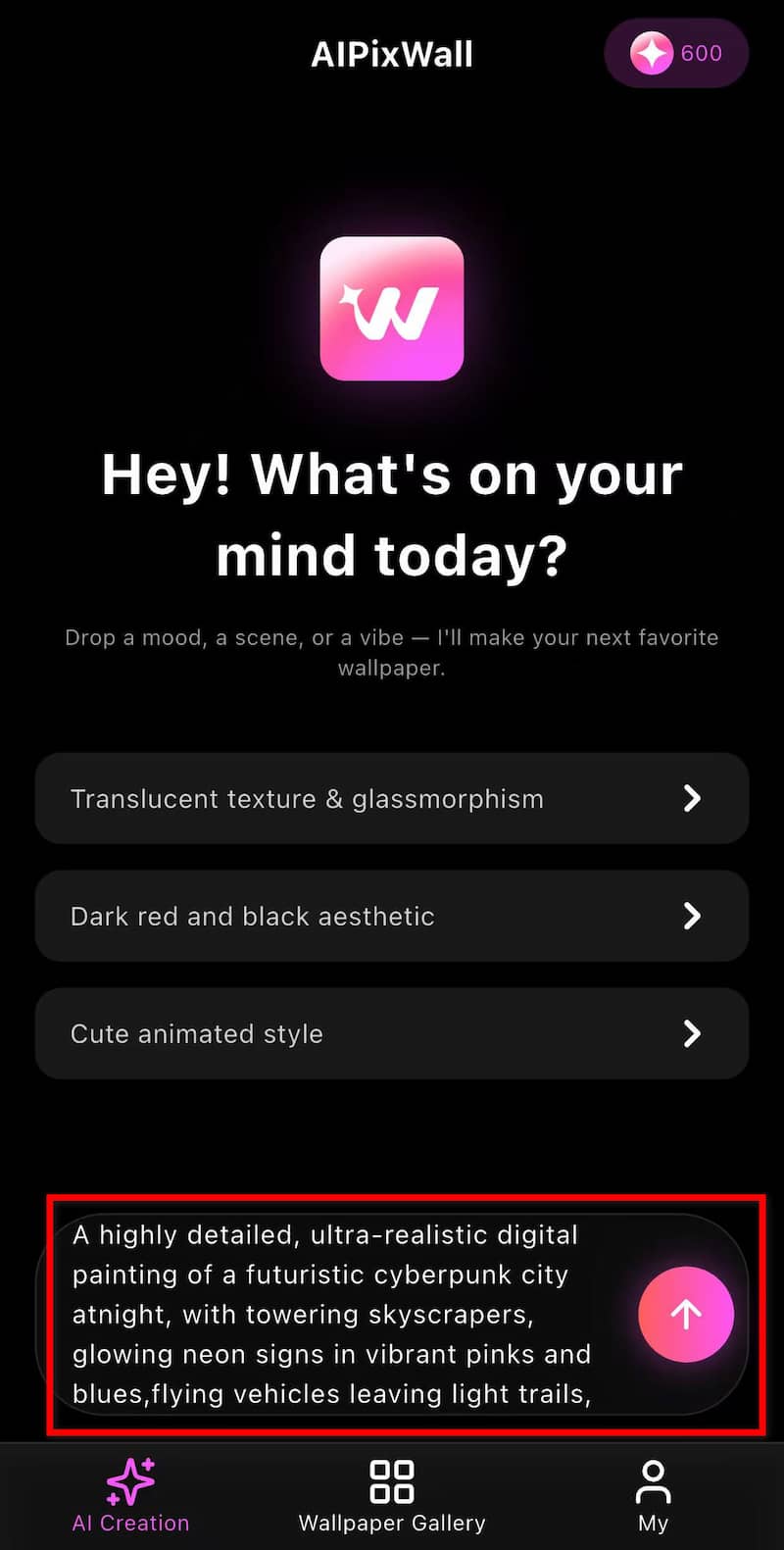
Step 1. Open AIPixWall and Enter Your Wallpaper Idea
Type a detailed text prompt describing the wallpaper you want. The more specific your ai wallpaper prompt is, the better the generated result will be.
For example: A highly detailed, ultra‑realistic digital painting of a futuristic cyberpunk city at night, with towering skyscrapers, glowing neon signs in vibrant pinks and blues, flying vehicles leaving light trails, and a cinematic atmospheric mood.8k resolution, Unreal Engine 5 render style.
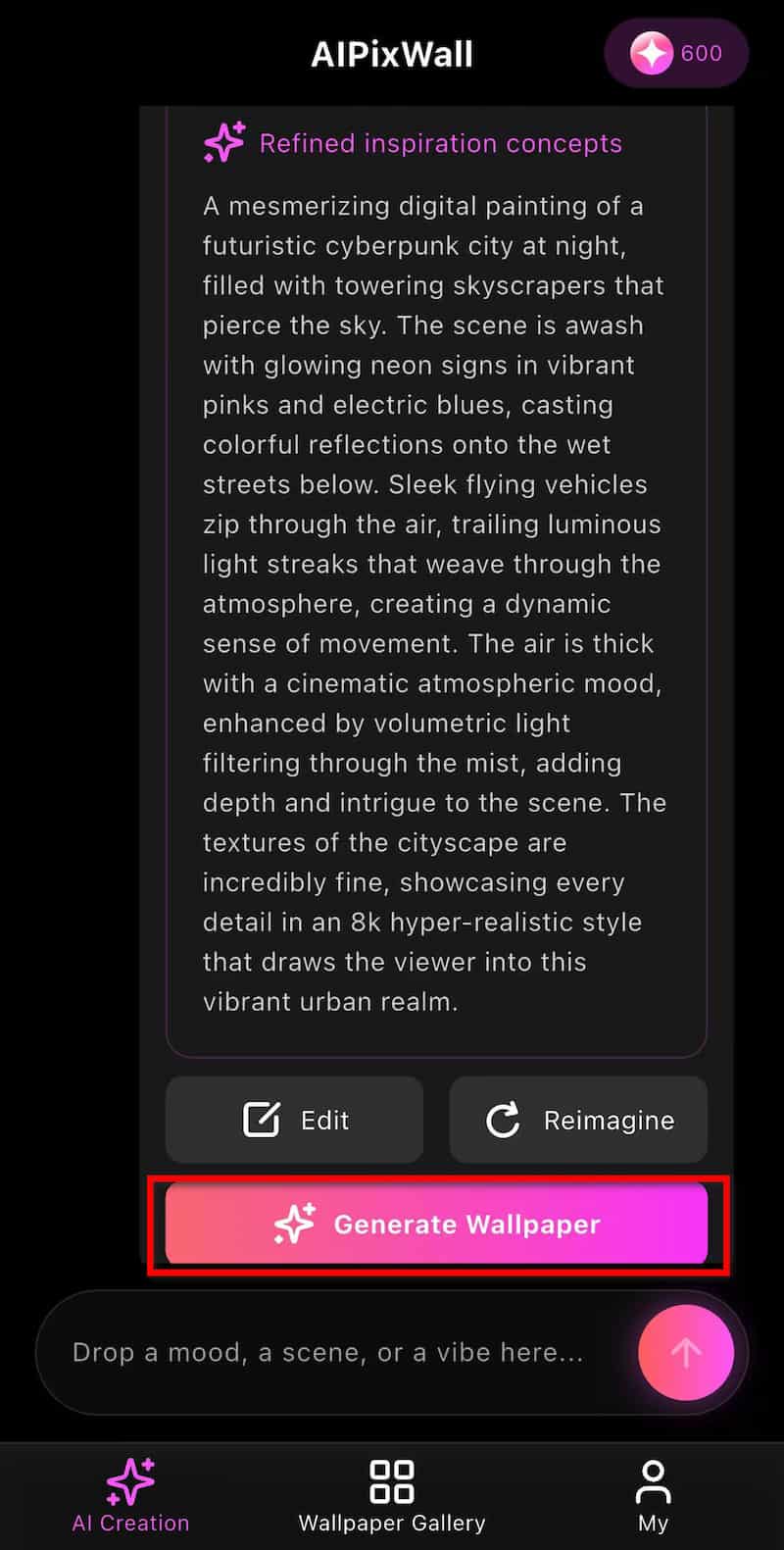
Step 2. Generate the Wallpaper
Click the upload button and let the AI give you refined inspiration concepts. If you are satisfied with it, click on Generate Wallpaper to create a unique wallpaper based on the description. The generation process usually takes only a few seconds.
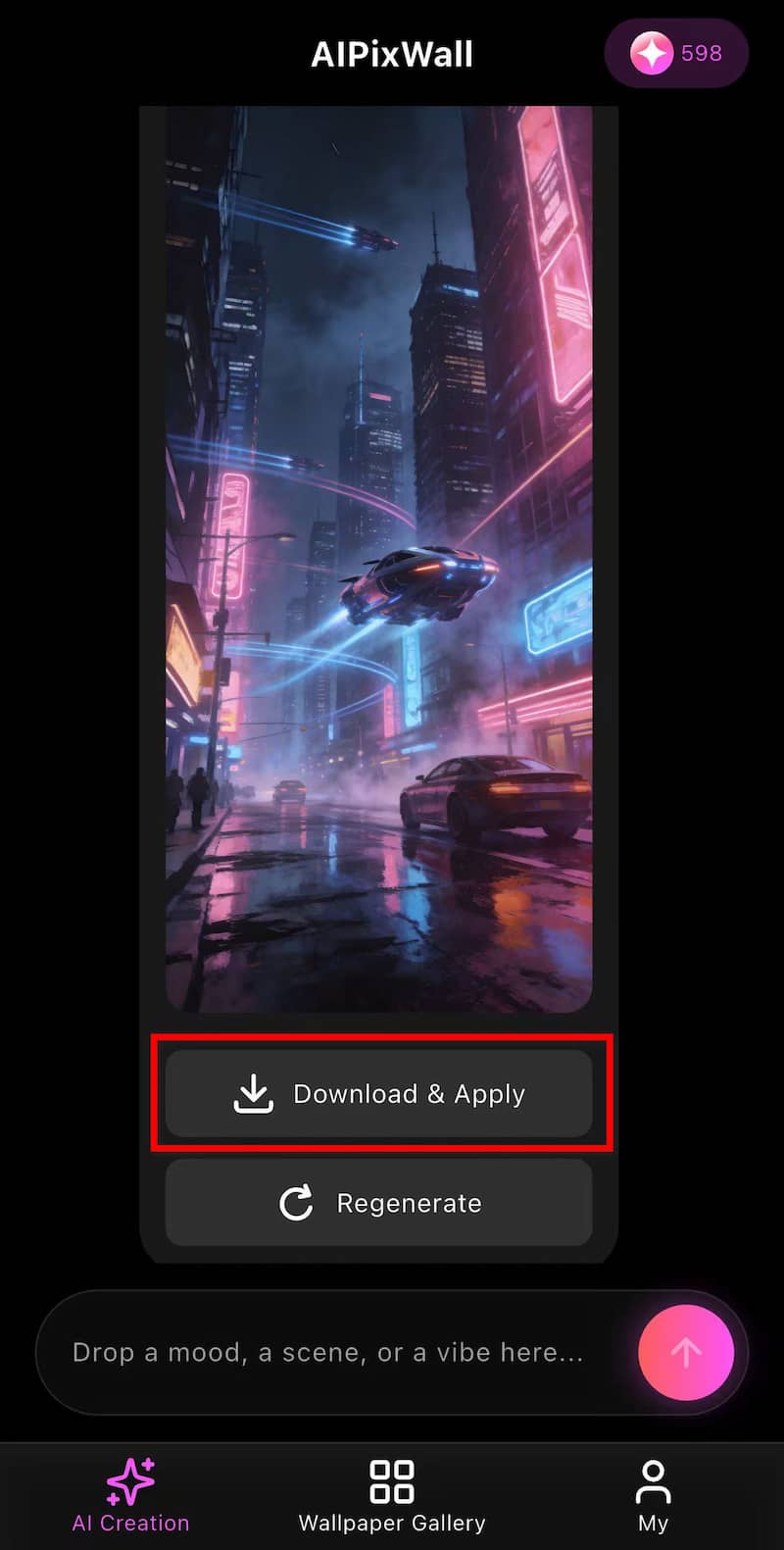
Step 3. Download and Apply
Preview the generated result, then download and apply it in HD or 4K quality. Then set it as your home screen, lock screen, or desktop background.
Part 3. Pro Tips to Perfect Your AI Wallpaper
Creating beautiful AI wallpapers is only half the process. These professional tips help your wallpaper look even better on your 4k wallpaper generator.
Leave Space for App Icons
- • Avoid placing important subjects in the center where app icons appear.
- • Keep the subject toward the top or bottom.
- • Leave a gap of negative space in the middle.
- • Plain backgrounds are used behind the icons.
This preserves the artwork and makes it more readable.
Fit Your Screen Size
Export wallpapers that suit your device.
Examples are: 1080 × 1920 1440 × 3200 4K (3840 × 2160)
The right resolution will avoid stretching and pixelation.
Use Portrait Orientation for Mobile Phones
If you're designing a smartphone wallpaper, generate a vertical image rather than cropping a landscape image later. Portrait images maintain better composition.
Avoid Overly Busy Designs
Too many details can make your home screen look messy.
Instead:
- • Simplify the background
- • Use softer gradients
- • Blur distant objects
- • Limit the color palette
Minimal visual noise makes app icons easier to recognize.
Improve Prompt Quality
A stronger prompt usually creates a stronger wallpaper.
Instead of writing:
Beautiful landscape
Try:
Snowy alpine lake at dawn, crystal reflections, cinematic lighting, super realistic, 4k wallpaper, hdr, extremely detailed
Adding keywords for Lighting, Mood, Artistic Style, and Quality increases the results greatly.
Part 4. FAQs about AI Wallpaper 4K
AI wallpaper 4K free?
Many of the AI wallpaper applications provide free wallpapers or some free generations. Premium subscriptions usually enable greater resolutions, quicker production rates and extra styles.
Wallpaper design by AI for phones and desktops?
Yeah. Most AI wallpaper generators support many aspect ratios, such as smartphones, tablets, laptops, ultrawide displays and desktop screens.
Do AI wallpapers lose quality when downloaded?
Unless you export the wallpaper at the original resolution. Download in 4K for excellent detail on high‑definition monitors.
Conclusion
AI has completely transformed wallpaper creation. Instead of searching through thousands of similar images, you can now generate a unique AI wallpaper 4K tailored to your own taste in just a few clicks.
Whether you are looking for minimalistic artwork, anime scenes, dreamy aesthetics, charming pictures, or future cyberpunk designs, AI has made professional‑quality wallpaper available to everyone. Ready to go beyond the usual backgrounds? With AIPixWall, you can easily transform your imagination into clean and personalized 4K wallpapers that fit your device and style flawlessly.
AI Picwand - Anyone Can be A Magician
Get Started for Free