Best Background Color for a Headshot: 5 Professional Headshot Background Ideas
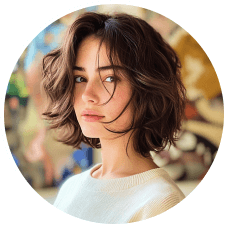
A professional headshot can make a strong first impression on your company website, LinkedIn profile, resume, or social media account. Besides facial expression and lighting, choosing the best background color for a headshot is equally important because it directly affects how professional, approachable, and trustworthy you appear. While your face is the focal point, the background plays a crucial role in shaping the overall look and feel of your photo. The right background not only enhances your appearance but also helps you stand out and look more professional.
This guide explores the best background for headshots, including classic solid colors, textured backgrounds, and creative gradient styles. You will also learn how to choose the best background for professional headshots based on your industry, branding, and personal style. Plus, we'll introduce Picwand AI Photo Cutout, a free online tool that makes customizing your headshot background quick and effortless.
Contents:
Part 1. What Color Background is Best for Headshots?
Choosing the best background color for headshots is important because it shapes how people perceive your professionalism, confidence, personality, and personal brand. The right background can enhance your appearance and create a clean, polished image for business, LinkedIn, acting, or creative use. An unsuitable background may distract people from the subject you want to highlight or cause conflict in your headshot.
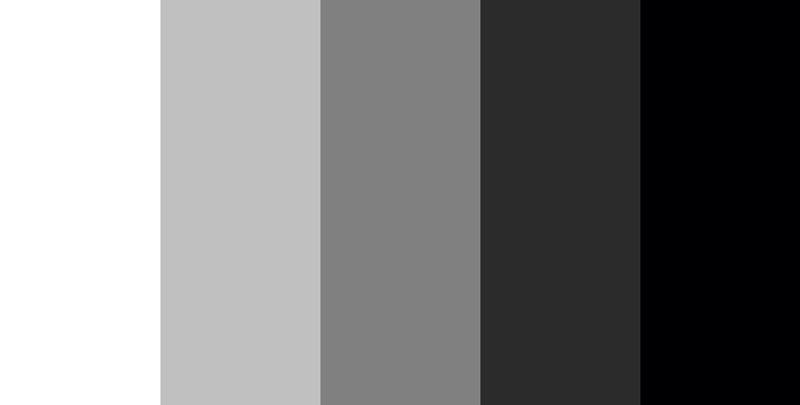
One quick way to find the proper headshot background color is to look into the well-accepted one. Here are some popular background colors you can choose:
Black Background
A black background is one of the best backgrounds for professional headshots if you want a dramatic, elegant, and confident appearance. It creates strong contrast and helps emphasize facial expressions, making it ideal for executives, business leaders, and creative professionals. You can see black background headshots on formal business sites, creative artists' profiles, and corporate professionals.
White Background
White is considered the best background for professional headshot photos in many industries because it creates a clean, modern, and trustworthy appearance. White backgrounds are especially popular for healthcare, technology, finance, and corporate business profiles. By making a white photo background, you can feature your subject and clothing with high color contrast. White background headshots are widely used in the healthcare, technology, and finance industries.
Gray Background
Gray is one of the best background colors for headshots because it offers a balanced and neutral appearance without distracting from the subject. It works especially well for LinkedIn profiles, resumes, and professional business portraits. It can create a slight contrast to make photos more appealing and interesting. It is a nice choice for a professional LinkedIn headshot, email signature, and resume.
Textured Backgrounds
Textured styles are among the best backgrounds for headshots in creative industries because they add depth and personality without taking attention away from the subject. Compared to solid colors, a textured background is more interesting and dynamic, making it suitable for the creative and artistic industries.
Gradient Backgrounds
Gradient styles can be the best background for headshots if you want a modern and visually appealing look for social media, branding, or creative portfolios. With a modern and eye-catching appeal, gradient backgrounds are widely used for corporate and LinkedIn headshots, personal branding, and social media.
Part 2. How to Pick the Most Suitable Color Background for Headshots
There is no universal answer to what is the best background for headshots because the ideal background depends on your profession, personal branding, lighting conditions, and intended use. The key is to pick a color that complements your profession and helps create the right first impression.
Corporate professionals usually choose black, white, or gray because these are widely considered the best background colors for professional headshots. These classic colors create a polished and trustworthy appearance for resumes, LinkedIn, and company websites. These colors give off a polished, no-nonsense vibe.
Creatives and artists often prefer textured or gradient styles because these can become the best background for headshots when showcasing personality and artistic identity. Textured or gradient backgrounds add personality and make your headshot stand out. Think of it as an extension of your brand.
Actors should go for something that enhances their skin tone and works well for casting calls. A neutral gray or muted tone is usually a smart, versatile choice.
Outdoor professionals—like adventure guides or environmentalists—might want to embrace natural settings. A well-lit outdoor shot with a scenic background can feel authentic and full of life.
Extra Tips for Choosing the Best Background for Professional Headshots
Lighting plays a major role in creating the best background color for a headshot because poor contrast can make the image look flat or unprofessional. Make sure there's enough contrast between you and your background, so the image doesn't feel flat.
Choose a background that makes you pop. A good contrast helps create depth and keeps the focus on you, exactly where it should be.
At the end of the day, your headshot should reflect who you are and what you do. Pick a background that helps tell your story, and you're already one step ahead!
Part 3. How to Create the Best Background for Headshots Online
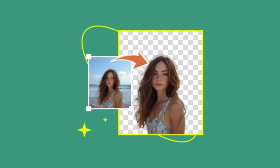
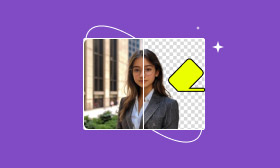
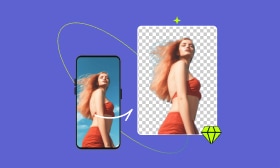
Creating the best background for professional headshots used to require Photoshop skills, but now Picwand AI Photo Cutout makes the process simple with automatic AI background removal and replacement. This powerful online tool allows you to remove and replace image backgrounds swiftly and effortlessly. Simply upload your photo, and within seconds, Picwand's advanced AI technology will automatically remove the existing background, preserving every detail of the subject. You can then choose from multiple color templates or customize your background to suit your needs.
Picwand supports multiple image formats, including PNG, JPG, JPEG, GIF, BMP, WebP, and SVG, ensuring compatibility with your files. Whether you want a clean LinkedIn portrait, business profile photo, or creative personal branding image, Picwand helps you quickly create the best background color for headshots with minimal editing effort.
Now, suppose you are a corporate worker. Now, let's see how to make headshots with the best background.
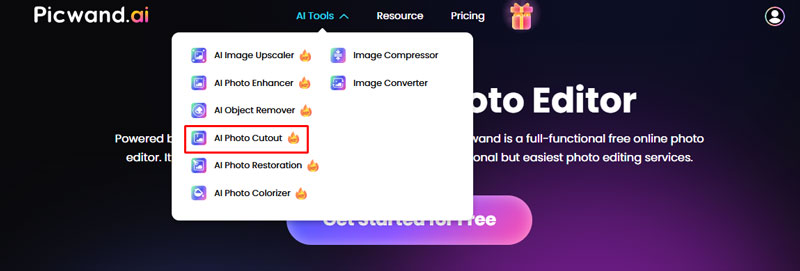
Step 1. Enter the Picwand AI official website and choose AI Photo Cutout on the top bar.
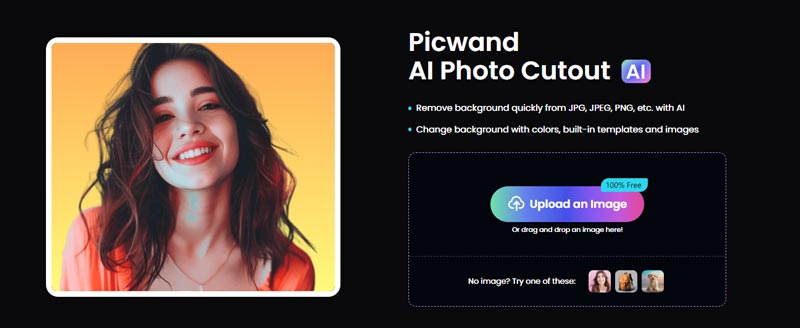
Step 2. Upload your headshot image and let Picwand AI Photo Cutout remove the background.
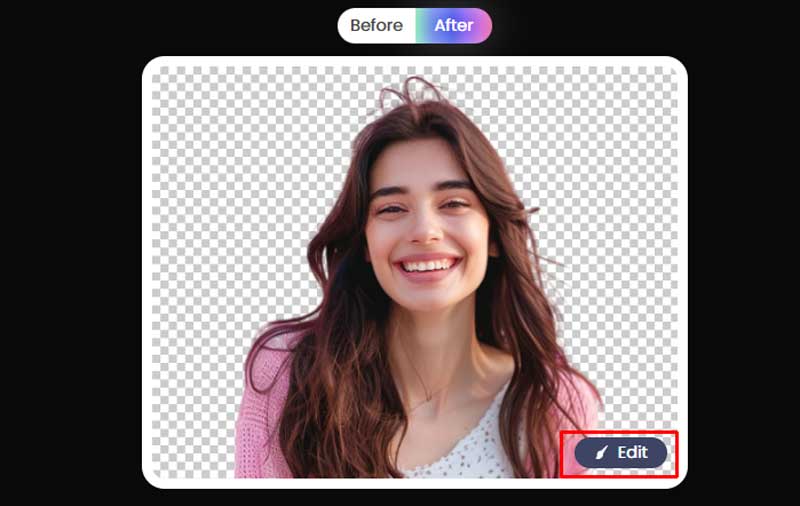
Step 3. Click the Edit button in the corner to enter the editing page.
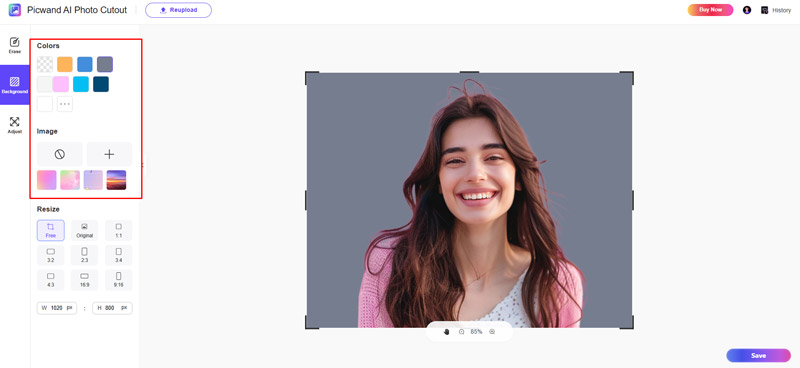
Step 4. Click the colors on the left bar for your headshot. A white, black or office background is better for a corporate worker's headshot.
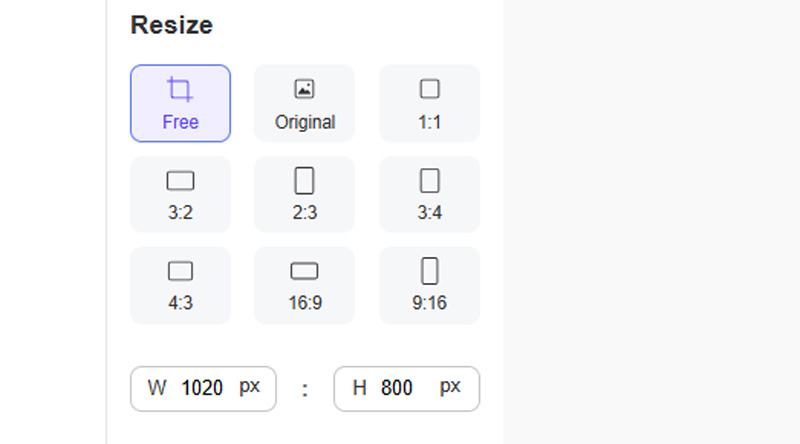
Step 5. Adjust the headshot to fit different social media image sizes requirements if needed.
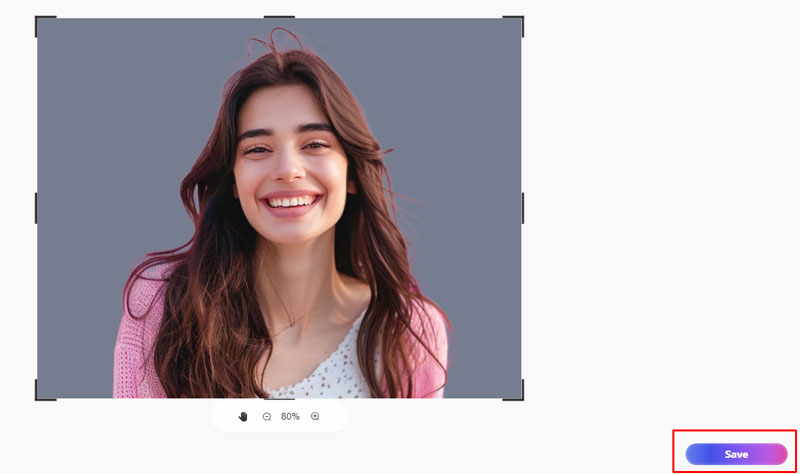
Step 6. Click Save to keep the headshop on your device.
FAQs About the Best Background for Headshots
What is the best lighting for headshots?
It is essential to create the best lighting setups when taking a headshot photograph. Generally, the Triangle Setup can produce a soft, flattering effect and complement the subject with three strobe lights working together.
What is best to wear for a headshot?
When taking a headshot, you should wear clothes that fit. You may need to wear a suit or uniform to convey professionalism. What's more, remember to choose the color that contrasts with your skin in the outfit and the headshot background.
What is the best background for headshots?
The best background for headshots depends on your profession and personal branding goals. White, gray, and black are usually considered the safest and most professional choices, while textured and gradient styles work better for creative industries.
Conclusion
Choosing the best background color for a headshot is essential for creating a polished and professional image that leaves a strong first impression. It helps to highlight the subject, express professionalism, and attract attention. This guide introduced several of the best backgrounds for professional headshots and explained how to choose the right one for LinkedIn profiles, resumes, company websites, and personal branding. However, taking a headshot photograph is complicated.
You can use Picwand AI Photo Cutout to quickly create the best background for professional headshot photos without complicated editing software. With its powerful background editing, your headshot will leave others with a lasting and positive impression.

AI Picwand - Anyone Can be A Magician
Get Started for Free