Best Free Photo Sharpening Software in 2026 to Fix Blurry Images

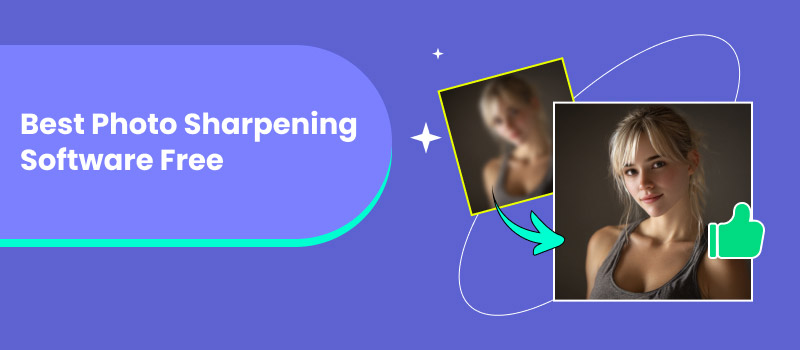
Even a great shot can be ruined by blurriness or low quality. This is why sharpening tools have become an indispensable part of photo editing for professional photo editors, graphic designers, and casual users alike. In this guide, we'll explore what we've found to be the best sharpening software free. This software can help you restore clarity, enhance details, and add crispness to your photographs without incurring any costs. From advanced AI-powered editors like Picwand to industry favorites such as Photoshop and Lightroom, this article will walk you through how to choose the right sharpening tool, along with a detailed review of the top free software options covering their features, verdicts, pros and cons, and pricing. Whether you’re editing old photos, fixing blurry shots, or polishing professional projects, this guide has you covered.
Contents:
How to Choose The Best Photo Sharpening Software
Before going into the best selections, it is pertinent to note how to decide on the perfect one fit for your editing needs. With so many programs out there, it now comes down to a few key factors that your choice of best free photo sharpening software should consider.
1. Overall Simplicity – Generally, beginners should rely upon software that claims to be user-friendly and intuitive, while professionals may want nuanced controls and options for customization.
2. Quality of Sharpening – See how gentle the tool restores details without a heavy hand in over-sharpening or injecting too much noise.
3. AI Technology – New AI-powered applications may have the ability to detect blurred areas and adjust the sharpness accordingly automatically and accurately.
4. Compatibility – Make sure the software is functional with their equipment, be that Windows, Mac, Android, or iOS.
5. Added Value – Some provide additional treatment features like background editing, color correction, and retouching in addition to sharpening.
6. Price/Free Options – Verify if the free software allows upgrading later for more advanced features. Keeping these factors in mind will help you choose the best software that gives you clear, crisp images while saving time and effort.
Quick Comparison of the Best Photo Sharpening Software
Before exploring each tool in detail, here is a quick comparison of the top photo sharpening software based on pricing, target users, extra features, and overall performance rating.
| Software | Price | Best For | Extra Features | Rating |
| Picwand AI Image Sharpener | Free plan available; Premium starts at around $14.90/month | Users who want quick AI sharpening and easy photo enhancement | AI upscaling, noise reduction, background editing, batch processing | 4.8/5 ⭐⭐⭐⭐⭐ |
| Adobe Photoshop | Around $27.67/month | Professional photographers and designers who need advanced control | Smart Sharpen, RAW editing, layer-based editing, AI tools | 4.7/5 ⭐⭐⭐⭐⭐ |
| Topaz Labs Sharpen AI | Free trial available; One-time purchase around $99.99 | Photographers who need AI-powered blur correction | Motion blur repair, focus correction, stabilization, batch processing | 4.5/5 ⭐⭐⭐⭐ |
| HitPaw FotorPea | Free version available; Premium starts at around $22.39/month | Beginners who want simple one-click sharpening | Filters, cropping, basic editing, online and desktop versions | 4.2/5 ⭐⭐⭐⭐ |
| Adobe Lightroom | Around $11.99/month with Photography Plan | Photographers managing large photo collections | RAW processing, noise reduction, cloud sync, AI presets | 4.6/5 ⭐⭐⭐⭐⭐ |
This comparison helps you quickly identify the right photo sharpening software based on your editing needs, whether you need AI enhancement, professional controls, or a simple solution for improving blurry images.
6 Best Free Photo Sharpening Software in 2026
With a large number of editing tools available today, it is easy to see how selecting the right tool to sharpen your images can be difficult. That’s why we compiled the best photo sharpener to try in 2026. These tools have a variety of sophisticated features, AI technology, and are easy to use to help breathe life back into blurry or dull images. The AI image sharpening software below will give results that are clear and crisp, all for free!
1. Picwand AI Photo Editor – Best for All-in-One Photo Enhancement
Best for: Users who want a simple AI-powered tool to sharpen blurry photos, restore details, and improve image quality without complex editing skills.
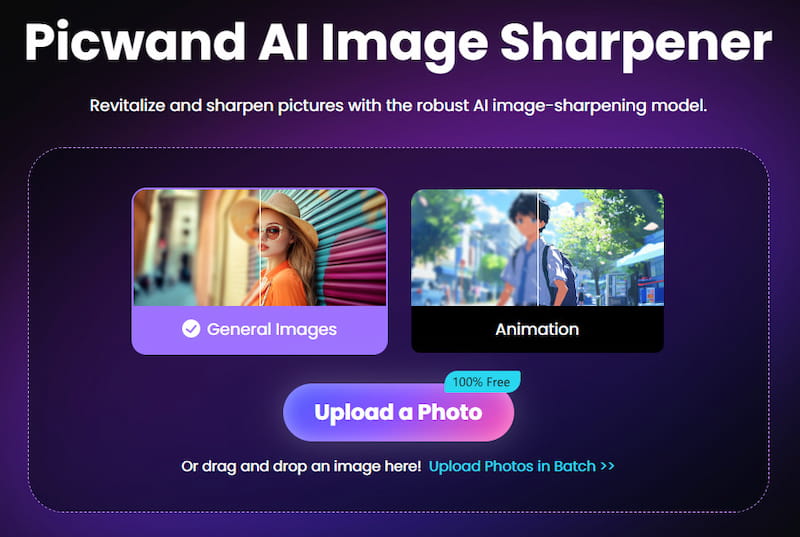
Picwand AI Image Sharpener is among the best software for fixing blurry photos, which makes it ideal for all users, from casual to professionals. Thanks to the AI sharpening features, you can add clarity back into a picture, remove distracting noise, and emphasize fine details in no time. In addition to sharpening, it features enhancement and background editing capabilities that make it a truly all-in-one editor.
Key Features
• AI-powered sharpening and detail restoration.
• One-click photo enhancement for better clarity and lighting.
• Batch editing for multiple images at once.
• Built-in background remover and editor.
• Supports different image formats.
Pricing
• Core tools are available in a free plan.
• Premium upgrade unlocks full AI editing features at an affordable price, starting at $14.90/month.
Pros
- Intuitive and simple to use interface.
- Strong AI sharpening technology.
- Complete editing solution (background tools, enhancement, and sharpening).
- Web-based. No extensive setup is required.
Cons
- Limited premium features are available in the free version.
- Mandates an internet connection to function.
Picwand is the best option if you’re looking for a fast, reliable, and beginner-friendly sharpening tool. It provides professional results without requiring advanced editing skills. Moreover, Picwand can also sharpen videos, making your videos clearer and improving overall visual quality.
2. Adobe Photoshop – Best for Professional Photo Editing
Best for: Professional photographers, designers, and advanced users who need precise sharpening controls and complete image editing capabilities.
Adobe Photoshop has long served as a standard for image editing, featuring an elaborate set of powerful tools, including sharpening. Photoshop isn't just a photo enhancer for PC. It's a full creative suite for retouching, compositing, and digital design. And whether professional or hobbyist, users can visualize photos more in-depth through all of these functions.
Key Features
• Advanced sharpening filters like Smart Sharpen and Unsharp Mask.
• Layer adjustments provide the ultimate precision when making edits.
• AI-based technology helps you to remove noise and upscale your images.
• Process RAW files, adapted to any professional workflow.
• Save anywhere with Adobe Creative Cloud.
Pricing
• Photoshop is available through an Adobe Creative Cloud subscription.
• The Photoshop-only plan costs around $27.67 per month.
Pros
- Powerful editing and sharpening tools.
- Ideal for large-scale projects and processing RAW photos.
- Offers more than just sharpening, with unlimited editing options.
- Regular updates with smart AI-powered features.
Cons
- Expensive compared to other tools.
- Steep learning curve for beginners.
If you want complete control over every element of your images, Photoshop is the way to go. It takes time, and there is a significant learning curve, but it's the best way to become a professional if you're looking to improve your skills and gain inspiration.
3. Topaz Labs Sharpen AI – Best for AI-Powered Sharpening
Best for: Photographers who need advanced AI sharpening to fix motion blur, focus issues, and low-quality images.
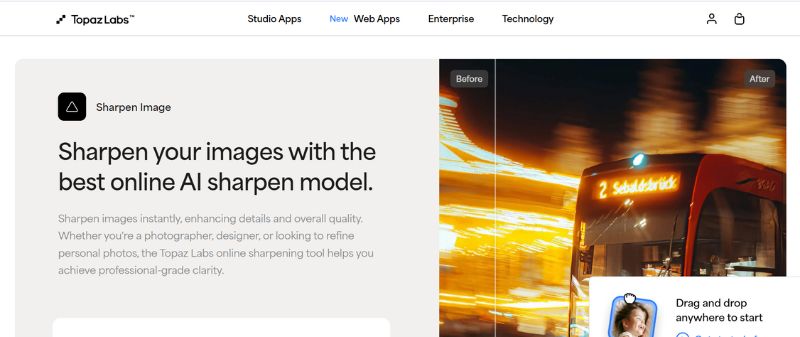
Topaz Labs Sharpen AI is one of the most advanced sharpening tools, designed to fix blurry photos with the help of artificial intelligence. It’s popular among photographers who need precise corrections and clear image details. If you’re looking for software that focuses mainly on sharpening, this is a strong choice.
Key Features
• Sharpening and stabilization powered by AI.
• Three modes: Sharpen, Stabilize, Focus.
• Handles motion blur and out-of-focus shots well.
• Supports batch processing of photos.
• Quality results with very slight detail lost.
Pricing
• Free but limited features only.
• It is a one-time purchase, costing around $99.99, with free updates for a year.
Pros
- Specialized AI sharpening for blurry images.
- Easy-to-use interface.
- Produces professional-quality results.
- Good for photographers and designers.
Cons
- Needs a strong computer to function properly.
- Not free, rather pricey for a single feature.
- Processing large files may cause it to lag.
Topaz Labs Sharpen AI is ideal if your main goal is to fix blurry or shaky images. Although it may not have the wide range of editing tools like Photoshop, it’s one of the best options for sharpening and clarity.
4. HitPaw Fotorpea – Best for Beginners
Best for: Casual users who want a simple photo sharpening tool with an easy interface and minimal learning curve.
HitPaw Fotorpea is a beginner-friendly photo editor that also works as one of the best photo sharpening software free tools in 2026. It offers simple editing options along with sharpening, making it a good pick for casual users who don’t want to deal with complicated tools.
Key Features
• One-click photo sharpening tool.
• Simple editing tools like adjustments, filters, and cropping.
• Easy-to-use interface designed for beginners.
• Lightweight software that runs on most computers.
• Offers both online and desktop versions.
Pricing
• A free version of HitPaw Fotorpea with limited functionality is available.
• The premium plan starts at around $22.39/month, unlocking advanced editing tools and removing watermarks.
Pros
- If you’re new to editing, this tool is super beginner-friendly.
- You don’t even have to download anything. It works right in your browser.
- The interface is clean and simple, so you won’t feel lost.
- It’s lightweight and runs fast, so you don't have to worry about your device slowing down.
Cons
- Limited advanced features.
- Results may not match pro-level tools.
- Ads and watermarks may appear in the free version.
If you're looking for a simple tool to unblur photos without advanced settings, consider trying HitPaw Fotorpea. Although it won't produce professional-level results like those in Photoshop or Topaz, it's consistent for quickly integrating photos and sharpening, and it's free.
5. Adobe Lightroom – Perfect for Detailed Photo Adjustments
Best for: Photographers who need photo organization, RAW editing, and detailed image adjustments alongside sharpening.
Adobe Lightroom has a loyal following among many photographers because it does so much more than sharpening photos. It's built to help photographers manage and edit their original pictures, and much of the enhancing can be done in one process. Using an intuitive and simplified workflow, photographers enjoy the benefits of its many sophisticated editing tools. If you're working with RAW files and want to edit and control almost every detail of your image, Lightroom is your best choice.
Key Features
• Provides you with powerful tools to make changes and arrange your photographs with ease.
• Built-in sharpening, plus noise reduction to clean up images.
• Built-in Smart AI presets that will instantly elevate your photos.
• Ideal if you want to turn a portrait or some photos into art in one go.
• With cloud sync, you can work on a desktop computer or a mobile device from any location.
Pricing
An Adobe Creative Cloud Photography Plan, which typically costs about $11.99 per month, provides access to Adobe Lightroom.
Pros
- Easier to use than Photoshop
- Great whether you’re just starting or already a pro
- Handles RAW files smoothly without issues
- Always improving with new AI-powered updates
Cons
- Requires a subscription that is paid for.
- Layer-based editing is less sophisticated than Photoshop.
- If you only require sharpening features, it could be too much to handle.
Lightroom is an excellent option for photographers and those who process a large number of images. It's not just a sharpening program, but rather a complete editing suite that achieves a good balance of power and usability. If you're only interested in a simple sharpening tool, you may encounter a learning curve that's more than you need.
FAQs
What is the best free photo sharpening software?
The best free photo sharpening software depends on your needs. Picwand AI Image Sharpener is a great choice for users who want fast AI sharpening, while Photoshop and Lightroom are better for professional editing workflows.
Can I sharpen photos online for free?
Yes. Many online tools allow you to sharpen photos for free without installing software. Picwand AI Image Sharpener offers a simple online solution to improve image clarity and restore details.
Does Photoshop have free sharpening tools?
Yes. Photoshop includes sharpening tools such as Smart Sharpen and Unsharp Mask. However, Photoshop requires a paid subscription, although new users can try a free trial.
Can AI sharpen blurry photos without losing quality?
AI sharpening tools can improve blurry images by restoring details and reducing noise. However, extremely blurry or low-resolution photos may not be fully recovered.
What is the easiest photo sharpening software for beginners?
For beginners, tools like Picwand AI Image Sharpener and HitPaw FotorPea are easier to use because they provide automatic sharpening without requiring advanced editing skills.
Is free photo sharpening software safe to use?
Most reputable photo sharpening tools are safe when downloaded from official websites. Before uploading private images, check the tool’s privacy policy and data handling practices.
Conclusion
Choosing the right tool to sharpen your photos can make a huge difference in turning dull or blurry images into clear and professional-looking ones. In this guide, we explored how to pick the best free photo sharpening software and reviewed some of the top tools in 2026, from simple online editors to advanced AI-powered apps. Whether you are a novice in need of something straightforward or you are a professional who requires the highest features, there is something for you. Start playing with the best free photo sharpening software, and bring your images back to life with a few easy clicks.
AI Picwand - Anyone Can be A Magician
Get Started for Free