Top 5 Video Sharpeners Online and Mobile

Do you want to enhance those old videos treasured in your collection? Do you want to sharpen the blurred or dim video so that you have no chance to take it again? Here are your solutions. This article will introduce 5 video sharpeners. And their features will be listed to help you pick the best one.
Contents:
Comparison of Five Video Enhancer Software
Here is a simple comparison of the five apps and software. After scanning it, you will quickly know which one suits you best.
| Picwand | Flixier | Topaz Video AI | PowerDirect | Canva | |
| Sharpening Algorithm | AI Sharpening | AI Restoration | AI Super-resolution | Adaptive Sharpening | Simple Automation |
| Manual Adjustment | No | Yes | Yes | Yes | No |
| Speed | Fast | Averaged | Slow | Averaged | Fast |
| Platforms | Web | Win / Mac | Win / Mac | Win / Mac / Mobile | Web / Mobile |
Top 5 Video Sharpening Software
Top 1: Picwand AI Video Enhancer
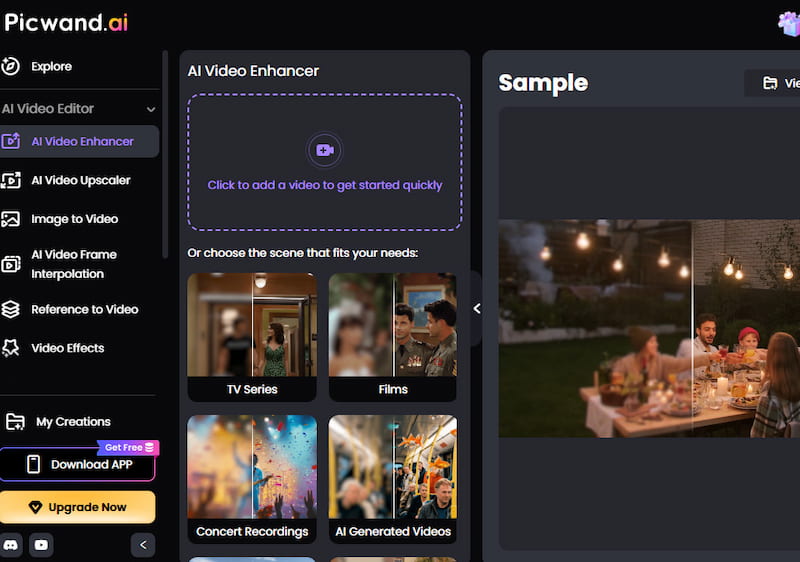
Picwand AI video enhancer is an outstanding AI video enhance tool to sharpen your video. It offers the video enhancer, which can be applied in noise reduction, restoration, motion deblurring, color, and contrast adjustment. Thus, Picwand is suitable for improving old videos and refining new videos. You don’t need to download anything and you can use this software online.
Best for:
- • Users who want an easy AI video enhancer online
- • Improving blurry or low-quality videos
- • Restoring old videos and enhancing new footage
- • Beginners who need automatic video sharpening
Key Features:
- • AI sharpening and super-resolution technology
- • Noise reduction and video restoration
- • Supports multiple output resolutions
- • No professional editing skills required
- • Works directly online without installation
Pros
- AI-powered enhancement produces natural results
- Simple upload-and-enhance workflow
- Supports high-resolution video improvement
- Suitable for beginners and casual creators
Cons
- Advanced editing controls are limited
Top 2: Flixier
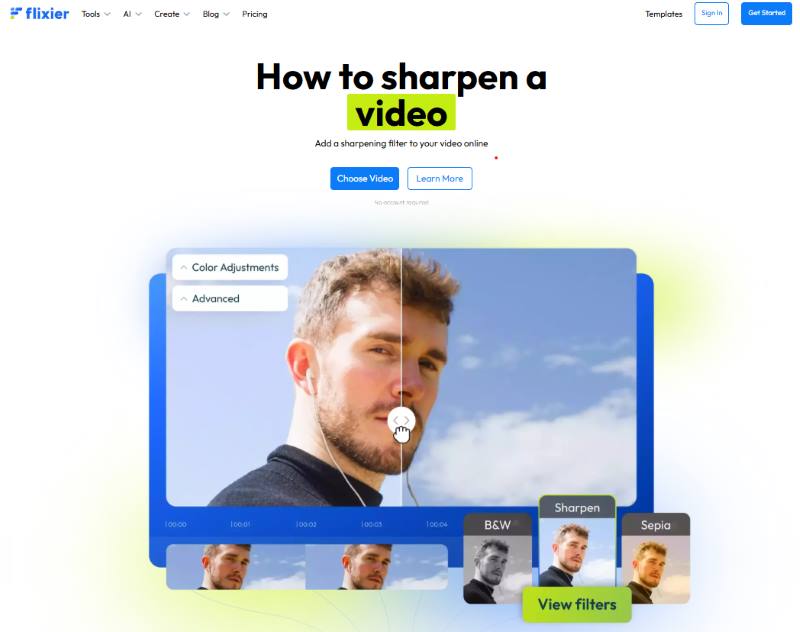
As a well-known video sharpener online, Flixier performs well in refining videos. The software is able to identify the objects’ edges in the video and make them crisper, which is more accurate than general sharpening. In addition, there are several tools for making adjustments. You can find Flixier and use it online without download and installation.
Best for:
- • Beginners who need quick online video sharpening
- • Simple video editing and enhancement
- • Social media content creators
Key Features:
- • Browser-based video editing
- • Adjustable sharpening effects
- • Simple drag-and-drop interface
- • Fast online processing
Pros
- Very easy to use
- No installation required
- Beginner-friendly controls
- Includes additional video editing tools
Cons
- No advanced AI super-resolution
- Limited noise reduction capabilities
- Sharpening results depend on original video quality
Top 3: Topaz Video AI
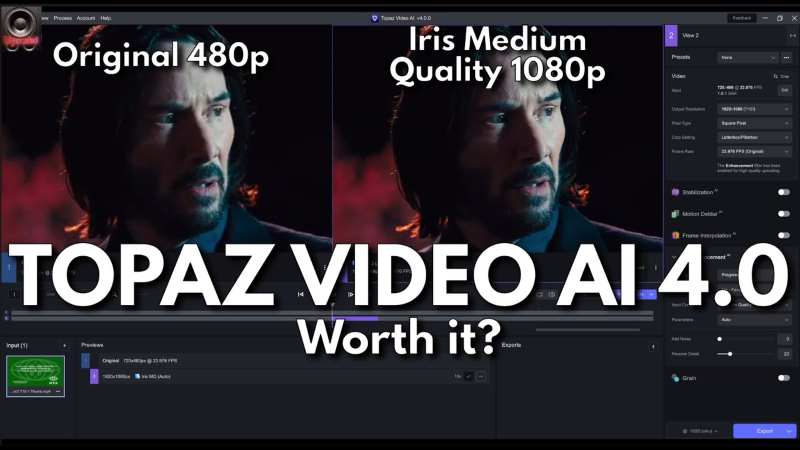
Topaz Video AI is an excellent AI video sharpener. Its AI automation has been optimized for adaptive sharpening, super-resolution, and temporal denoise. And the sharpening effect is more natural than many other AI apps. It can retain key details and prevent images from distortion. Topaz Video AI can be applied in professional video restoration and media content enhancement.
Best for:
- • Professional video editors
- • Film restoration
- • High-quality AI upscaling
- • Users who need maximum video quality improvement
Key Features:
- • AI-powered sharpening and super-resolution
- • Advanced noise reduction
- • Motion deblur technology
- • Custom AI model settings
Pros
- Excellent detail recovery
- Natural sharpening results
- Professional-grade AI enhancement
- Supports high-resolution output
Cons
- Requires powerful hardware
- Processing can be slow for long videos
- Higher learning curve for beginners
Top 4: PowerDirector
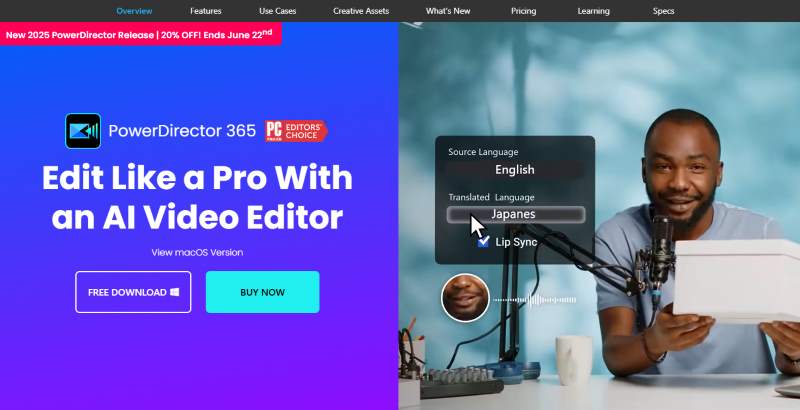
PowerDirector is a mobile app for editing videos. It offers free AI video sharpening and various filters. It also allows temporal denoise and selective enhancement, which differs from other software and apps. These functions promote accurate video control. You can download it on iOS or Android platforms or open it online.
Best for:
- • Mobile video creators
- • Social media users
- • Quick video enhancement on phones
Key Features:
- • AI video enhancement effects
- • Video sharpening and noise reduction
- • Mobile and desktop editing support
- • Built-in filters and editing tools
Pros
- Easy operation
- Available on multiple platforms
- Combines editing and enhancement features
- Suitable for beginners
Cons
- AI enhancement is weaker than professional AI upscalers
- Limited super-resolution capability
- Some advanced features require payment
Top 5: Canva
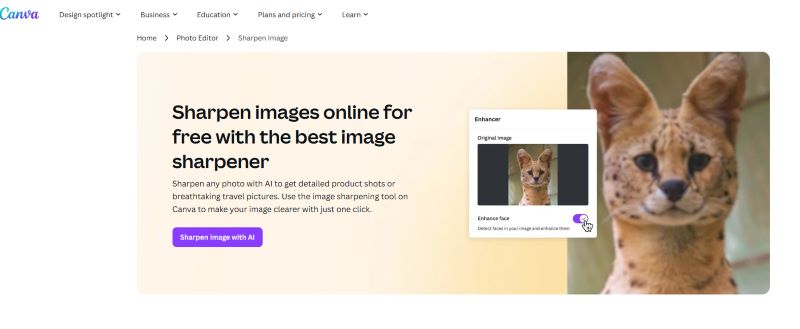
If you are going to polish your video, Canva is one of the best options. The app is a free online video sharpener. It offers several filters for editing videos, and sharpening is a simple one. The service asks for no fee. The operation of enhancing a video is easy to follow. So it is perfect for beginners. You can download it on your phone or use it on the Web.
Best for:
- • Beginners creating social media videos
- • Simple video polishing
- • Marketing and presentation content
Key Features:
- • One-click video editing
- • Online video enhancement tools
- • Large library of templates and effects
- • Mobile and web access
Pros
- Extremely easy to use
- No professional skills required
- Fast editing workflow
- Great for social media content
Cons
- Limited AI enhancement capability
- Cannot perform advanced super-resolution
- Sharpening quality may vary depending on source video
How to Choose a Video Sharpener
Choosing the right video sharpener depends on your video quality needs, editing skills, and platform preferences. Consider these key factors:
1. AI Enhancement Features
For blurry, low-resolution, or old videos, choose an AI-powered video sharpener with features like super-resolution, noise reduction, and detail restoration. Picwand AI Video Enhancer and Topaz Video AI are better choices for advanced enhancement.
2. Ease of Use
Beginners should choose tools with simple workflows and automatic processing. Picwand, Flixier, and Canva are suitable for users who want quick online sharpening without professional skills.
3. Platform and Performance
- • Online tools: Best for fast and convenient editing
- • Mobile apps: Best for creating videos on smartphones
- • Desktop software: Best for professional-quality enhancement
4. Output Quality
If you need high-resolution results like 4K upscaling and professional restoration, choose AI-powered tools. For basic sharpening and quick edits, simple video editors are usually enough.
Quick recommendation:
- • Best AI video enhancer: Picwand AI Video Enhancer
- • Best professional tool: Topaz Video AI
- • Best online option: Flixier
- • Best mobile choice: PowerDirector
- • Best beginner tool: Canva
FAQS
Which software is suitable for high-quality editing?
If you have enough energy and time to do detailed sharpening, Topaz Video AI may be a good helper. It shows excellent AI processing and offers parameters for manual adjustments. However, you must ensure that your devices support the software.
If I often share my videos on social media, which is the most convenient for me?
Canva can instantly upload videos to TikTok and Instagram after you finish the sharpening. It also provides users with many other filters, which is helpful for bloggers and influencers.
What does sharpening do to a video?
Sharpening can highlight the edges of images, make details visible and clear, and restore video quality. It can easily get blurred if your video has been taken for a long time or compressed several times. And that’s when you need to sharpen it.
What is the best video sharpener for free?
If you want to sharpen your video online, you can use Flixier for free. If you plan to sharpen multiple videos using an app, both PowerDirect and Canva are suitable options.
Conclusion
To sum up, there are five apps and software that can sharpen a video. Picwand and Topaz Video AI are equipped with advanced AI technology, contributing to high-quality sharpening. PowerDirect and Flixier offer several parameters for adjusting. And Canva is greatly handy. However, to output a sharpened video with sound effects in a few seconds, Picwand is your best option because it presents high resolution and easy operation.
AI Picwand - Anyone Can be A Magician
Get Started for Free