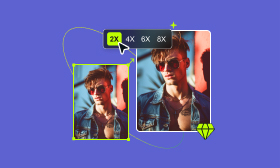
- Enlarge your pictures up to 2×, 4×,6×, and 8× without losing quality.
- Support most image formats, including JPG, PNG, WEBP, etc.
- Intelligently upscale your image to 4K resolution.
Edit a Photo

Basic PlanVIP PlanVIP ExpiredPurchased credits are valid for life but require an active VIP subscription to use
0Credit(s)
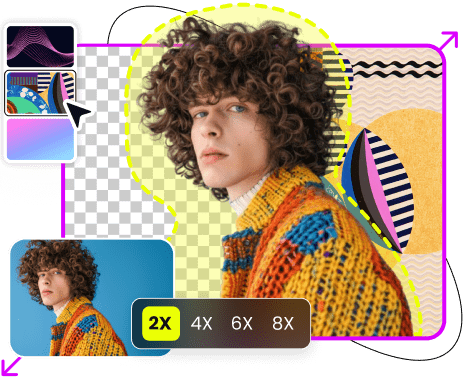
You might encounter situations when taking a photo but find it blurry or unclear because of out-of-motion or other reasons. In such cases, if you are not able to take the same photo in higher resolution again, you can try some 4K image upscalers to solve your problem. So, how do you choose the 4K image upscaler that suits you best? Don't worry! I have manually picked and tested the top 6 upscalers with both free and paid versions just below. Read on and learn more.
Contents:
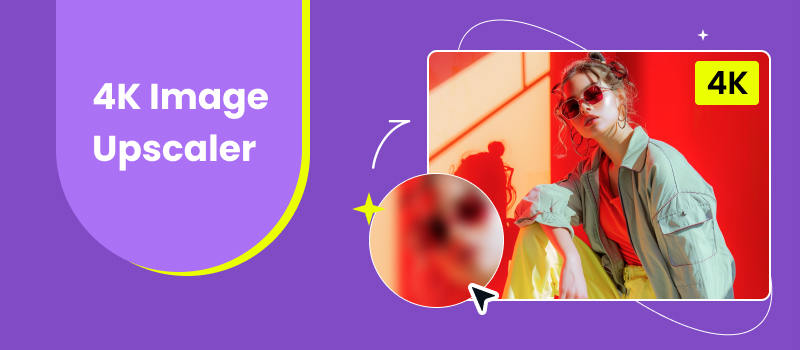
In simple terms, upscaling an image will enlarge the image without losing quality. From other perspectives, you can also deem the process as image resolution enhancement. So, what is 4K upscaling? Before understanding this definition, we should learn the concept of 4K. The 4K resolution standard refers to a resolution of 3840×2160 and 4096 x 2160. Therefore, 4K upscaling for Images means that upscales an image from the original input resolution to 3840×2160 or 4096 x 2160. For example, if your pictures are of a resolution of 1920×1080 and you want a clearer and sharper image, you can try some tools to upscale the image to 4K. So, what tool can you use to achieve 4K image upscaling? The following passage will give you an answer.
To find the best 4K image upscalers, we tested each tool based on several factors that matter in everyday image enhancement. Rather than looking only at the maximum upscale level, we considered overall image quality, ease of use, processing speed, supported formats, preview options, and pricing.
We also looked at whether each tool uses AI-based enhancement, supports batch processing, and offers useful controls for different types of images.
Here are the main criteria we used:
Based on these criteria, we selected six 4K image upscalers that cover different use cases, from simple online enhancement to professional image editing.
Best For: AI-powered 4K upscaling and easy image enhancement
The 4K AI image upscaler topping in our list is Picwand AI Image Upscaler. This tool adopts AI image upscaling technology, which emphasizes the harmony of the whole picture and shows a more realistic and detailed image than general image upscaling technology.
So, how to use the Picwand AI Image Upscaler to upscale your images? You can refer to the following steps.
Step 1. Open this 4K image upscaler with your browser and click Upload a Photo to add an image.
Step 2. Then, Start the Upscaling. You can also choose to upscale it to a another level.
Step 3. After upscaling, you can click the Download button to get the result.
Among all the 4K AI image upscalers, it shows more stability and has the best performance. It possesses all the important qualities that are necessary for a powerful 4K image upscaler such as the support of AI technology, fast upscaling speed, great upscaling effect, etc.
Best For: Large-scale image enlargement and batch processing
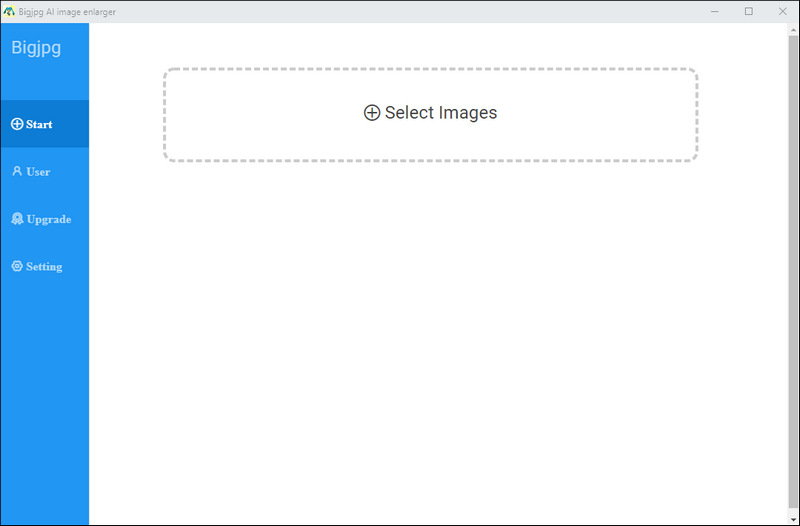
Bigjpg is another tool that allows you to upscale your images to 4K resolution. It has a clear interface that will enable you to navigate easily. Its paid version supports a maximum upload size of 50MB.
Pros
Cons
With the support of 16× upscaling, it must be the best choice for users who want to upscale images with bigger size. But its upscaling speed is slow, processing an image of 500KB in more than one minute.
Best For: Free image editing and manual upscaling
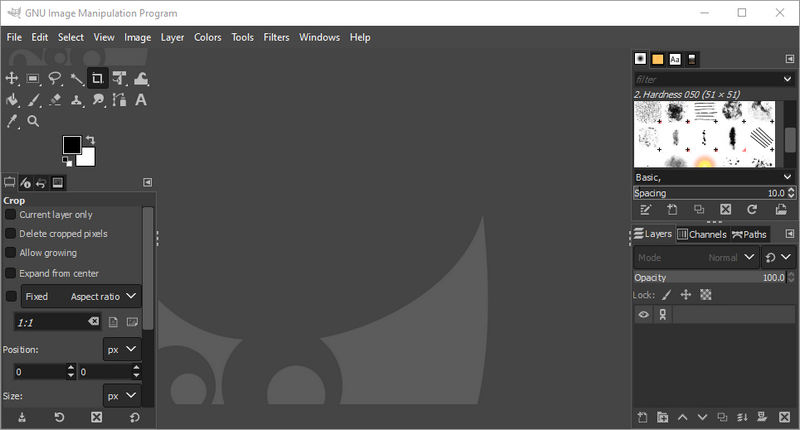
GNU Image Manipulation Program (GIMP) is an open-source and free 4K image upscaler. It is a program that has powerful features except for 4K upscaling. You can also use it to create or retouch your images.
Pros
Cons
Best For: Users who want detailed AI upscaling controls
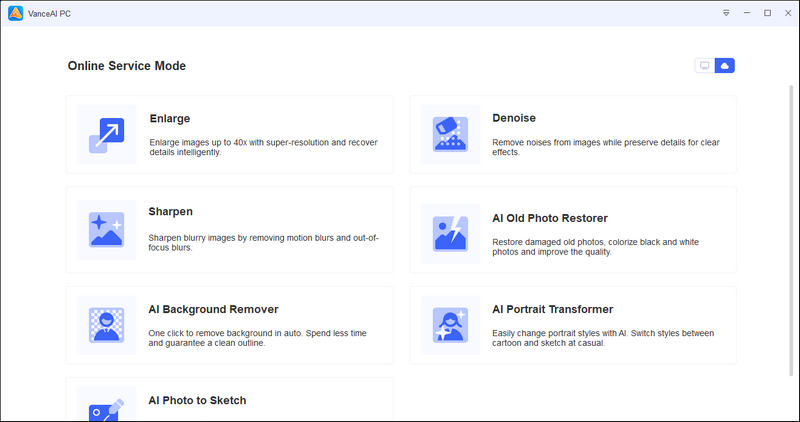
Among all 4K AI image upscalers, Vance AI stands out for its clear interface and detailed scaling settings. It enables you to adjust the level of image noise reduction and blur removal. In addition to the same-source output format, you can also save the upscaled image as PNG and JPG.
Pros
Cons
Best For: Quick and simple online image upscaling
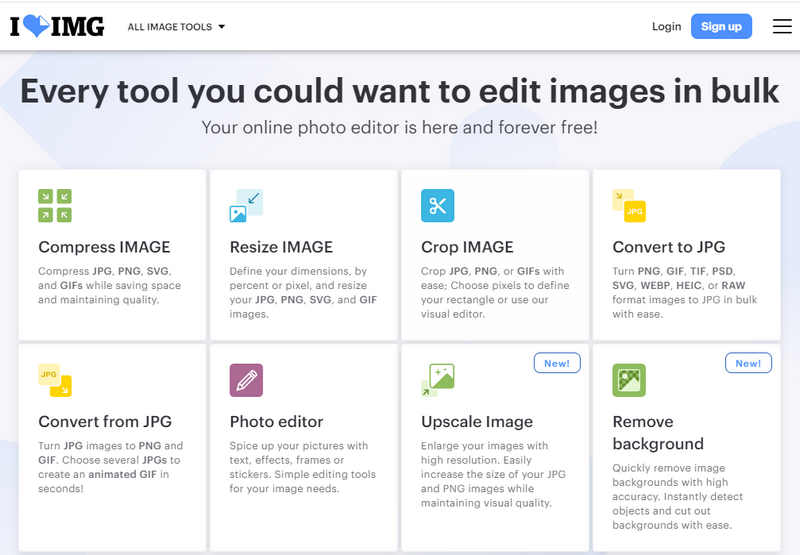
iLoveIMG is an online 4K image upscaler tool to help you process your images. Compared with other paid programs, it has a more affordable price. However, it also has fewer functions and is suitable for non-professional users.
Pros
Cons
Best For: Simple online upscaling with basic editing
Image Upscaler is another online tool to help you upscale 4K images. It is easy to use, and you can get the upscaled image with just 3 steps. Compared with iLoveIMG, it allows you to edit the upscaled images additionally, but their prices don't vary much.
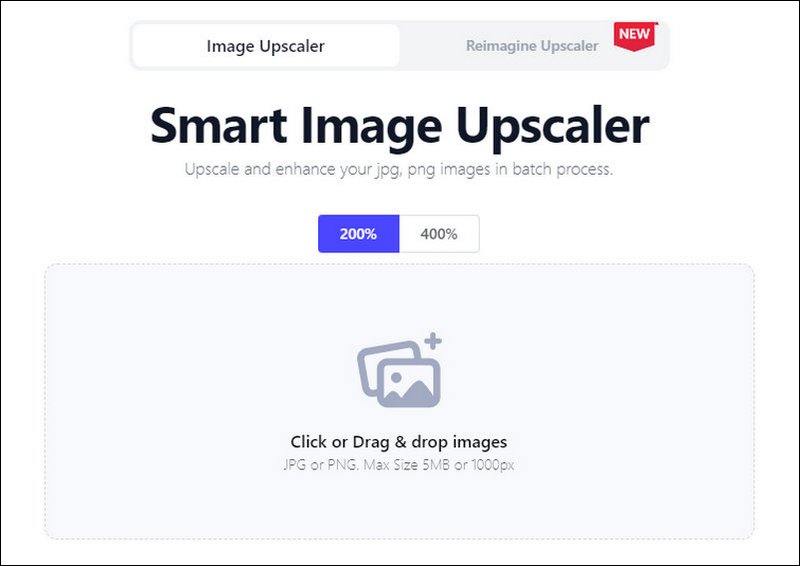
Pros
Cons
| Supported platforms | Upscale images in bulk | Supported input formats | Preview | Supported maximum input size | Ads-free | AI-based technology | Price | |
| Picwand AI Image Upscaler | iOS, Android, browser | √ | JPG, JPEG, PNG, GIF, SVG, WEBP, BMP, ICO, AVIF | √ | 4096px * 4096px, 10MB for free | √ | √ | $48/Lifetime |
| Bigjpg | Windows, Mac, iOS, Android | √ | Most image formats, including JPG, PNG, etc. | × | 3000px * 3000px, 5MB for free | √ | × | $12/6 months |
| GIMP | Windows, Mac, Linux | × | Most image formats, including JPG, PNG, etc. | × | 3794px * 3794px | √ | × | Free |
| VanceAI | Windows, Mac | √ | JPG, JPEG, PNG | √ | 4000px * 4000px, 5MB for free | √ | √ | $39.9/month |
| iLoveIMG | Browser | √ | Most image formats, including JPG, PNG, etc. | √ | 6MB for free | × | √ | $5/month |
| Image Upscaler | Browser | √ | Most image formats, including JPG, PNG, etc. | √ | 2000px * 2000px, 5MB for free | × | √ | $6.9/month |
The best 4K image upscaler depends on what you need to do with your images. Instead of choosing a tool based only on its maximum resolution, consider the following factors.
If your main goal is to improve blurry or low-resolution photos, image quality should be your first consideration. AI-powered tools can analyze image content and reconstruct details, which can be useful for portraits, product photos, and old images.
Check whether the tool supports the resolution you need. If you only need a standard 4K image, 4× upscaling may be sufficient in many cases. If you regularly work with very small images, a tool with higher scaling levels may be more suitable.
Make sure the tool supports the image formats you use most often. JPG and PNG are widely supported, while formats such as GIF, SVG, WEBP, BMP, and AVIF are less consistently supported.
Free plans often limit the maximum image dimensions or file size. If you work with high-resolution photos, check these limits before choosing a tool.
If you need to upscale many images at once, batch processing can save considerable time. This is particularly useful for photographers, online sellers, and content creators.
What does an image upscaler do?
An image upscaler enlarges your image but does not reduce its quality by filling in the pixels' contents. It increases the amount of the image's pixels and brings a clearer effect.
What are the benefits of upscaling?
Upscaling the image adds new pixels to the image according to the context. It can make your image look sharper and clearer. It increases the width and height dimensions of the image but doesn’t compromise its quality.
Does upscaling reduce quality?
No, it doesn’t. On the contrary, it enlarges your image without losing quality, which means it improves the image quality.
Can I upscale images to 4K on my phone?
Yes. Many online and mobile apps support 4K image upscaling directly on smartphones. You can upload and enhance images without using a desktop computer.
Which 4K image upscaler has no watermark?
Some tools offer watermark-free downloads. For example, iLoveIMG allows users to download upscaled images without a watermark. Check the tool's current free and paid plan limits before exporting.
Does AI upscaling really improve image quality?
Yes. AI upscaling can improve sharpness, reduce noise, and enhance details. However, it cannot fully recover details that were not present in the original image, so results depend on the source quality and the AI model.
After reading this article, you must have a basic knowledge of the 4K upscaling and the tools to achieve that. If you want to upscale the image to 4K on your Android devices, you can use online tools or programs that support Android, like Picwand AI Image Upscaler. If you prefer free software with powerful editing features, then GIMP is your top choice. Just choose them according to your needs.
AI Picwand - Anyone Can be A Magician
Get Started for Free
Copyright © 2026 Picwand Studio. All rights reserved.