Top 5 Apps to Make You Look Skinny (Full Review & Guide)

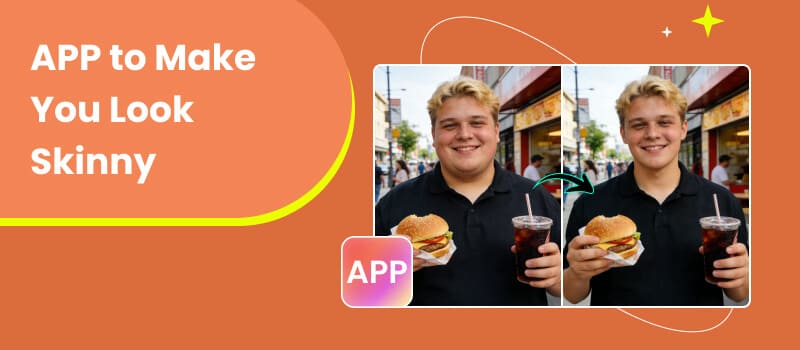
In today’s social media-driven world, looking your best in photos matters more than ever. Whether you're preparing a profile picture, enhancing vacation shots, or simply experimenting with your appearance, a reliable app that makes you look skinny can be a game-changer. Thanks to advancements in AI and photo editing technology, slimming apps now offer natural-looking body reshaping with just a few taps. These tools go beyond basic filters—they intelligently adjust proportions, refine contours, and enhance your overall appearance without making the edits obvious. In this guide, we’ll review the best apps to make you look slimmer, compare their features, and help you choose the right one for your needs.
Contents:
Part 1. Why Use an App to Make Yourself Look Slimmer
Using skinny filter apps isn’t just about changing your appearance—it’s about confidence, creativity, and convenience.
1. Boost Confidence in Photos
Sometimes lighting, angles, or clothing can make you look different than you feel. A slimming app helps you present your best self by subtly refining your body shape.
2. Save Time Compared to Manual Editing
Traditional editing tools require advanced skills. AI-powered apps automate the process, delivering professional-looking results instantly.
3. Experiment with Different Looks
Want to see how you’d look with a slimmer waist or toned arms? These apps let you experiment safely without real-life changes.
4. Enhance Social Media Presence
Polished, well-edited photos perform better on platforms like Instagram and TikTok, making slimming apps a useful tool for content creators.
Part 2. Core Comparison: Top Skinny Filter APPs at a Glance
Part 3. The 5 Best Apps to Make You Look Skinny
Top 1: Picwand AI
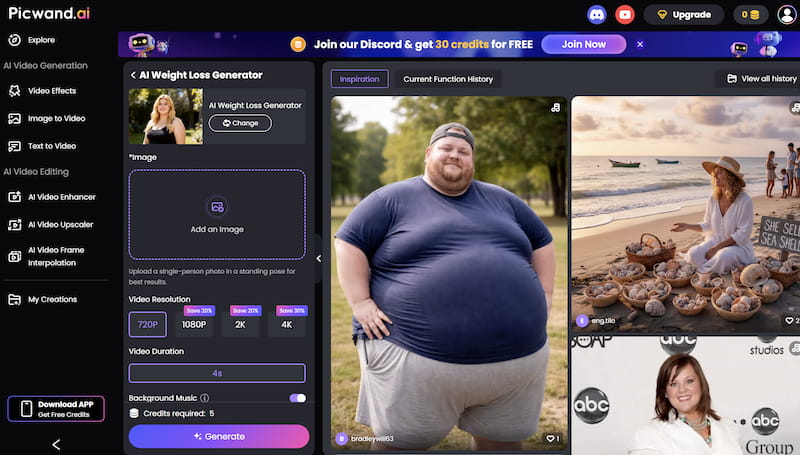
Picwand AI Weight Loss Generator stands out as the most advanced and user-friendly free app to make you look thinner. Unlike traditional editors, it uses AI to automatically reshape your body while maintaining natural proportions.
Features
- • AI-powered slimming transformation
- • One-click body reshaping
- • Maintains realistic body proportions
- • No editing skills required
- • Works for photos and videos
Pros
- Extremely easy to use
- Fast and automatic results
- Natural-looking edits
- Suitable for beginners
Cons
- Limited manual control for advanced users
Best For
- • Users who want quick, realistic slimming results without complicated editing tools,and other functions like restoring faded photos are waiting for your exploration.
Top 2: YouCam Perfect
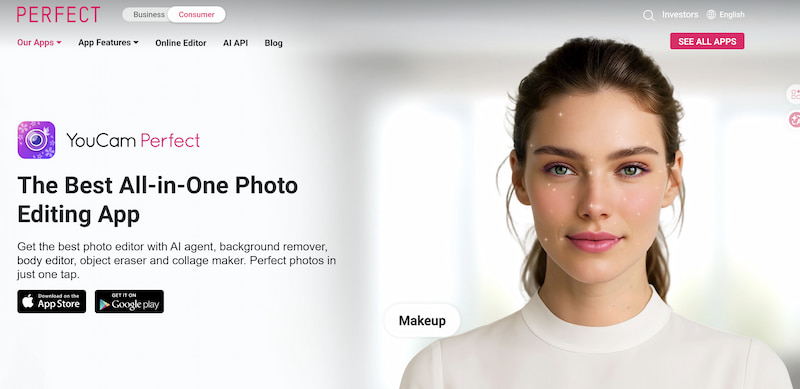
YouCam Perfect is a popular skinny filter app known for its selfie enhancements and body reshaping tools.
Features
- • Body tuner and reshaping tools
- • Face and skin enhancement
- • Background editing
Pros
- Beginner-friendly interface
- Multiple beauty features
- Free version available
Cons
- Some features locked behind paywall
- Results can look artificial if overused
Best For
- • Casual users who want an all-in-one beauty editing app.
Top 3: AirBrush
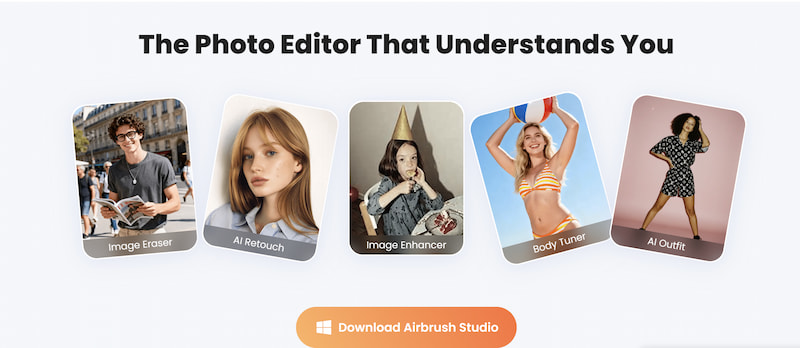
AirBrush AI skinny filter is widely used by influencers for its powerful retouching and body editing capabilities.
Features
- • Slimming and reshaping tools
- • Skin smoothing and tone correction
- • Real-time editing camera
Pros
- High-quality results
- Great for social media content
- Advanced editing tools
Cons
- Requires some learning
- Subscription needed for full features
Best For
- • Users who want polished, influencer-style photos.
Top 4: Body Tune
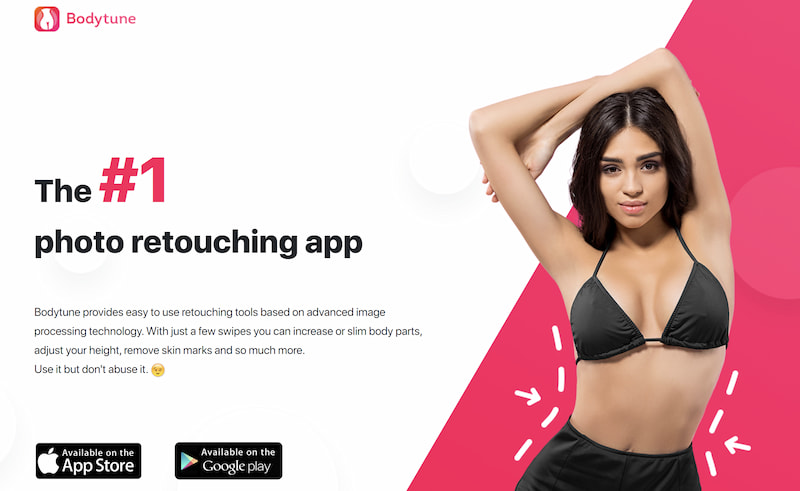
Body Tune weight loss generator focuses specifically on body reshaping, offering precise manual controls.
Features
- • Waist slimming and body reshaping
- • Height adjustment
- • Muscle enhancement
Pros
- Detailed manual control
- Accurate edits
- Great for experienced users
Cons
- Not beginner-friendly
- Time-consuming editing process
Best For
- • Users who prefer hands-on editing and precision.
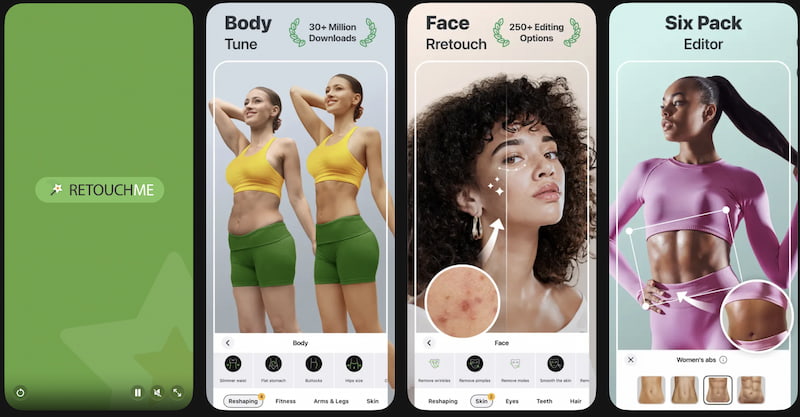
Top 5: Retouch Me
Retouch Me takes a unique approach by using professional designers instead of AI.
Features
- • Human-edited photo retouching
- • Wide range of body adjustments
- • High-quality results
Pros
- Professional-level edits
- Natural and detailed results
Cons
- Requires payment per edit
- Slower turnaround time
Best For
- • The best color corrector are suitable for users who want premium, professionally edited photos.
Part 4. How to Choose the Right Skinny Filter App
Choosing the best app depends on your needs and experience level.
• Consider Ease of Use
If you’re a beginner, go for AI-powered apps like Picwand AI that automate the process.
• Look for Natural Results
Avoid apps that distort your body shape. The best tools maintain realistic proportions.
• Check Editing Features
Some apps offer full-body editing, while others focus only on specific areas like the waist or face.
• Budget Matters
Free apps: Good for basic edits
Subscription apps: More advanced features
Pay-per-edit: Professional results
• Speed vs Control
Want quick edits? Choose AI tools
Want precision? Choose manual editors
Part 5. FAQs about App to Make You Look Skinny
Are slimming apps safe to use?
Yes, most slimming apps are safe as long as you download them from official app stores.
Do these apps make photos look fake?
Not necessarily. AI-powered apps like Picwand AI are designed to produce natural-looking results.
Which app is best for beginners?
Picwand AI is the best choice due to its one-click automatic editing.
Conclusion
Finding the right app to make you look skinny doesn’t have to be complicated. Whether you prefer automatic AI tools or detailed manual editing, there’s an option for everyone. If you’re looking for the easiest and most natural results, Picwand AI Weight Loss Generator stands out as the top choice. Its AI-powered slimming technology delivers quick, realistic transformations without requiring any editing skills. For users who want more control, apps like Body Tune and AirBrush offer powerful manual tools, while Retouch Me provides professional-grade edits.
Ultimately, the best app is the one that fits your workflow, skill level, and desired results. Try a few options and see which one helps you feel most confident in your photos.
AI Picwand - Anyone Can be A Magician
Get Started for Free