Best 5 AI Baby Generator App with the Most Realistic Results

Picwand AI stands out for its most realistic baby-face transformations, with advanced age and blending controls. Fotor offers fast, simple results for beginners. Future Baby focuses on fun couple-based baby predictions. MyEdit provides creative, stylized face generation, while WonderSnap is best for playful, animated effects meant for entertainment and social sharing.
In recent days, AI baby generator apps have once again gained huge popularity. More and more people are using these tools to see a younger version of themselves or to imagine what their future baby might look like. It's become a fun trend across social media, especially for couples and curious users. Because of this, we carefully tested and reviewed multiple apps to identify the best options available today. In this post, we present the top 5 best AI baby generator apps based on realism, speed, and ease of use. We also cover their features, pros, and cons to help you quickly choose the most suitable and reliable app.
Contents:
Part 1: Top AI Baby Generator Apps Reviewed
How We Test:
We tested 20 apps to find the 5 best AI baby generator apps based on realism, usability, and output quality. We evaluate each app using different image types, including selfies, couple photos, and portraits in varied lighting and resolutions. We also checked facial accuracy, consistency, speed, customization options, and overall ease of use. We removed apps with poor realism, slow processing, or inconsistent results, leaving only the 5 best-performing tools.
| Baby Generator App | Platform | Price | Generation Speed | Baby Face Quality | Realism | Couple Baby Result | Customization |
| Picwand AI | Android, iOS, and web | Freemium | 38 seconds | High-definition | ✅ | ❌ | ✅ |
| Fotor | Android, iOS, and web | Freemium | 44 seconds | High | ✅ | ✅ | ✅ |
| Future Baby | Android, iOS | Freemium | 52 seconds | Good | ✅ | ✅ | ✅ |
| MyEdit | Android, iOS, and web | Freemium | 2 minutes and 6 seconds | High | ❌ | ❌ | ❌ |
| WonderSnap | Android, iOS | Freemium | 1 minute and 51 seconds | High | ❌ | ✅ | ❌ |
Part 2: 5 Best AI Baby Generator Apps
Top 1: Picwand AI
Rating: 4.8 out of 5 stars
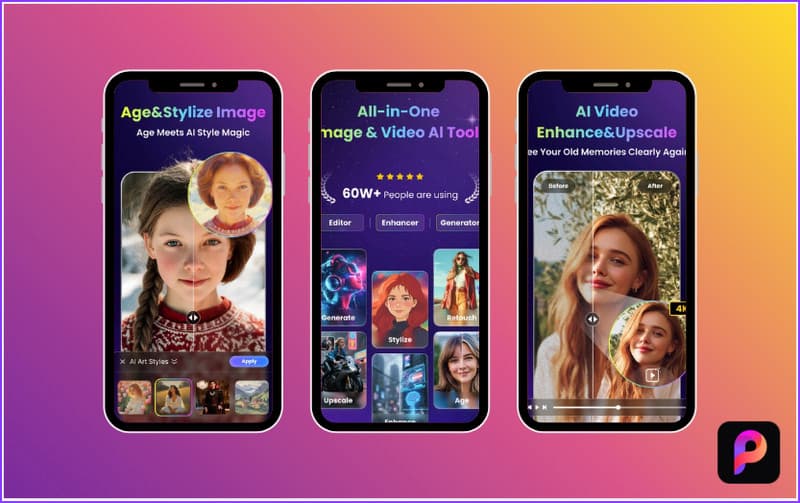
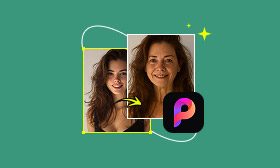
Picwand AI Photo Editor takes the top spot for generating a realistic baby version of yourself. It uses advanced AI to reshape facial features, adjust skin texture, and refine proportions. You can completely regenerate the face using AI or focus only on facial areas while keeping more of the original image intact.
Furthermore, you can choose from different life stages: child, teen, adult, middle-aged, or elderly. Alternatively, you can set a specific age range from 10 to 80 for more precise results. Another useful feature of this best AI baby generator app is the blending level. It lets you control how strongly the AI applies the transformations.
Why Use Picwand Free AI Age Filter:
- • Preserves unique facial structure and expressions.
- • Exports images in high-quality JPG, PNG, or WEBP formats.
- • Option to set a specific target age (10–80) for more precise outputs.
- • Covers five age presets: Child, Teenager, Adult, Middle Aged, or Elderly.
- • Instantly makes images look younger or older with natural, realistic results.
Pros
- It preserves key facial features.
- It delivers high-definition outputs.
- It generates baby faces in seconds.
- It produces realistic baby transformations.
- It works well with both face-only and full-image.
Cons
- Its lowest selectable age is 10.
- It can struggle with low-quality input images.
Top 2: Fotor
Rating: 4.5 out of 5 stars
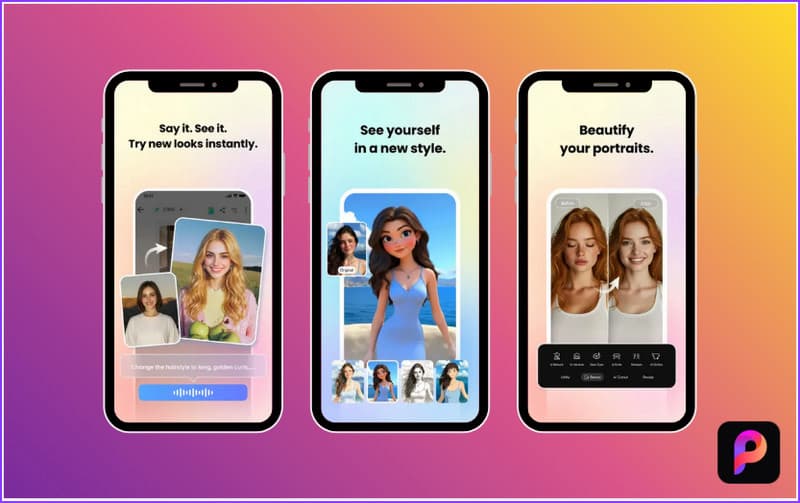
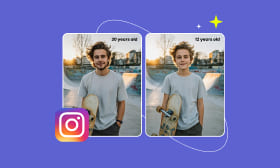
Fotor is one of the best AI baby generator tools available today. It comes with an AI Art Effects tool with various trendy filters, including the Baby Filter. It uses advanced AI models, including Kling AI, to predict and generate realistic baby faces. It analyzes your facial features automatically to create a younger version in seconds.
Why Use Fotor:
- • Offers a Baby Filter to simulate a younger version of a face.
- • Saves images in high-quality formats such as JPG and PNG.
- • Provides multiple stylized AI filters for stunning image effects.
- • Includes AI face editing tools for natural-looking facial adjustments.
Pros
- It preserves overall facial structure.
- It produces clean baby-style results.
- It generates baby face transformations quickly.
Cons
- It struggles with angled facial images.
- It does not always produce highly realistic baby results.
Top 3: Future Baby
Rating: 4.5 out of 5 stars
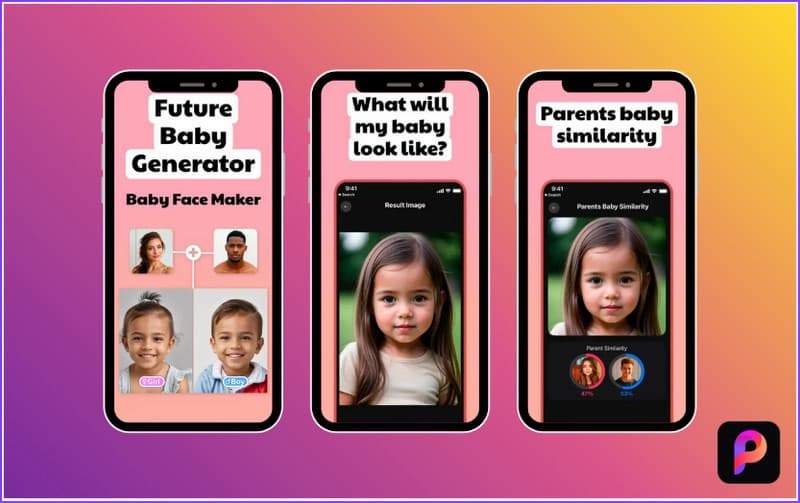
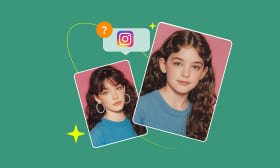
Future Baby is a simple, entertaining app popular among users looking for the best free AI baby generator. It uses AI to analyze facial features in uploaded photos and generate a baby-face prediction. It blends facial traits to create a cute baby version. This app focuses on realistic baby face simulation for entertainment.
Why Use Future Baby:
- • Uses AI-powered face analysis to generate a baby face.
- • Allows uploading photos of one or both parents for face merging.
- • Includes gender selection options (baby boy or baby girl predictions).
- • Creates realistic baby-face predictions in seconds using facial-feature blending.
Pros
- It creates shareable baby images.
- It produces multiple baby variations.
- It offers gender-based baby predictions.
Cons
- It requires a paid version for full access.
- It produces results that are not scientifically accurate.
Top 4: MyEdit
Rating: 4.2 out of 5 stars
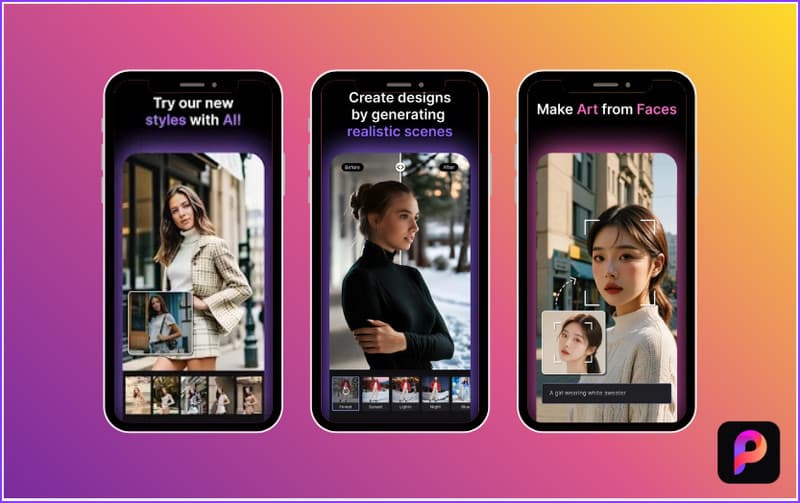
MyEdit is a flexible, all-in-one editing app that also works as an AI baby generator. It uses AI to reinterpret photos and generate a younger-looking version of each. It can include child-like or baby-style transformations depending on the selected style and prompt. You can explore different visual styles, adjust prompts, and regenerate results until you get something you like.
Why Use MyEdit:
- • Uses AI image generation to create stylized face transformations.
- • Provides AI editing tools that adjust facial structure, expression, and style.
- • Supports text-to-image AI to generate creative baby-style visuals from prompts.
- • Offers the Magic Avatar feature that transforms selfies into different character styles.
Pros
- It preserves key facial structure.
- It delivers high-resolution outputs.
- It produces stylized baby face variations.
Cons
- It requires prompt skills.
- It requires multiple regeneration attempts.
Top 5: WonderSnap
Rating: 4 out of 5 stars
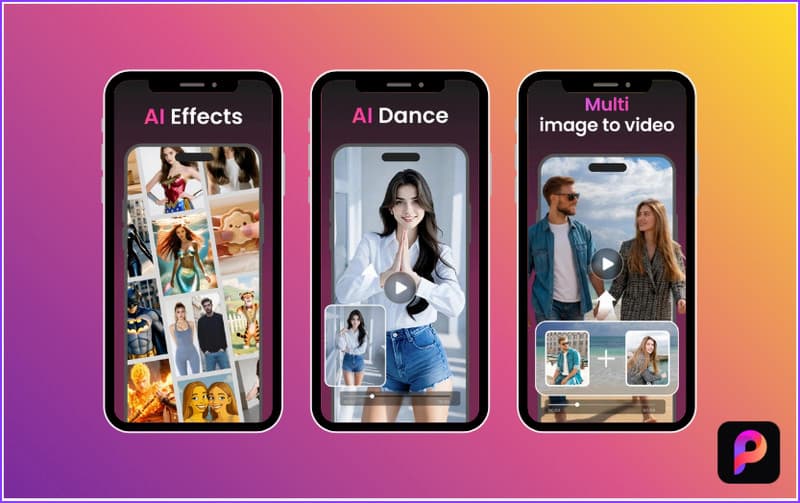
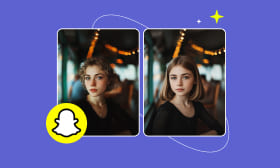
WonderSnap is more of a playful AI creativity app than a strict baby face generator. However, you can still use it as a free AI baby generator app. It focuses on turning normal photos into animated or AI-styled creations. Instead of producing highly realistic baby predictions, it leans toward fun, stylized transformations and face effects.
Why Use WonderSnap:
- • Turns photos into AI-generated face transformations.
- • Includes AI animation tools that bring still portraits to life.
- • Offers AI face transformation effects that can create baby-like versions.
- • Generates outputs optimized for sharing on social media, such as TikTok.
Pros
- It supports two-photo blending.
- It produces multiple variations of baby-like faces.
- It combines the baby generation with other AI effects.
Cons
- It can distort facial features.
- It may produce inconsistent baby results.
Part 3: How to Use AI Baby Generator Apps
AI baby generator apps are surprisingly easy to use. You don't need professional editing skills or a complicated setup to accomplish it. With modern apps, you can easily generate a younger or baby-like version of your face in just a few seconds. If you want the most realistic and smooth experience, Picwand AI Photo Editor is the best option to start with.
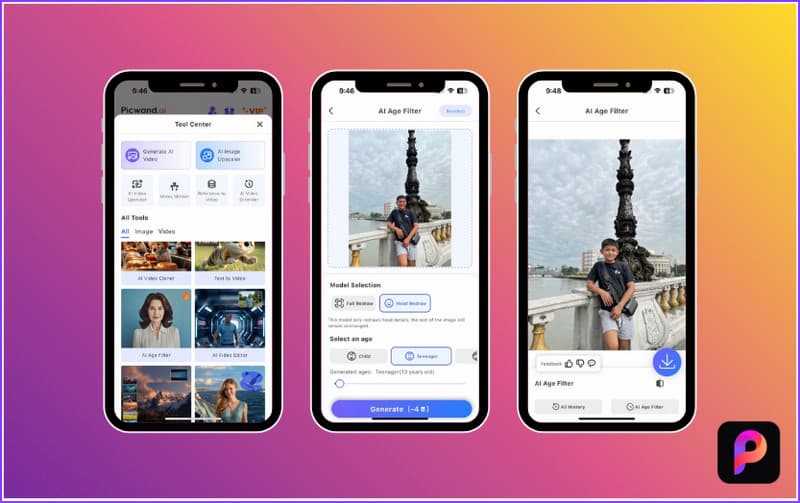
Step 1. Start by downloading the Picwand AI Photo Editor on your mobile device. After installation, launch the app to access the homescreen. Tap View All, select the AI Age Filter, and import a clear selfie or portrait.
Step 2. In the Model Selection, choose Full Redraw to completely recreate your appearance or Head Redraw to focus only on your face. Next, select Child as your age transformation settings and adjust the blending level.
Step 3. Tap Generate to allow the AI to process your image. It will then create a high-quality, realistic baby-style version of your face using advanced AI reconstruction. If you like the result, click Download, choose your preferred format and quality, then save it to your device.
Tip: For the best results, always use a clear, front-facing photo with good lighting. In addition to baby face transformation, you can also use this effect to create a current me vs future me image. Remember, small improvements in input quality can make a big difference in how realistic your AI baby face looks.
Conclusion
After testing and comparing the best AI baby generator apps, it's clear that not all apps deliver the same level of realism, speed, and control. Among all the options, Picwand AI Photo Editor stands out as the most reliable choice for realistic and high-quality baby face generation. It combines advanced AI, fast processing, and natural-looking results that still preserve your unique facial features.
AI Picwand - Anyone Can be A Magician
Get Started for Free