Basic PlanVIP PlanVIP ExpiredPurchased credits are valid for life but require an active VIP subscription to use
0Credit(s)
You can use credits to access all the AI tools on Picwand, such as the AI Image Upscaler, AI Age Filter, AI Video Enhancer, AI Video Upscaler, AI Video Effects, and more.
AI video creation has moved from novelty to necessity. Marketers, educators, content creators, and small businesses now rely on automated tools to turn scripts into polished videos in minutes. Among these platforms, InVideo AI has gained attention for its text-to-video workflow and beginner-friendly interface. However, no tool fits everyone. As content demands grow more sophisticated, users often look for alternatives that provide better visual quality, stronger AI generation, improved editing control, or more flexible pricing. If you're searching for a reliable InVideo AI alternative, this guide explores five powerful options in 2026—starting with Picwand, a versatile AI-driven creative platform that goes beyond traditional template-based video generation.
InVideo AI is known for its text-prompt video generation. Users can type a script or idea, and the platform automatically produces a structured video with stock footage, subtitles, voiceovers, and transitions.
Key highlights include:
• Script-to-video automation
• Large stock media library
• Auto voiceover generation
• Social media format presets
• Drag-and-drop editor
Because of its simplicity, it’s popular among beginners and small teams that need quick content for platforms like YouTube, Instagram, and TikTok.
Limitations of InVideo AI
Despite its convenience, many users encounter several limitations:
• Limited AI Creativity
Outputs often rely heavily on stock footage rather than true AI-generated scenes, which can make videos feel generic.
• Restricted Customization
Advanced users may find timeline editing and fine-grained control somewhat limited.
• Template Dependence
While templates are helpful, they can restrict originality.
• Pricing Constraints
Free plans include watermarks, and premium tiers may feel expensive for freelancers.
• Rendering & Performance
Some users report longer export times for high-resolution videos.
These issues encourage creators to explore more flexible and innovative alternatives.
Part 2. Top 5 InVideo AI Alternatives
Top 1: Picwand
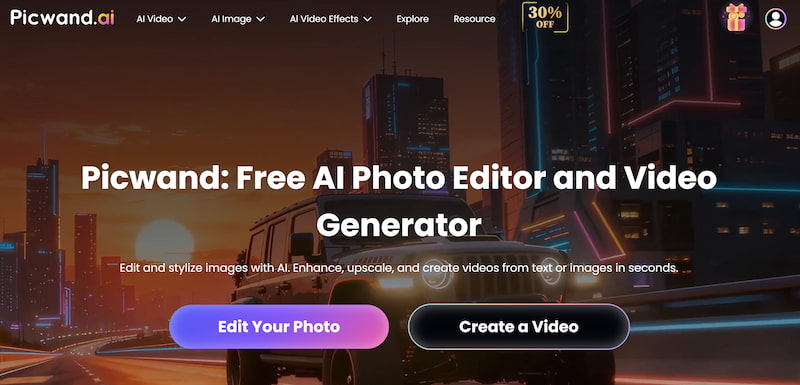
Picwand AI Text-to-Video Generator stands out as a powerful AI creative platform that integrates image enhancement, AI generation, and video-related tools in a streamlined workflow. Unlike traditional template-driven tools, Picwand emphasizes intelligent media creation and refinement.
Core Features
• AI-powered image and visual enhancement
• Background removal and object editing
• Smart retouching and resolution upscaling
• Creative AI generation tools
• High-quality export options
Instead of depending solely on stock footage, Picwand helps creators generate and refine unique visuals before integrating them into video projects. This approach enhances originality and branding consistency. Thus, it is seen as the best alternative to InVideo AI.
Pros
Strong AI image enhancement engine
Clean and intuitive interface
Fast processing speed
Suitable for both beginners and professionals
Flexible creative workflow
Cons
Primarily focused on visual enhancement rather than full timeline editing
Advanced cinematic AI generation features are still expanding
Suitable Users
SEO marketers creating visual-heavy campaigns
E-commerce sellers improving product visuals
Social media creators seeking sharper thumbnails and visuals
Small agencies producing branded content
Pricing
Picwand offers tiered subscription options suitable for individuals and teams. Free trials are typically available, allowing users to test core features before committing. Compared with many AI video tools, pricing is competitive and scalable.
Top 2: Sora
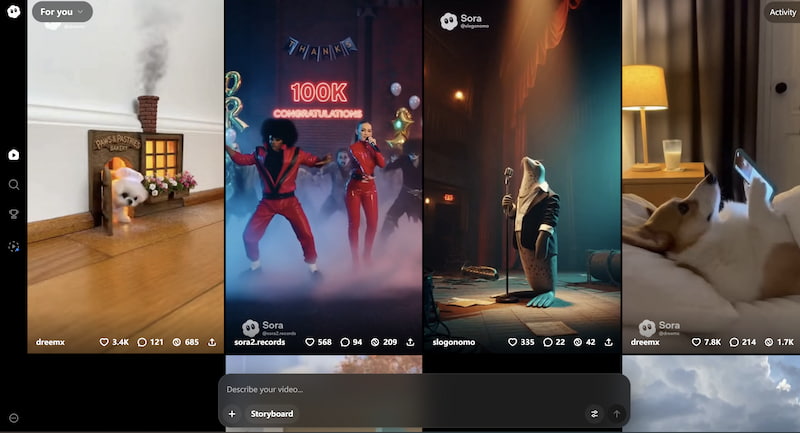
Developed by OpenAI, Sora represents a new generation of text-to-video AI systems, functioning as a great InVideo AI video generator alternative. It focuses on generating realistic, high-fidelity video directly from textual prompts.
Strengths include:
• Cinematic scene generation
• Physics-aware motion simulation
• High realism
However, availability may be limited depending on region and access policies. Sora is best suited for advanced creators experimenting with cutting-edge AI-generated storytelling.
Top 3: Runway AI
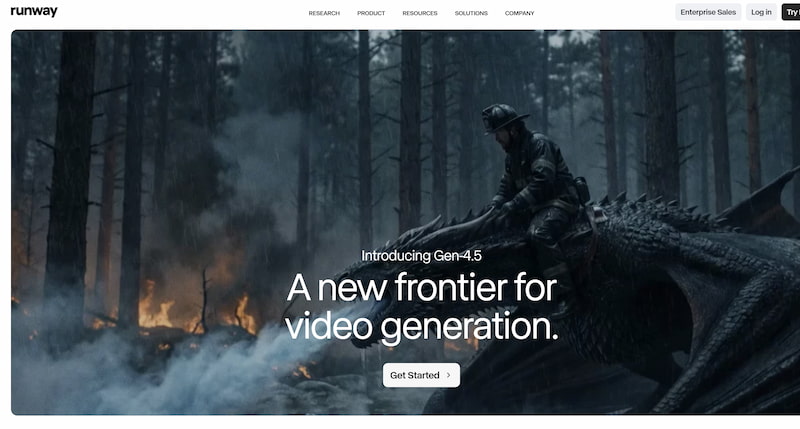
Runway is widely known for its Gen-2 video generation model and advanced editing tools. It combines AI video generation with timeline-based editing features.
Key advantages:
• Text-to-video and image-to-video
• Green screen removal
• Motion tracking
• Creative AI effects
Runway is ideal for filmmakers and digital artists who want both automation and manual control.
Top 4: Kling AI
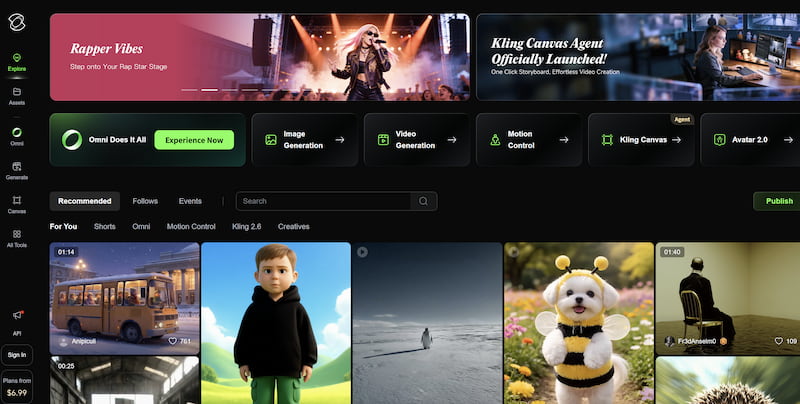
Kuaishou Technology introduced Kling AI as a strong competitor in AI-generated video. It focuses on realistic motion generation and longer-duration clips compared to many other models. You can refer to the best Kling AI prompts to acquire the best result.
Strengths:
• Longer video generation
• Natural character motion
• High-resolution outputs
This InVideo AI alternative is especially appealing to creators looking for high-end AI animation without traditional production workflows.
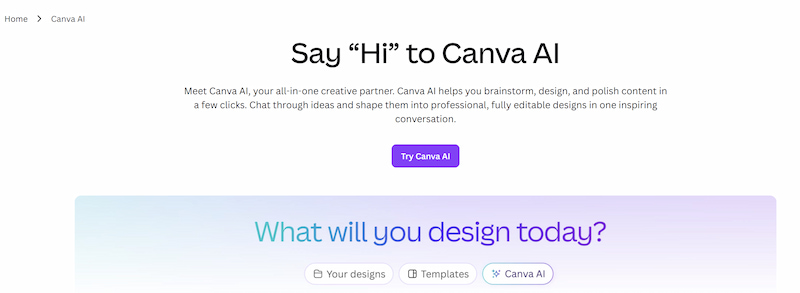
Top 5: Canva
Canva has integrated AI tools into its popular design platform, including video creation features.
Why it’s an alternative:
• Massive template library
• Drag-and-drop simplicity
• AI text generation and design suggestions
• Collaboration-friendly interface
Canva is ideal for beginners and marketing teams that prioritize convenience over deep AI-generated realism. You can use enhance photo Canva to get better results.
Part 3. How to Choose the Right Alternative
Choosing the best InVideo AI alternative depends on your goals:
1. For High-Quality Visual Enhancement
Choose Picwand if your workflow requires sharp, branded visuals and intelligent image processing before video production.
2. For Cinematic AI Video Generation
Consider Sora if you want cutting-edge AI-generated storytelling.
3. For Professional Editing + AI Tools
Runway AI offers a balance between automation and manual control.
4. For Realistic Long AI Clips
Kling AI may suit advanced creators seeking detailed motion.
5. For Easy Marketing Videos
Canva works well for social media managers and small businesses.
Also consider:
• Budget
• Learning curve
• Export resolution
• Commercial usage rights
• Integration with your marketing workflow
The “best” tool is the one that matches your creative ambition and operational needs.
Part 4. FAQs about InVideo AI Alternative
What is the best free InVideo AI alternative?
Canva and Picwand both offer free trials or limited free versions, making them accessible for beginners.
Is Picwand better than InVideo AI?
If you prioritize AI-powered visual enhancement and unique content creation over stock-based templates, Picwand may provide better value.
Which tool offers the most realistic AI video generation?
Sora and Kling AI are currently leading in realistic AI-generated video quality.
Conclusion
InVideo AI remains a convenient entry-level text-to-video tool. Yet as AI technology evolves, creators demand more originality, higher realism, and better workflow flexibility. If you're searching for a smarter InVideo AI alternative, Picwand AI Text-to-Video Generator offers a practical balance between AI intelligence and usability, especially for marketers and visual-focused creators. Meanwhile, Sora, Runway AI, Kling AI, and Canva each serve distinct creative needs.
Ultimately, the best choice depends on whether you value automation, realism, editing control, or branding flexibility. Evaluate your goals carefully, test free versions where possible, and select the platform that empowers your creative strategy in 2026 and beyond.