Basic PlanVIP PlanVIP ExpiredPurchased credits are valid for life but require an active VIP subscription to use
0Credit(s)
You can use credits to access all the AI tools on Picwand, such as the AI Image Upscaler, AI Age Filter, AI Video Enhancer, AI Video Upscaler, AI Video Effects, and more.
Today, AI is everywhere, transforming the way we create, work, and communicate. From image generation to music and video, AI tools are becoming an essential part of creative workflows. In video creation, AI enables the quick generation of animations, motion graphics, and short clips. One of the most talked-about tools in the creative AI and digital production scene is Pika AI. It is an AI-powered video generator that allows users to turn text, images, and prompts into animated clips. It promises to make video production faster, easier, and more accessible.
But how exactly does it perform in real-world use? Does it live up to the hype, and what are its strengths and limitations?
This Pika AI Review will cover everything you need to know, including its core features, output quality, pricing, pros and cons, and alternatives. We will give you a clear, detailed, and honest look at what it can do and whether it’s the right tool for your video projects.
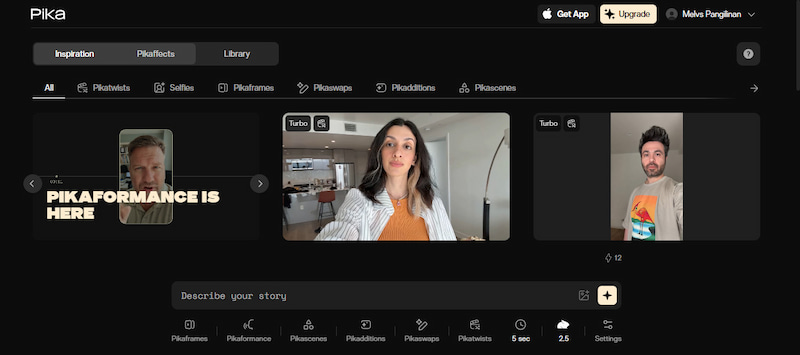
Pika AI is an advanced AI-powered video creation tool that can create short videos using texts, pictures, or clips. At its core, it lets you input a text prompt, upload an image, or use an existing video, and then uses AI to generate short clips from that input. It offers features that turn images into smooth motion, replace objects in videos, add new characters or elements, and apply creative effects to make videos more engaging. It is described by most users as the easy, idea-to-video platform that can turn simple ideas into short videos.
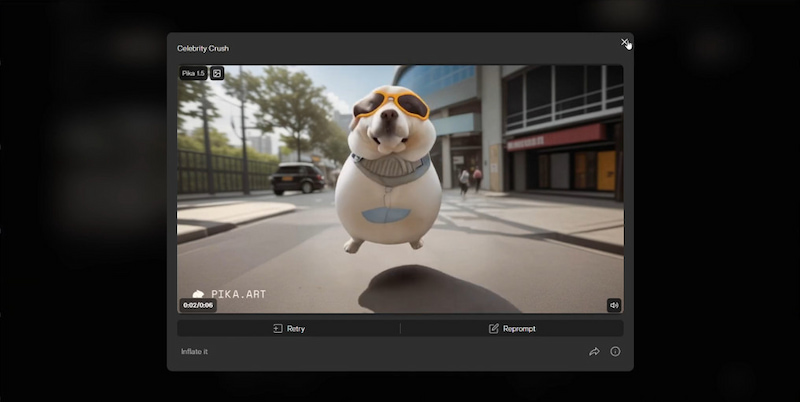
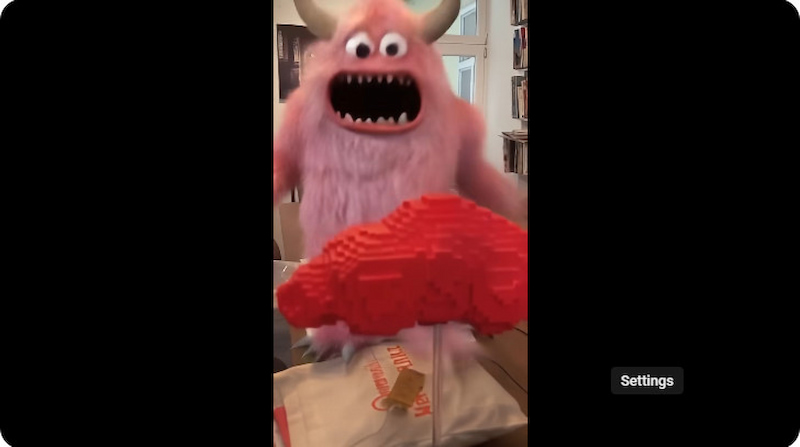
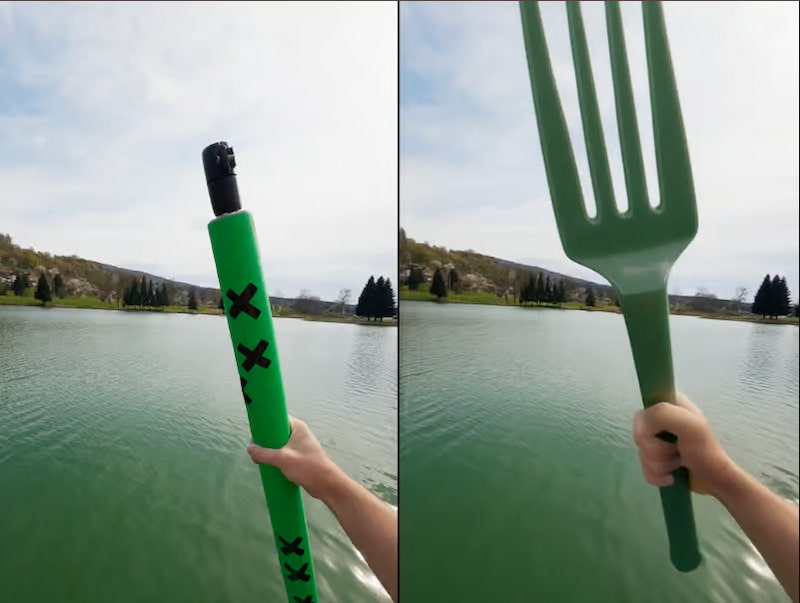
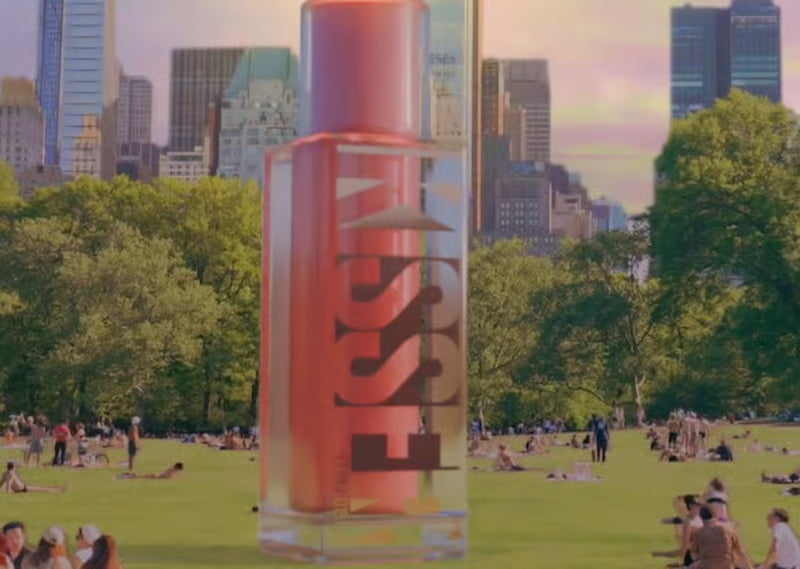
Pikaffects are visual effects that transform objects or scenes in fun and surprising ways. With just a simple prompt, you can apply stylistic changes to short video clips. These effects, including melting, inflating, exploding, squishing, and cake-ifying, work by detecting the main subject and adding dynamic motion or artistic transformations around it.
Pro-Tip for Pikaffects: For the best 'Melt' result, use a high-contrast image.
Prompt used: [Subject] melting into a puddle of liquid gold, 4k, cinematic lighting, highly detailed --motion 4
Pikaframes
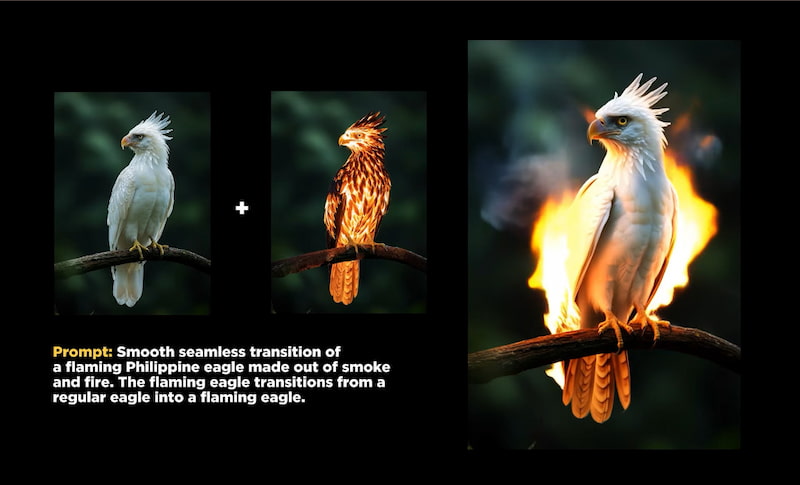
Pikaframes is a Pika AI image-to-video feature that lets you make smooth animated transitions between two or more still images. You only need to upload a starting image (the first frame) and an ending image (the last frame). Then, the AI automatically creates all the in-between frames to turn those static pictures into a moving video.
Pikaformance
Pikaformance is a feature that brings still portraits to life through voice and expression. Simply upload an image and an audio track to animate the face, whether speaking, singing, or reacting in perfect sync. This transforms static photos into videos featuring natural lip-syncing and expressive facial movements.
Pikascenes
Pikascenes is Pika AI’’s freefeature for making full, coherent video shots from prompts and reference images. It lets you build an entire scene: choose characters, props, backgrounds, and how they interact in one video. You can give it a text description and several images, and the AI will create a complete animated scene.
Pikadditions
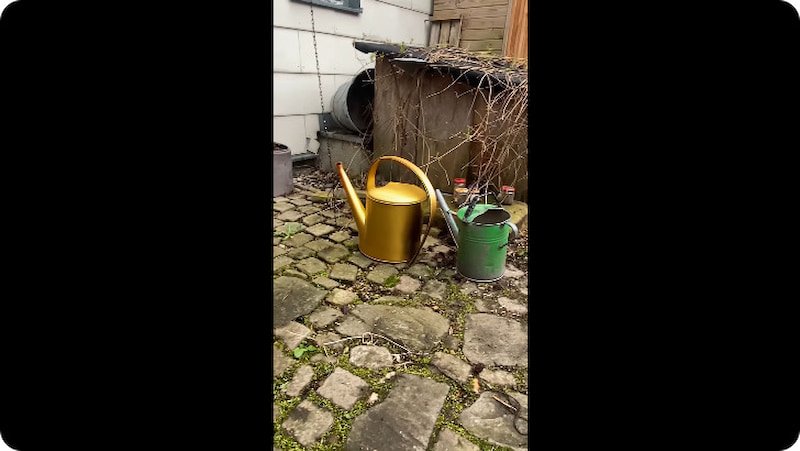
Pikadditions lets you add new objects, characters, or elements to an existing video. All you need is the original video and a prompt or reference image of what you want to insert. The AI blends the added element into the footage so it matches the lighting, motion, and perspective.
Pikaswaps
Pikaswaps is the Pika AI video generator's video-to-video tool. It lets you replace specific elements within a clip, such as people, objects, props, or backgrounds. Pikaswaps edits the chosen part based on your prompt or upload while keeping the rest of the video intact.
Pikatwists
Pikatwists adds a creative twist or unexpected change to the beginning of a video. Just upload a clip and provide a text description of the twist. The AI edits the opening seconds, leaving the remainder of the clip unaffected. You can use it to craft unique hooks and surprising visual effects.
Pika AI Output Quality Review
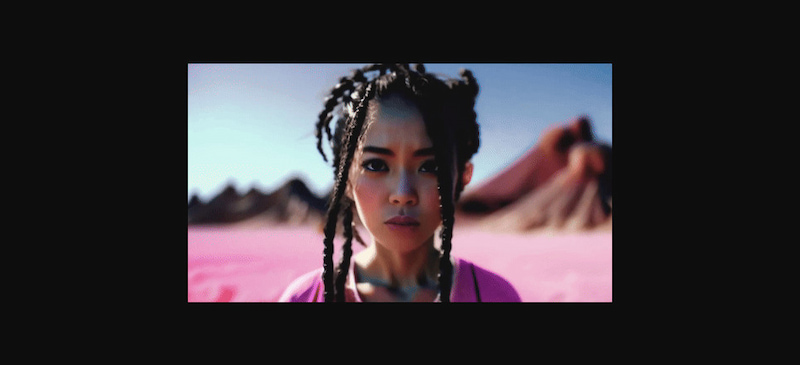
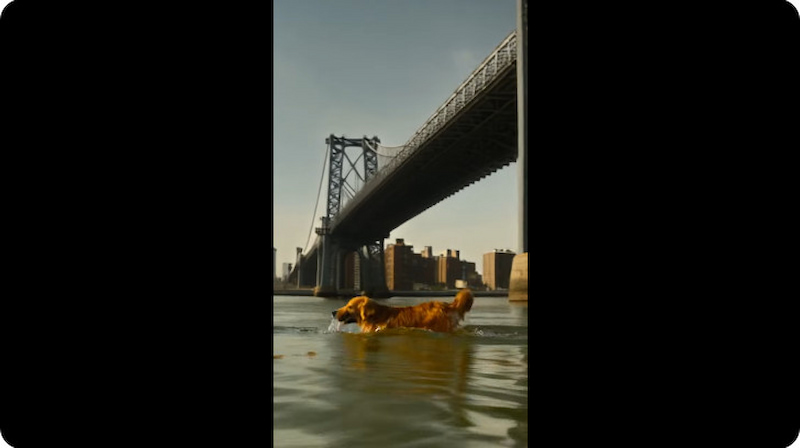
Pika AI’s video output quality is best described as mixed. While it delivers strong results for quick, creative visuals, it reaches its limits with more realistic scenes. It performs best when paired with high-quality image prompts, such as those generated by Midjourney AI. However, when asked to generate realistic motion, detailed faces, or complex scenes, the results can look unnatural. Some results have odd movements, distorted faces, flickering, or blurry frames.
Newer versions, such as Pika 2.1 and later, have shown clear improvements in smoothness and stability. However, the output can still be inconsistent from one video to another. Because of this, the tool is better suited for experimentation, short creative clips, and fast content creation rather than high-end video production. Furthermore, the free version is limited to 480p resolution and a maximum video length of 5 seconds.
Our Testing Methodology:
We spent 15+ hours testing Pika 2.5 across various prompts, specifically focusing on Pikaffects. Our tests found that while the Cake-ify effect is 90% accurate, the 'Explode' effect often loses texture detail in the final 2 seconds.
Pros and Cons of the Pika AI Video Generator
Understanding the pros of Pika AI highlights what the tool does best. Meanwhile, knowing the cons explains the limitations you’ll face, ensuring you aren't caught off guard by disappointing results. This balanced view helps you decide when it aligns with your project goals and when you might need an alternative.
What We Like:
• It includes fun effects and features.
• It makes video creation easier for beginners.
• It supports multiple video generation methods.
• It allows concept testing and mood exploration.
• It quickly turns text and image prompts into video content.
What We Don’t Like:
• It requires careful prompting.
• It’s built for short clips only, not long videos.
• It tends to produce stylized, cartoony outputs.
• It struggles with realism and natural movement.
• Its free version has strict limits on resolution and duration.
Pricing and Subscription Recommendations
Pika AI pricing system is designed to fit the needs of different users. At the most basic level is the Free/Basic plan, which costs nothing. Above that, there are three paid plans: Standard, Pro, and Fancy. Each plan unlocks growing levels of power, flexibility, and performance.
BASIC
STANDARD
PRO
FANCY
$0
$8
$28
$76
80 video credits per month. Access to Pika 2.5 (480p only), Pikascenes, Pikadditions, Pikaswaps, Pikatwists, and Pikaffects Image-to-Video only.
700 video credits per month. Access to Pika 2.5 (all resolutions), Pikaframes, Pikascenes, Pikadditions, Pikaswaps, Pikatwists, and all Pikaffects. Fast generations. Purchase more roles over video credits.
2,300 video credits per month. Everything in STANDARD, plus: Download videos with no watermark. Commercial use.
6,000 video credits per month. Everything in PRO
Pika AI Alternatives : Picwand AI
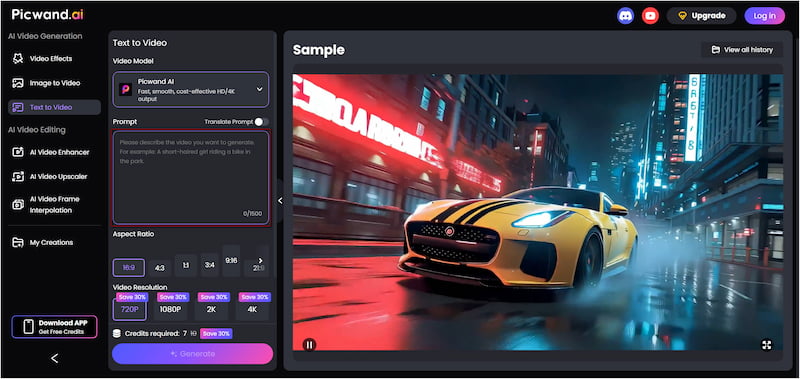
If you’re looking for strong Pika AI alternatives,Picwand AI Text-to-Video Generator is highly recommended. It is a top-performing generative AI tool that creates videos purely from text prompts. It lets you describe scenes in detail and lets the AI turn them into visually rich videos. It supports prompts of up to 1,500 characters per generation, giving the AI enough context to produce more accurate motion, better visuals, and clearer storytelling. It can generate video clips up to 10 seconds long and offers exports in 720p, 1080p, 2K, and even 4K. This makes it suitable for both social media and high-quality content needs.
Why Choose Picwand AI Text-to-Video Generator:
• Exports videos in 720p, 1080p, 2K, or 4K resolution.
• Supports multiple aspect ratios, including 16:9, 1:1, 3:4, and more.
• Creates videos up to 10 seconds long, which is longer than many AI tools.
• Allows up to 1,500 characters per prompt for detailed and accurate scene descriptions.
Verdict
Pika AI is a fun and easy-to-use tool for quick creative clips, social media content, and experimentation. However, its output quality can be inconsistent due to 480p resolution and 5-second clip limitations. On the other hand, Picwand AI Text-to-Video Generator offers a stronger option for more detailed control, better quality, and longer clips. With support for up to 1,500-character prompts, multiple aspect ratios, and exports up to 4K resolution, it delivers richer and more accurate visual results.
Feature
Pika AI
Picwand AI
Max Resolution
1080p
4K
Prompt Limit
300 characters
1,500 characters
Key Strength
Physics-defying effects
Detailed storytelling
Free Tier
80 Credits/mo
Yes
CONCLUSION
In this Pika AI review, we explored how Pika has made video creation more accessible and creative. While it shines for fun, social media clips, and experimentation, its limitations make it less suitable for high-quality or professional projects. For more control, longer clips, higher resolution, and detailed text-to-video generation, Picwand AI Text-to-Video Generator is an excellent alternative. It supports up to 1,500-character prompts, multiple aspect ratios, and exports from 720p to 4K. Picwand AI allows you to bring your creative visions to life with accuracy and quality.