Basic PlanVIP PlanVIP ExpiredPurchased credits are valid for life but require an active VIP subscription to use
0Credit(s)
You can use credits to access all the AI tools on Picwand, such as the AI Image Upscaler, AI Age Filter, AI Video Enhancer, AI Video Upscaler, AI Video Effects, and more.
Quick Guide: Which Runway AI Alternative Is Best for You?
For cinematic photorealism, choose Google Veo 3.1. If you need long-form narrative coherence, Sora 2 Pro is the current leader. For creators seeking one-click 4K generation with complex 1,500-character prompts, Picwand AI offers the most versatile balance of speed and resolution.
Runway AI is one of the leading AI-powered creative platforms. It is recognized for its ability to generate high-quality videos from text, images, or pre-existing footage. However, every AI platform has its own model behavior, style biases, and creative outputs. Even when given the same prompt, one AI generator might produce a visually dramatic and stylized result, while another might create something subtle, realistic, or entirely different in tone. This is where Runway AI alternatives become valuable, allowing creators to explore a broader range of creative tools, styles, and generation capabilities. In this post, we will break down the best Runway AI replacements. We will highlight their key features, pros and cons, pricing, output quality, and unique capabilities.
Runway AI is a generative AI platform that can create videos, images, and audio. It lets you turn simple text prompts, sketches, or reference images into high-quality videos. It supports processes such as text-to-video, image-to-video, and video editing with effects, inpainting, background removal, and motion enhancement. Its models use deep learning techniques to produce realistic outputs that can maintain consistent characters and styles across frames.
Comparison Table: Runway AI vs. Mainstream Alternatives
Runway AI
Picwand AI
Google Veo 3.1
Sora 2 Pro
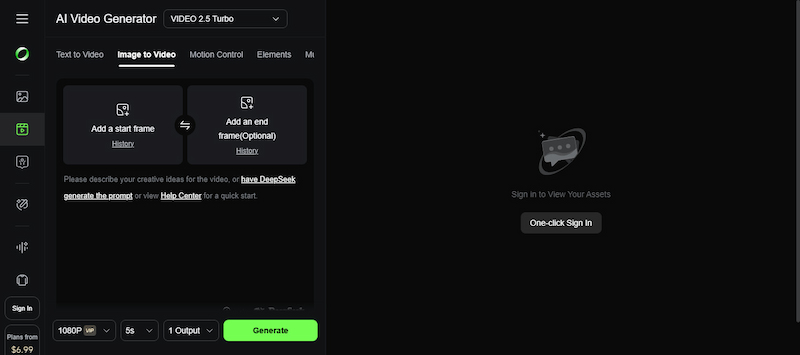
Kling AI 2.5
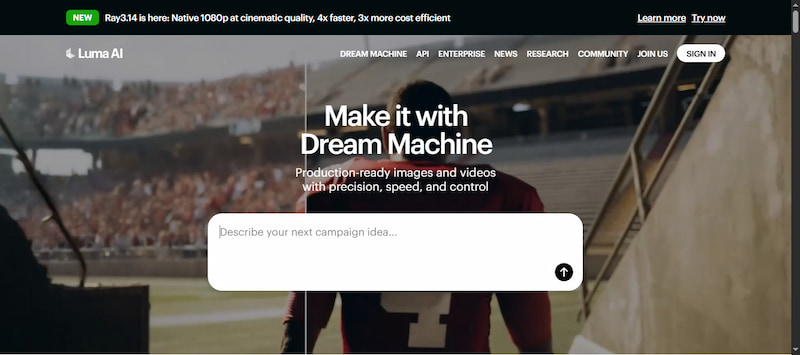
Luma AI
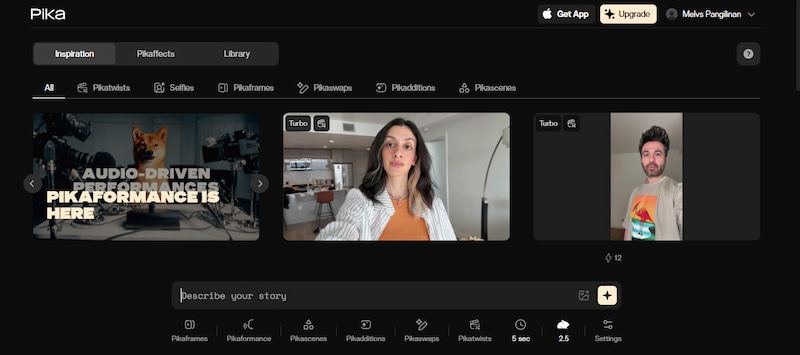
Pika Labs
Generation Time
Up to 60 seconds
Up to 30 seconds
Up to 2 minutes
Up to 3 minutes
Up to 3 minutes
Up to 90 seconds
Up to 60 seconds
Max Video Duration
15s
10s
10s
25s
10s
10s
10s
Image-to-Video Quality
✅
✅
✅
✅
✅
✅
✅
Text-to-Video Quality
✅
✅
✅
✅
✅
✅
✅
Free Credits
125 one time
7 free credits
100 monthly AI credits
❌
66 credits
500 credits
80 credits
Audio Integration
❌
❌
✅
✅
✅
✅
✅
In-Depth Analysis of the 6 Major Alternatives
Top 1. Picwand AI: One-Click Generation of Cinematic Narrative Videos
Pricing: Pricing starts at $14.9 per month for 100 video credits.
Output Video Quality: 1080p, with video upscaling support up to 4K.
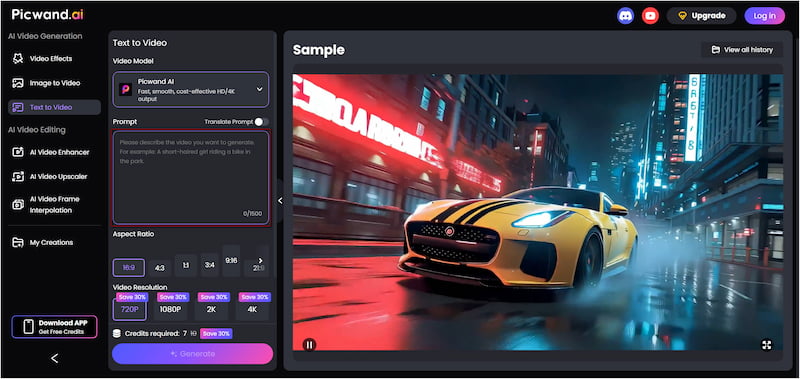
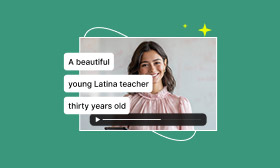
Picwand AI Text-to-Video Generator is an all-in-one generative media platform for creating engaging text-to-video content. It can transform natural language prompts into high-quality videos, including realistic scenes, animations, and 3D-style clips. This Runway alternativesupports detailed prompts of up to 1,500 characters, generating clips up to 10 seconds long. It can generate video clips up to 10 seconds long in various aspect ratios. You can choose from various aspect ratios and export the final creations in 720p up to 4K resolution.
Why Choose Picwand AI:
• Converts detailed text prompts into fully rendered video scenes.
• Multiple aspect ratios are support, such as 16:9, 1:1, 3:4, 9:16, and more.
• Supports multilingual text prompts and works with image-to-video inputs.
• Generates high-resolution videos up to 4K for professional-quality outputs.
• Generate clips of up to 10 seconds long, longer than many competing tools.
What We Like:
• It allows exporting videos in 4K resolution.
• It can generate videos up to 10 seconds long.
• It supports detailed prompts up to 1,500 characters long.
What We Don’t Like:
• It requires credits to generate videos.
• Output realism varies based on the prompt entered.
Use Cases:
• Marketing and promo videos.
• Social media content creation.
• Storytelling and educational videos.
Top 2. Google Veo 3.1: The Ultimate Choice for Photorealism
Pricing: Pricing starts at $0.75 per second with audio (API pricing).
Output Video Quality: 1080p.
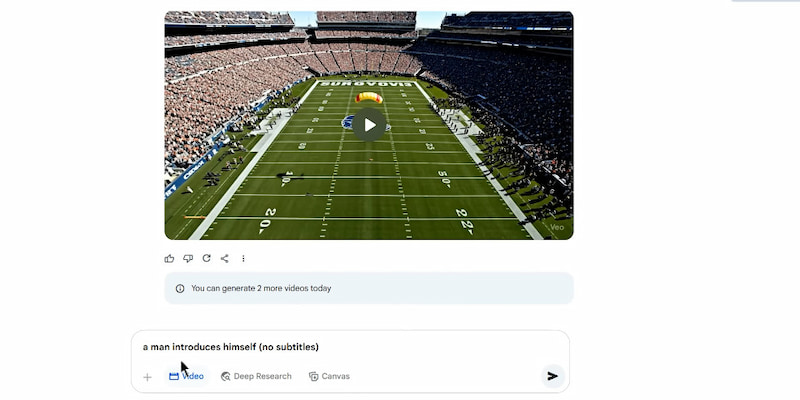
Google Veo 3.1 is a next-generation text-to-video AI model that pushes the boundaries of photorealistic generation. It delivers high-fidelity visuals, extended durations, and seamless cinematic motion. Furthermore, it features enhanced physics-based movement, natural camera transitions, and consistent character rendering across every frame.
• Includes synchronized sound, music, and dialogue.
• Creates a video from both text prompts and reference images.
• Generates both 9:16 and 16:9 aspect-ratio clips for social and cinematic formats.
What We Like:
• It includes native audio modeling.
• It excels at photorealistic video generation.
• It supports multi-prompt and multi-scene generation.
What We Don’t Like:
• It has a learning curve for advanced features.
• It still has lip sync challenges with multilingual audio.
Use Cases:
• High-end commercial production.
• Realistic environment simulations.
• Film and creative concept previsualization.
Top 3. Sora 2 Pro: The Ceiling of Narrative and Logical Coherence
Pricing: Starts at $20 per month for 1,000 video credits.
Output Video Quality: 1080p.
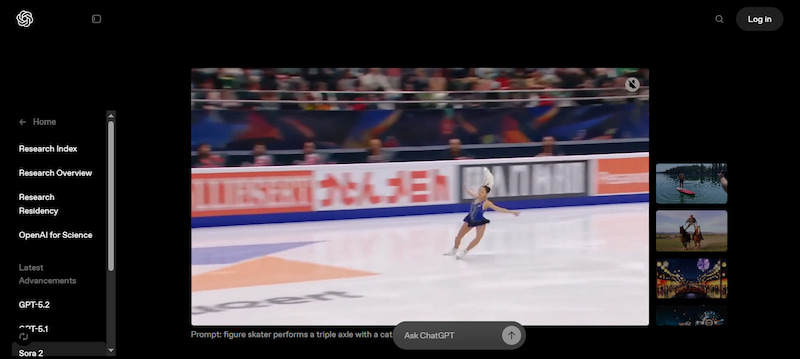
Sora 2 Pro is one of the most advanced Runway AI alternatives available. It focuses on cinematic cohesion, voice synchronization, and narrative realism. As a premium model, it supports longer durations, synchronized audio, and high-fidelity motion that adheres to realistic physics, ensuring that visuals and sound maintain logical behavior throughout a scene.
Why Choose Sora 2 Pro:
• Outputs longer sequences for narrative-driven scenes.
• Realistic motion and lighting continuity throughout generated clips.
• Accepts both natural language prompts and images to guide generation.
• Automatically generates synchronized dialogue and environmental sounds.
What We Like:
• It responds well to text and image input.
• It produces strong, logical scenes.
• It understands physics and motion consistently in many cases.
What We Don’t Like:
• It lacks native audio generation.
• It is slower and costlier than simpler alternatives.
Use Cases:
• Narrative film and short stories.
• Educational and training content.
• Creative writing visualization.
Top 4. Kling AI 2.5: The Best-Value Champion of Physics-Based Dynamics
Pricing: Pricing starts at $6.99 per month for 660 video credits.
Output Video Quality: 1080p Full HD.
Kling AI 2.5 is a powerful generative video model optimized for high-quality short film production. By specializing in prompt-to-video generation from natural language, it delivers visually consistent 1080p clips with minimal manual tuning. It is widely recognized for its ability to produce coherent, lifelike output both quickly and efficiently.
Why Choose Kling AI 2.5:
• Strong simulation of movement and dynamics in scenes.
• Maintains visual style and character continuity within a clip.
• Capable of interpreting text prompts to produce short video clips.
• Generates high-definition (1080p) clips suitable for modern viewing standards.
What We Like:
• It has a solid 1080p output and smooth transitions.
• It provides excellent motion and physics-aware renderings.
• It delivers consistent character and object behavior across clips.
What We Don’t Like:
• Its interface is less beginner-friendly.
• It experiences long processing queues or delays.
Use Cases:
• Action-heavy video content.
• Cost-effective video marketing.
• Concept demos and product visuals.
Top 5. Luma AI: The Speed-First “Fast Shooter”
Pricing: Pricing starts at $7.99 per month for 50 videos (draft mode).
Output Video Quality: 1080p, with support for up-resing to 4K.
Luma AI is built to rapidly generate visually compelling videos from text or images. Its generative system interprets prompts to create professional-looking video content with smooth motion, natural lighting, and dynamic camera movement. This Runway ML alternative is optimized for realistic motion capture and physical coherence.
Why Choose Luma AI:
• Handles both text prompts and image-based inputs seamlessly.
• Offers developer access for automation or integrations into workflows.
• Optimized for fast video rendering, ideal when you need outputs quickly.
• Creates motion and camera perspectives that make videos feel cinematic.
What We Like:
• It creates high-quality cinematic videos.
• It offers text-to-video and image-to-video support.
• It’s fast and efficient, perfect for rapid video iteration.
What We Don’t Like:
• Its advanced models require credits or paid plans.
• Its generations are inconsistent depending on the input.
Use Cases:
• Rapid prototyping and ideation.
• Social media and short-form videos.
• Marketing and visual experiments.
Top 6. Pika Labs: The Most Beginner-Friendly Runway Alternative
Pricing: Pricing starts at $8 per month for 700 video credits.
Output Video Quality: 1080p.
Pika Labs is an idea-to-video platform that lowers the barrier to entry for creators new to AI-generated video. It lets users generate short videos from text or image prompts in a playful, exploratory environment. Its models deliver video content with animated transitions and creative visual styles designed for social media and storytelling.
Why Choose Pika Labs:
• Built-in Pika tools to manipulate objects within videos.
• Generates clips with motion blur and lighting cues for dramatic effect.
• Offers a range of artistic and genre styles (anime, cinematic, stylized).
• Produces finished clips often in under a minute for social media and prototyping.
What We Like:
• It offers creative effects and stylized motion.
• It’s fast and beginner-friendly for quick video generation.
• It can quickly turn text and images into engaging social clips.
What We Don’t Like:
• Its outputs are less photorealistic.
• It downloads videos with watermarks even subscribed to a plan.
Use Cases:
• Beginner content creation.
• Stylized social media clips.
• Quick creative experiments.
How Should Different Users Choose Runway AI Alternatives?
Project Goals & Use Case Requirements:
When choosing a Runway AI alternative, start by defining what you want to create. Tools like Pika Labs are designed for quick, creative social media content. They are useful if your goal is to generate visually appealing clips fast without deep technical demands.
Skill Level & Learning Curve:
Different platforms vary widely in complexity and ease of use, so your experience level matters. If you’re a beginner or non‑technical creator, Picwand AI makes it easy to dive in. Conversely, if you’re comfortable with advanced creative workflows, Sora 2 Pro is a great option.
Quality Expectations & Output Fidelity:
If your project demands photorealistic visuals, realistic motion, and lifelike lighting, Google Veo 3.1 is the best choice. It focuses on cinematic realism, scene continuity, and multi‑input support. In contrast, Pika Labs excels at engaging visuals that work beautifully for short‑form videos.
Flexibility & Creative Control:
If you prefer simplicity, Picwand AI is ideal. This tool lets you focus on ideas rather than settings. However, if your project requires fine‑grained control, Kling AI 2.5 offers greater flexibility in motion and physics behavior, especially for action‑intensive scenes.
How We Audited These Alternatives:
To ensure an objective comparison, our team tested each platform using a standardized Physics Stress Test prompt: A crystal bowl filled with liquid mercury being dropped onto a black marble floor in slow motion. We evaluated:
• Temporal Consistency: Did the mercury maintain its volume across frames?
• Object Permanence: Did the bowl shards disappear or morph?
• Artifact Density: Count of visual glitches per 10 seconds of output.
CONCLUSION
Choosing the right AI video generation platform depends on your creative goals, technical skills, and project requirements. While Runway AI offers a versatile and powerful environment for cinematic video creation, its alternatives provide unique strengths. Among these Runway AI alternatives, Picwand AI stands out as an all-in-one, intuitive platform that makes it effortless to generate cinematic narrative videos. It lets you turn ideas into professional-quality videos in just seconds with impressive results.