Basic PlanVIP PlanVIP ExpiredPurchased credits are valid for life but require an active VIP subscription to use
0Credit(s)
You can use credits to access all the AI tools on Picwand, such as the AI Image Upscaler, AI Age Filter, AI Video Enhancer, AI Video Upscaler, AI Video Effects, and more.
The best Veo 3 alternative depends on your workflow. Sora 2 is the leader for complex physics and narrative storytelling. Runway Gen-4 offers superior granular control via Motion Brush, while Picwand AI remains the most accessible for high-speed 4K upscaling.
Google’s Veo 3 is making text-to-video creation easier and more accessible. It works well within Google’s apps and workflows, offering quick, high-quality video generation. However, it isn’t the only powerful tool on the market. In 2026, many AI video generators now offer cinematic shots, avatar-led training modules, and real-time collaborative editing. In this post, we’ll explore the top Veo 3 AI alternatives. We’ve rounded up the top-performing AI video generators to help you decide which one stands out for your workflow. By the end, you’ll have a clear view of the best alternatives and what makes each one stand out.
Veo 3 is Google’s advanced AI video generation platform. It is designed to create realistic, short-form videos from text or image prompts. It emphasizes high motion fidelity, semantic understanding, and cinematic visuals. However, despite its strengths, many users explore alternatives to better fit their specific needs.
• Visual quality, faces, motion, and output stability can vary across renders.
• Advanced features and consistent access require paid subscriptions or higher‑tier plans.
• Default generation is short clips, around 8 seconds, which can be restrictive for longer projects.
• Complex prompts or scenes with many moving elements can produce awkward or unrealistic outputs.
• Certain capabilities, like image‑to‑video generation or face/people inclusion, can be blocked or inconsistent.
Advantages and Disadvantages of Veo 3
Advantages
Category
Disadvantages
Produces cinematic, realistic video output with physics‑aware motion and high detail.
Video Quality
Visual quality can be inconsistent, with some generations appearing blurry, soft, or glitchy.
Includes native audio generation for immersive content.
Audio
Audio and lip‑sync are inconsistent; sometimes missing, poorly synced, or not matching the visuals.
Fast turnaround for short clips; videos can be generated in minutes.
Generation Speed
Complex scenes or higher‑quality modes can increase rendering time.
Good for short clips and social media content.
Duration Length
Still largely limited to 8 seconds per clip.
Interprets simple, well‑defined prompts accurately for expected results.
Prompt
Struggles with complex prompts or multi‑character scenes.
5 Top Alternatives to Veo 3
Picwand AI Text to Video Generator
Pricing: Pricing starts at $14.9 per month for 100 video credits.
Output Quality: 1080p, with video upscaling support up to 4K.
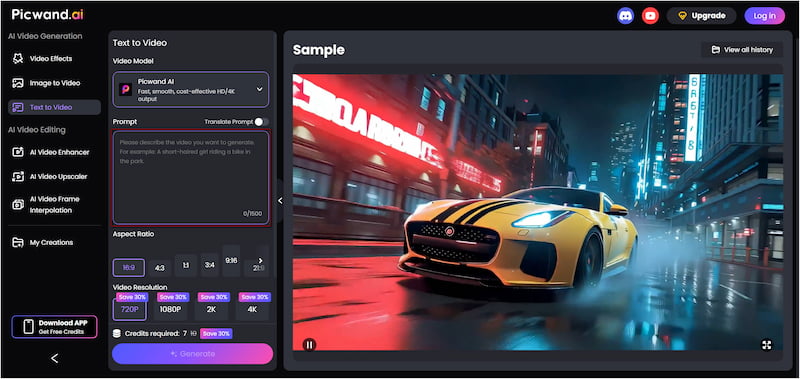
Picwand AI Text-to-Video Generator is a leading AI generative tool alternative to Veo 3 AI. It lets you turn written prompts directly into cinematic videos in seconds. You can write up to 1,500 characters of prompt text to describe the scene. This helps the AI produce more accurate and expressive clips. It supports multiple resolutions up to 4K and offers flexible aspect ratios for various platforms. Videos can be generated up to 10 seconds long by default, giving enough time for concise live‑action sequences.
Why Choose Picwand AI Text-to-Video Generator:
• Multilingual prompt support, accepting text in various languages.
• Supports longer text prompts up to 1,500 characters per generation.
• Supports multiple resolutions, including 720p, 1080p, 2K, and 4K output.
• Allows flexible aspect ratios for different platforms, such as 16:9, 1:1, 3:4, etc.
What We Like:
• It generates videos in seconds.
• It supports multilingual prompts.
• It exports clips with no watermark.
What We Don’t Like:
• It requires usage credits for every generation.
• It cannot extend videos beyond the default duration.
Target Users:
Creators making short videos for social media platforms who want quick visuals without filming.
Runway Gen-4
Pricing: Pricing starts at $12 per month for 625 video credits.
Output Quality: 720p
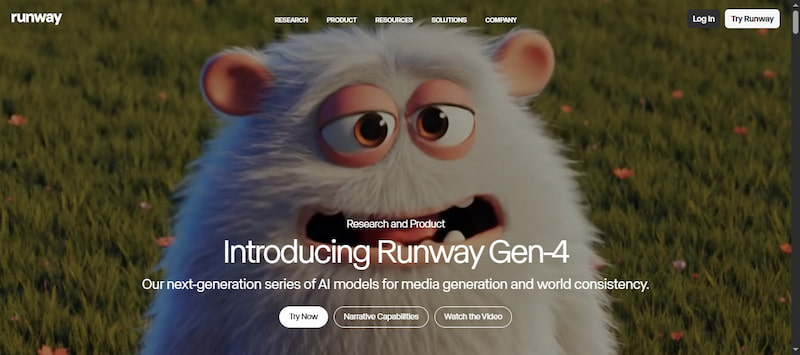
RunwayGen-4 is a professional‑grade text‑to‑video generator that can create short clips from detailed text prompts. This Google Veo 3 alternative can also use reference images as start frames. By default, it generates clips at 720p resolution in 16:9 aspect ratio.
Why Choose Runway Gen-4:
• Generates high-quality video clips ranging from 5 to 10 seconds per prompt.
• Creates AI videos from natural language prompts, reference images, or a combination of both.
• Produces fluid, natural motion with smoother transitions and physically believable movement.
• Maintains consistent character and object details throughout a clip when a reference image is provided.
What We Like:
• It allows adjustable camera directions.
• It offers stronger character and scene consistency.
• It supports creative control via reference images and text directions.
What We Don’t Like:
• It can misinterpret complex or nuanced prompts.
• It uses a credit system that can burn through allocations fast.
Target Users:
Creators who want to experiment with motion, dynamic compositions, and cinematic styles without building frame-by-frame animations manually.
Sora 2
Pricing: Pricing starts at $34.9 per month for 2000 video credits.
Output Quality: 720p
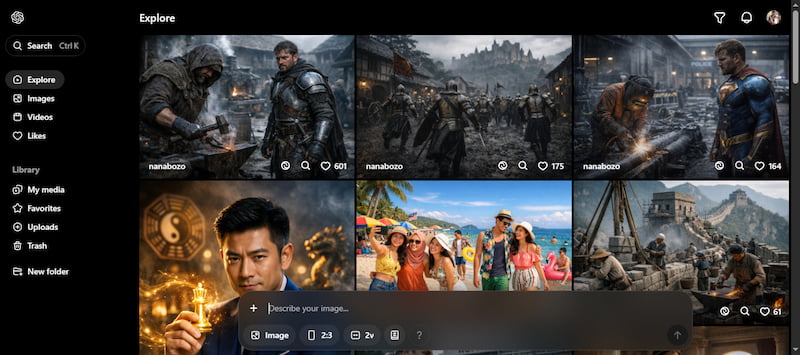
Sora2, developed by OpenAI, focuses on realistic, physics‑aware video generation with synchronized audio capabilities. It can generate clips up to 15 seconds long, with Pro plans enabling clips up to 25 seconds. This best Veo 3 alternative is praised for its cinematic storytelling, detailed motion understanding, and audio‑video sync.
Why Choose Sora 2:
• Extended durations up to 25 seconds long via Pro plan.
• Generate videos with higher resolution options available on other plans.
• Includes synchronized audio support with music, sound effects, and spoken dialogue.
• Generates natural motion that obeys physical dynamics, creating more believable action scenes.
What We Like:
• It synchronizes audio with visuals.
• It provides creative, fresh idea generation.
• It supports both text‑to‑video and image‑to‑video generation.
What We Don’t Like:
• It struggles to render readable text in video scenes.
• It can produce inconsistent object and character details.
Target Users:
Professionals who want to create visual aids, explainers, or short educational videos from text descriptions easily.
Kling AI
Pricing: Pricing starts at $6.99 per month for 660 video credits.
Output Quality: 1080p
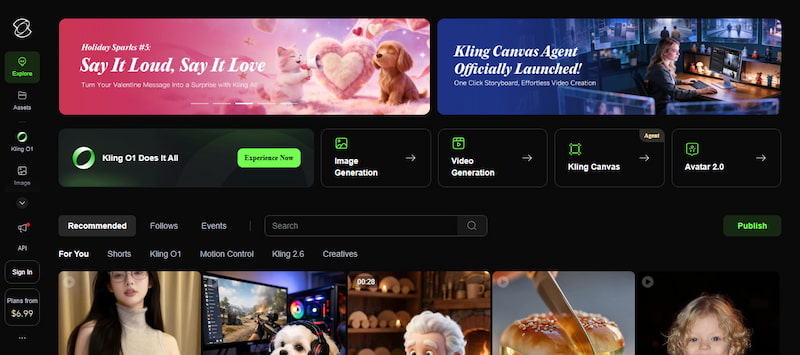
Kling AI is a text-to-video generator that focuses on high‑quality, action‑oriented outputs. It can generate longer clips, up to 180 seconds long, at 1080p resolution. Kling’s workflow emphasizes realism in motion and texture, along with budget‑friendly pricing tiers.
Why Choose Kling AI:
• Produces high‑quality videos at up to 1080p resolution.
• Extend generated clips beyond their initial lengths to 180 seconds.
• Animate static images by adding motion and depth for dynamic visuals.
• Apply camera moves such as pan, tilt, zoom, and tracking via prompt instructions.
What We Like:
• It offers motion and camera controls.
• It handles prompt‑based creative direction.
• It is a free Veo 3 alternative with daily credits.
What We Don’t Like:
• It doesn’t natively generate audio.
• Its daily credits are limited, which cannot generate even a 5-second clip.
Target Users:
Brands needing quick, high‑quality video content to showcase products, demos, and customer engagement videos.
Luma AI
Pricing: Pricing starts at $7.99 per month for 50 videos (draft mode).
Output Quality: 1080p
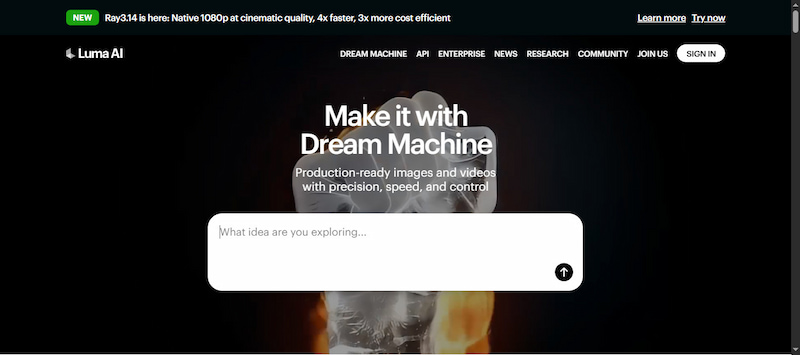
Luma AI is a Veo 3 alternative that emphasizes realistic motion and natural lighting. It generates short clips up to 10 seconds long, usually at 1080p resolution. Luma’s model is noted for its ability to interpret detailed prompts into visually rich footage.
Why Choose Luma AI:
• Allows multi‑scene generation or video extension.
• Precise control over scenes via keyframes and powerful editing tools.
• Uses advanced models like Ray2 and Ray3 for natural motion and cinematic detail.
• Includes AI‑assisted camera moves such as tracking shots, zooms, and dynamic angles
What We Like:
• It generates short clips quickly.
• It produces photorealistic video clips.
• It offers keyframe and camera control tools,
What We Don’t Like:
• It struggles with text coherency within videos.
• It may produce inconsistent or glitchy motion.
Target Users:
People producing teasers, highlights, and promo videos for events and activities.
How to Choose the Tool that Suits You Best?
AI video generators vary widely, so the best choice depends on what you need to create. Understanding the core capabilities of each tool helps you match your goals with the right features and performance. When comparing Google Veo 3 alternative tools, focus on what matters most for your projects.
• Generation Time: Faster outputs let you iterate on ideas quickly.
• Queue Performance: Less waiting, particularly under heavy load or on free tiers.
• Video Resolution: Higher resolution means sharper, more professional visuals.
• Maximum Video Length: Some tools focus on short clips, while others allow longer outputs.
• Audio Generation: Synchronized ambient sound, dialogue, and sound effects elevate the overall feel.
Conclusion
While Google Veo 3 is a powerful tool for creating AI videos, there are many other options that can fit different needs. By exploring these Veo 3 AI alternatives, you can find the tool that works best for your projects. If you want a fast and easy way to turn text into high-quality videos, Picwand AI Text-to-Video Generator is a great choice. It lets you create engaging videos quickly, without any complicated setup.