Basic PlanVIP PlanVIP ExpiredPurchased credits are valid for life but require an active VIP subscription to use
0Credit(s)
You can use credits to access all the AI tools on Picwand, such as the AI Image Upscaler, AI Age Filter, AI Video Enhancer, AI Video Upscaler, AI Video Effects, and more.
Luma AI has quickly gained attention for its ability to generate cinematic 3D scenes and AI-driven videos. However, as more creators experiment with Luma AI, many begin to encounter practical limitations—restricted access, learning curves, output inconsistency, or missing features needed for real-world workflows. Whether you are a content creator, marketer, educator, or small business owner, relying on a single AI video tool is rarely ideal. Different projects demand different strengths: ease of use, fast rendering, realistic visuals, flexible editing, or cost efficiency. That is why searching for a Luma AI alternative has become increasingly common.
In this guide, we compare the best Luma AI free alternatives available today. We focus on usability, output quality, workflow simplicity, and real-world results. Each tool is tested from a practical perspective—what it does well, how it works, and what kind of results you can expect.
Before diving into details, here is a quick overview of the top alternatives to Luma AI:
Tool
Best For
Difficulty
Output Quality
Picwand AI
Fast AI video & image generation
Very easy
High
Veo 3
Cinematic AI video
Medium
Very high
Runway
Professional AI editing
Medium–High
High
Pika
Creative short videos
Easy
Medium–High
InVideo AI
Marketing & social videos
Easy
Medium
Among these tools, Picwand AI stands out for users who want strong results without technical complexity, while others serve more niche or advanced needs.
Top 1. Picwand AI
Picwand AI Text-to-Video Generator is designed as an all-in-one AI creation platform that focuses on simplicity, speed, and consistent output quality. Unlike Luma AI, which leans heavily toward experimental 3D generation, Picwand AI prioritizes real-world usability.
Key features include:
• AI video generation from text or images
• High-quality image enhancement and restoration
• AI background removal and visual cleanup
• Optimized outputs for social media and marketing
• Clean interface with minimal learning curve
Picwand AI does not overwhelm users with technical controls. Instead, it offers curated presets that balance creativity and stability to enhance video quality, known as the best alternative to Luma AI.
How to Use Picwand AI
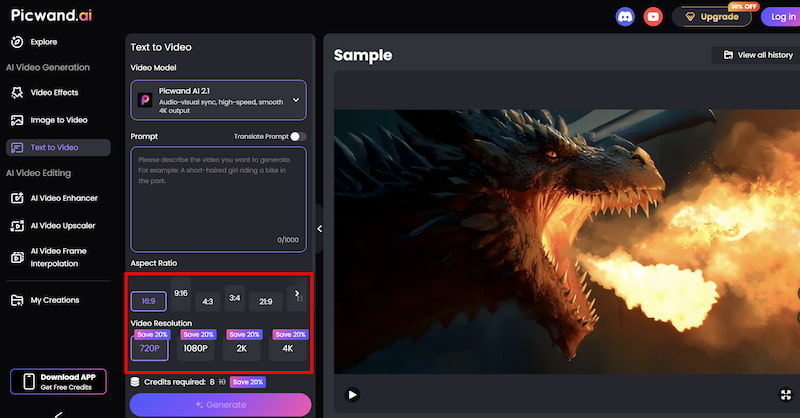
Step 1. From the main dashboard, choose the Text-to-Video Generator option. This tool allows you to generate short video clips purely from written descriptions.
Step 2. Enter your text prompt by describing the scene you want to create using natural language. You can specify elements such as environment, mood, movement, and visual style. For example, you might describe a cinematic landscape, a product showcase, or a short animated concept.
Step 3. Before generating the video, you can fine-tune settings such as Aspect Ration, Video Resolution, etc. These options help tailor the output to social media, marketing, or presentation needs.
Step 4. Once your prompt is ready, click the generate button. Picwand processes the request and produces a preview video within a short time, allowing you to review the result instantly. If you are satisfied with the output, you can export the video directly.
The output from Picwand AI is clean, sharp, and platform-ready. Videos feel polished rather than experimental, which is ideal for business use, social campaigns, or educational content. Compared with Luma AI, Picwand AI delivers more predictable results and requires significantly less manual adjustment.
Top 2. Veo 3
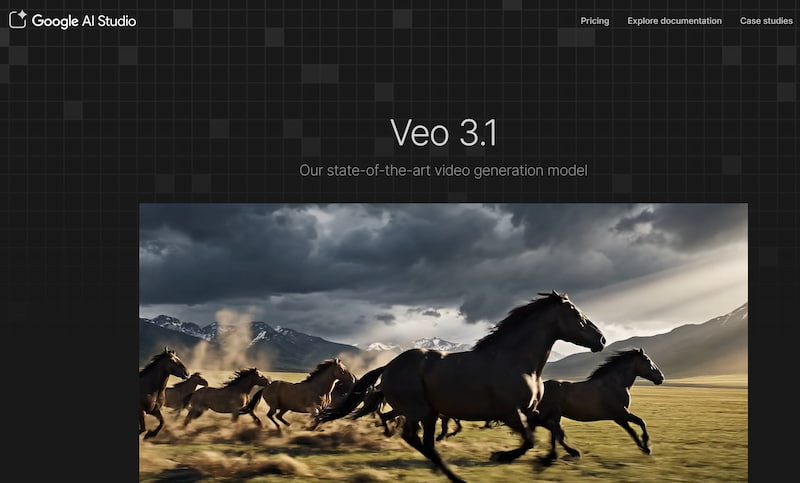
Veo 3 is another effective Luma AI alternative known for pushing the boundaries of cinematic AI video generation. It focuses on realism, motion coherence, and narrative flow.
Notable features include:
• Advanced text-to-video generation
• Cinematic camera movements
• Realistic lighting and depth
• High-resolution outputs
Veo 3 is often seen as a creative showcase tool rather than a daily production platform.
Steps
The typical workflow involves:
Step 1. Writing a detailed text prompt
Step 2. Selecting visual styles or references
Step 3. Generating and refining clips
Because of its complexity, Veo 3 may require multiple attempts to achieve the desired result. When successful, Veo 3 produces impressive, film-like visuals. However, rendering times can be long, and access may be limited. For users seeking a Luma AI alternative with cinematic ambition, Veo 3 is strong—but not always practical for frequent use.
Top 3. Runway
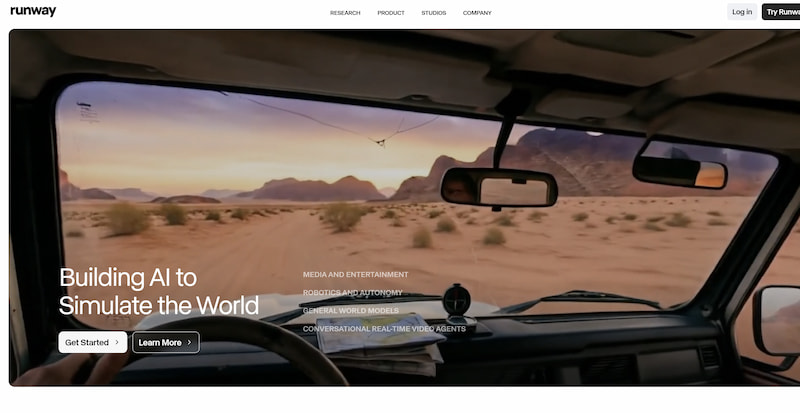
Runway has established itself as a professional-grade AI video platform that can automatically upscale video to 4k, widely used in creative industries.
Its feature set includes:
• Text-to-video and image-to-video tools
• AI video editing and masking
• Background removal and object tracking
• Integration with traditional editing workflows
• Runway is closer to a full editing suite than a simple generator.
Runway is closer to a full editing suite than a simple generator.
Steps
Step 1. A common workflow looks like this:
Step 2. Import footage or prompts
Step 3. Apply AI effects or generate clips
Step 4. Refine results using editing tools
The platform rewards users who are comfortable with video editing concepts. Runway produces high-quality, flexible outputs suitable for professional projects. This Luma AI alternative offers more control but also demands more time and experience. It is best suited for creators who want AI assistance within a traditional editing process.
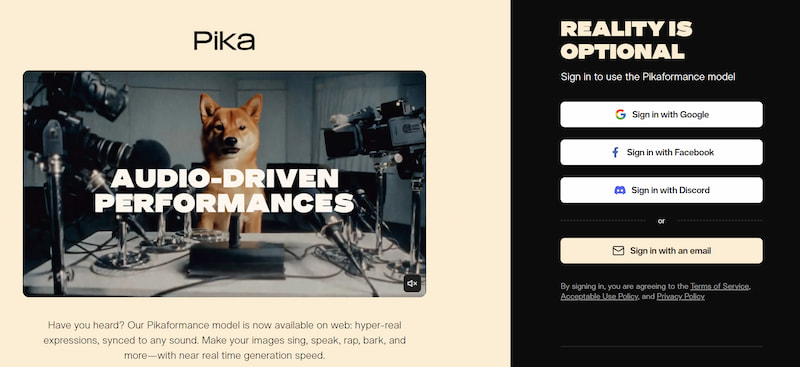
Top 4. Pika
Pika focuses on creative, short-form AI videos, making it popular among social media creators.
Core features include:
• Text-to-video generation
• Stylized animation effects
• Short video formats optimized for sharing
• Fast rendering times
• Pika emphasizes fun and experimentation rather than realism.
Steps
Step 1. The process is straightforward:
Step 2. Enter a prompt
Step 3. Select an animation style
Step 4. Generate and download
It is one of the easiest tools on this list to start using immediately. Pika’s outputs are visually engaging but stylized. While it may not replace Luma AI for realistic scenes, it works well for memes, short clips, and creative storytelling.
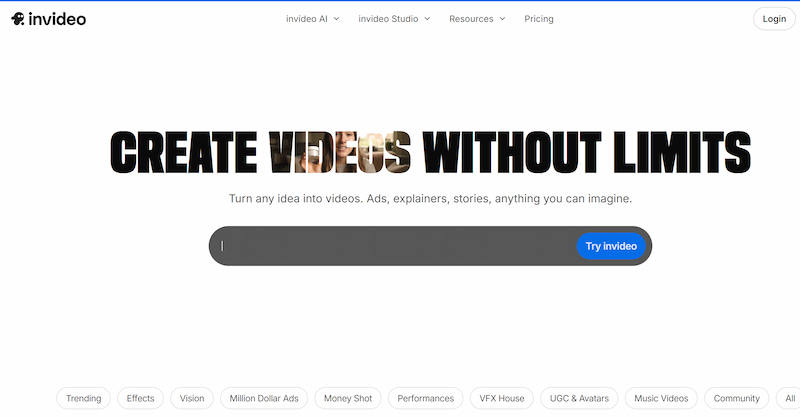
Top 5. InVideo AI
InVideo AI is a great Luma AI alternative built for marketing, presentations, and social media videos.
Its main features include:
• Script-to-video generation
• Stock footage integration
• Voiceovers and subtitles
• Pre-built templates for ads and promos
It is less about generative visuals and more about structured content creation.
Steps
Step 1. Input a script or idea
Step 2. Choose a video template
Step 3. Customize text, visuals, and audio
The platform is optimized for speed and consistency. InVideo AI delivers clear, professional marketing videos. Compared to Luma AI, it sacrifices creative freedom for reliability and business readiness.
Conclusion
Luma AI is an impressive tool, but it is not the best fit for every creator or workflow. Depending on your goals, there are several strong alternatives worth considering. If you want simplicity, speed, and dependable results, Picwand AI Text-to-Video Generator is the most balanced Luma AI alternative. It removes unnecessary complexity while still delivering high-quality visuals suitable for real-world use. For cinematic experimentation, Veo 3 offers cutting-edge visuals. Runway excels in professional editing environments, Pika shines in creative short-form content, and InVideo AI remains a solid choice for marketing videos.
Ultimately, the best Luma AI alternative is the one that fits your workflow—not just your curiosity. For most users, especially those focused on efficiency and output quality, Picwand AI stands out as the most practical solution.