- Upscale, enhance, remove objects, and colorize photos easily.
- Turn photos into cartoons and more style options available.
- Edit photos basic settings and manage projects for free.
Get the 5 Best Photo Restoration Apps to Enhance Old Photos
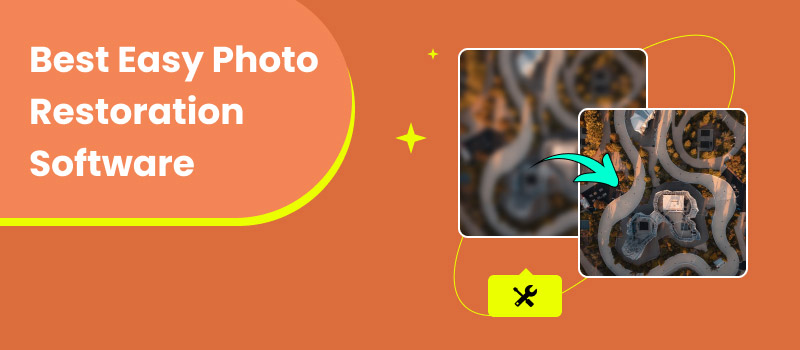
Due to age, damage, poor storage conditions, or other factors, your old precious pictures may deteriorate over time. Fortunately, with today’s best photo restoration software, you can easily repair scratches, restore faded colors, and revive your treasured memories in just a few clicks.
In this article, we will introduce five of the best easy photo restoration software options to help you choose the right tool to restore and enhance your old photos effectively.
Contents:
Part 1. Best Easy Photo Restoration Software to Repair Old Pictures
For different reasons, you may want to repair or enhance old photos, including family and historical pictures. A good photo restoration app can help breathe new life into these fading memories.
If you are looking for the best software to restore old photos, modern AI tools now make the process much faster and easier. In fact, the best AI photo restoration software can quickly enhance colors, repair scratches, remove stains, and improve overall clarity with just a few clicks. One simple option is Picwand AI Photo Restoration, a web-based tool that lets you restore old photos easily on both computers and mobile devices for free.
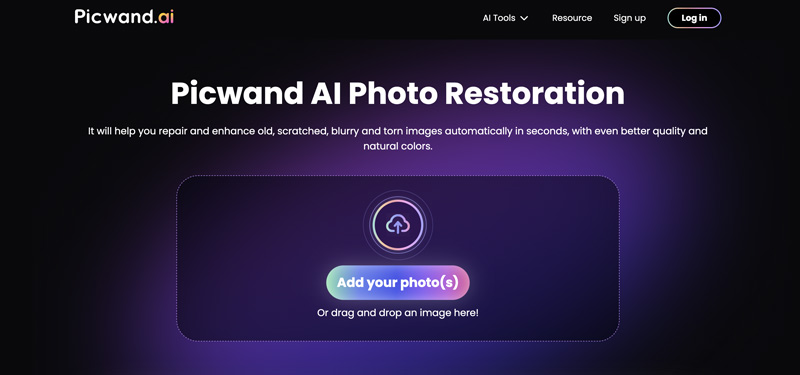
This AI-powered photo restoration software can handle various old image repairing and enhancement tasks. Whether your photos are scratched or damaged, fuzzy or out of focus, faded out in decades, or have other problems, Picwand AI can repair them and improve the overall quality. It uses advanced AI techniques to reduce noise, sharpen details, remove unwanted objects, repair scratch, correct red eyes, colorize black and white photos, and more.
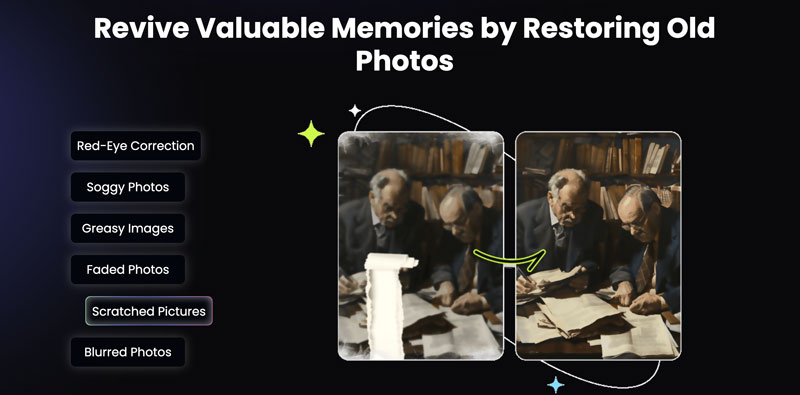
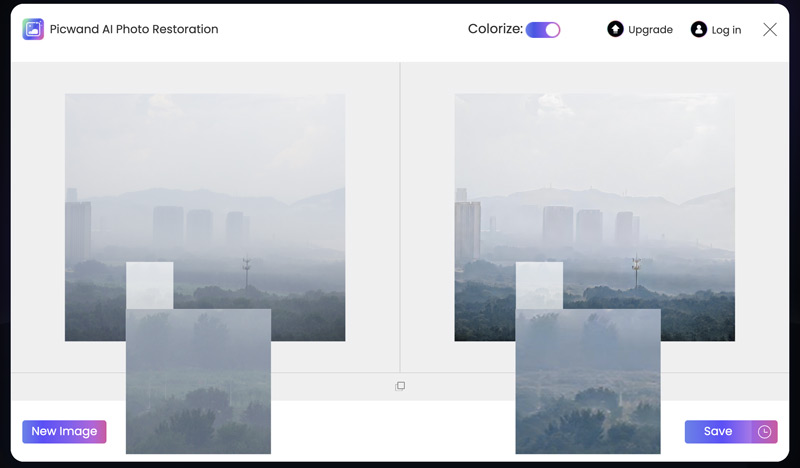
When you restore old physical photos, you should convert them into digital format first. Generally, you can use a scanner, digital camera, or your smartphone to create digital versions of these physical pictures. After that, transfer digital photos to your device and navigate to the Picwand AI Photo Restoration page. Upload the image file(s) and let AI do associated restoration operations. Once the restoration is complete, you can preview the result and compare it with the original photo.
Part 2. Get 5 More Apps to Restore Photos on Mobile Phones
After introducing online tools above, we can now move on to some convenient mobile solutions. If you prefer editing on your phone, there are several best photo restoration app options available that make it easy to repair and enhance old images anytime, anywhere. In fact, Picwand also offers a mobile version for users who want a seamless experience across devices. In addition, we have selected a few other reliable choices as the best app to restore old photos, giving you more flexibility to choose the right tool based on your needs.
Picwand AI Photo Editor
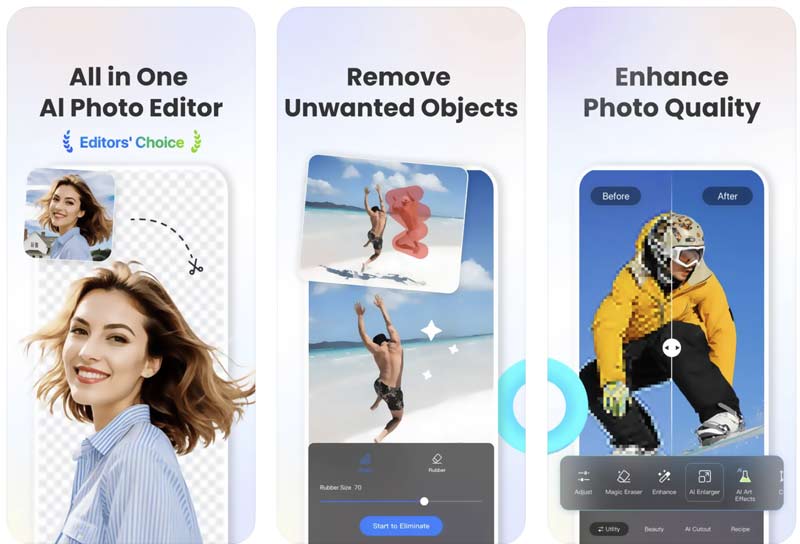
Picwand AI Photo Editor is a versatile all-in-one app that combines basic image editing tools with integrated AI-powered creation features, including image and video generation. It is designed for users who want a simple yet powerful solution for both everyday editing and creative content production.
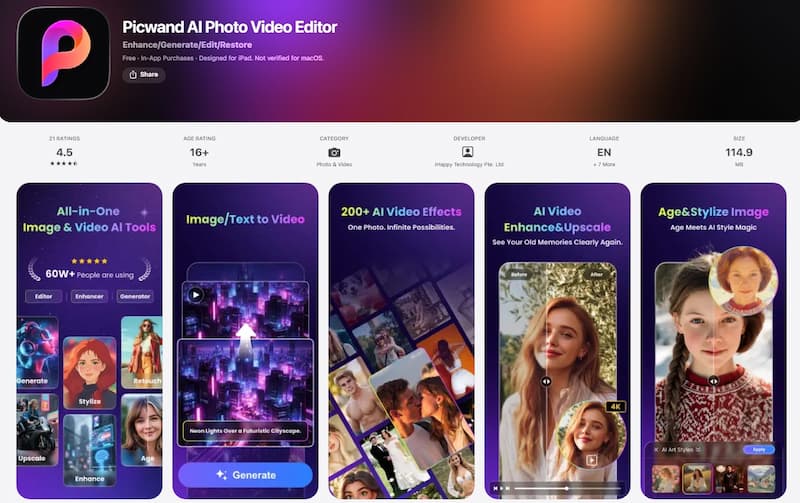
While it works well as a general editing tool, its photo restoration capabilities are particularly impressive. The app can intelligently repair old or damaged photos, enhance clarity, remove scratches and stains, and restore faded colors with the help of advanced AI technology. This makes it not only a creative tool, but also a reliable option for users looking for high-quality photo restoration on mobile devices.
Remini AI Photo Enhancer
Remini is a popular image enhancement app that can help you enhance both photos and videos. It has an AI Photo Editor that allows you to repair and enhance your old pictures easily. Remini offers both web and mobile apps for photo restoration. It adopts advanced machine learning to rescue low-resolution, old, blurry, or damaged images. Moreover, this photo restoration app can colorize black-and-white photos and increase their clarity.
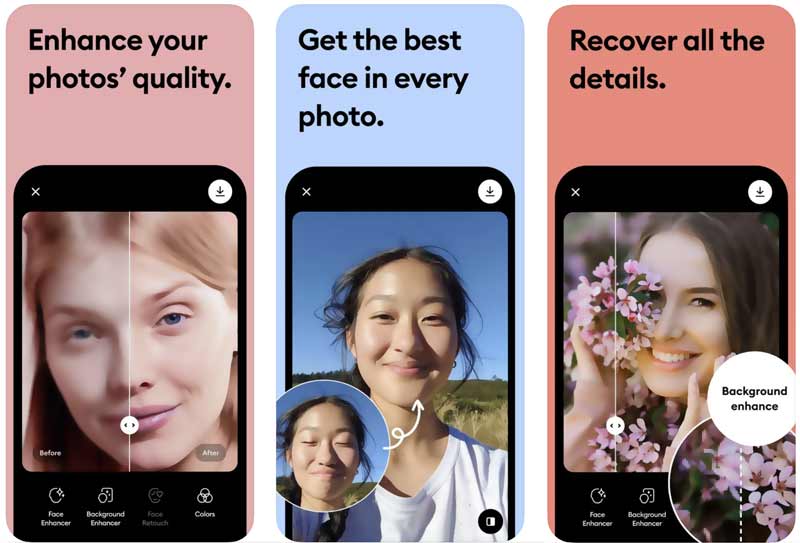
Remini is not mainly designed for photo restoration. However, it can significantly improve the overall quality of old, blurry, or low-resolution pictures. You can simply add your photo to it and let Remini AI do the rest. Once the photo restoration is finished, you can drag the middle line to compare the difference. Moreover, Remini provides you with other options to optimize the image colors, enhance the background, and more. You can start with the free version to access basic functions. However, like many other AI photo editor and enhancer apps, Remini sets various limitations in its free version.
Fotor Photo Enhancer AI
Fotor is another all-featured photo editing app that can help you restore old pictures using AI. You can use the Fotor AI Photo Editor app to quickly enhance the overall quality of your photos on a mobile phone. Similar to Remini, it offers several advanced tools and customization options for you to better fine-tune the old photo restoration process. In addition, it enables you to remove noise and grain from images and add colors to black-and-white photos.
Photoroom AI Photo Editor
Photoroom is primarily designed to remove and change image backgrounds. Its AI Photo Editor app uses AI technology to simplify the image editing process. It carries essential editing tools to customize contrast, saturation, brightness, and other parameters. Photoroom also has a Magic Retouch function to remove blemishes from your photos automatically. It lets you directly erase unwanted objects and defects.
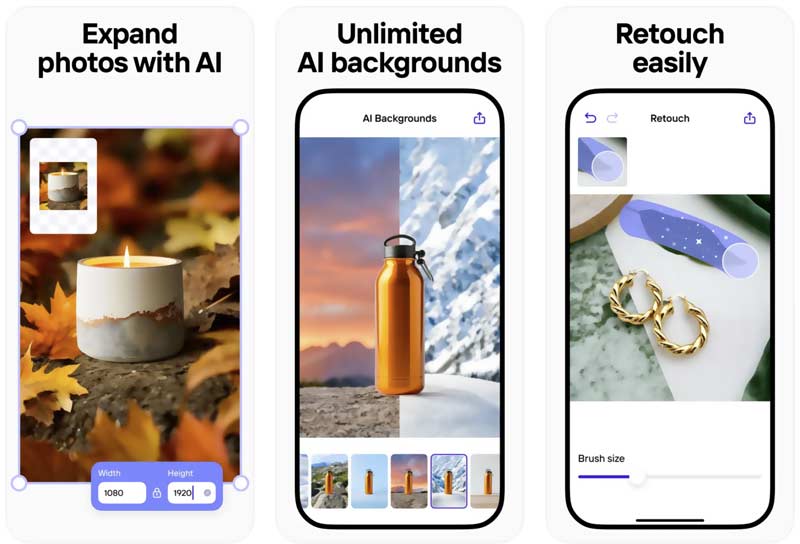
Photoroom gives you a free version with basic features. For some advanced functions, you must subscribe to a premium plan. The Photoroom AI Photo Editor app is not specially designed for photo restoration. But it provides several helpful tools to enhance your image files.
Photoshop Express Photo Editor
If you prefer to manually repair old photos and improve their quality, you can turn to the industry-standard image editing software Adobe Photoshop. You can also start with its mobile app, Photoshop Express Photo Editor. The mobile version carries the basic functions and tools of its desktop software. It lets you edit photos, reduce noise, adjust color, correct angles, erase unwanted elements, upscale resolution, and more.
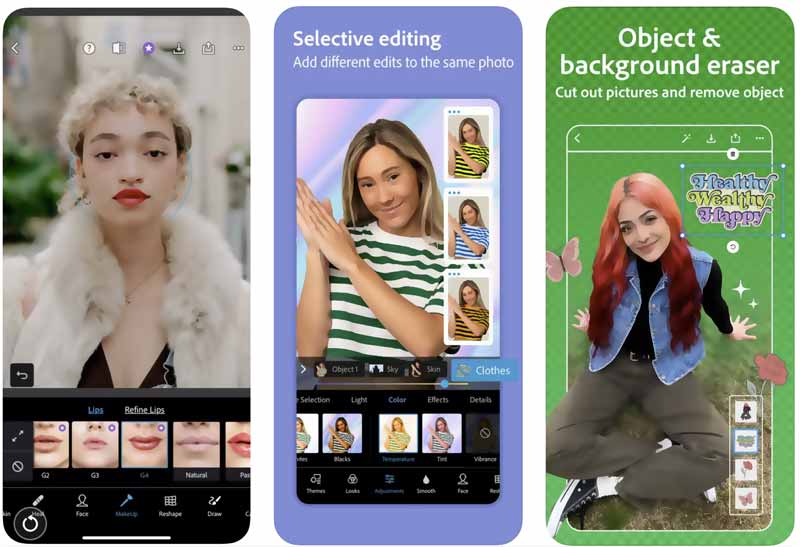
Photoshop Express is equipped with several AI-powered tools that allow you to quickly make adjustments for brightness, contrast, color, and more. It also allows you to apply filters and effects to enhance old photos. In addition, it can sharpen the details of your pictures and increase clarity.

Picwand AI Photo Editor
Part 3. FAQs of Best Easy Photo Restoration Software
What is photo restoration?
Photo restoration is the process of repairing and enhancing old or damaged images. It is often done using picture restoration software or AI tools that improve image quality automatically.
What is the best software for photo restoration?
The best software for photo restoration usually includes AI-powered tools that can fix scratches, enhance colors, and improve clarity with minimal effort. Many users now prefer AI-based solutions for faster results.
Is there any best free photo restoration software?
Yes, some tools offer free versions. The best free photo restoration software usually provides basic restoration features such as sharpening, noise reduction, and color enhancement, but may limit advanced functions.
What is the best software free to fix older photos?
Some best software free to fix older photos includes AI-based online tools and mobile apps that allow users to restore old pictures without advanced editing skills.
How does AI photo restoration software work?
AI photo restoration software uses machine learning models trained on large image datasets. It can automatically detect and fix issues like blur, scratches, fading, and noise to restore image quality.
What are the best AI tools to restore old photos?
The best AI tools to restore old photos are those that can automatically enhance resolution, restore colors, and repair damaged areas with high accuracy and minimal manual editing.
Can all old photos be fully restored?
Not always. While modern tools can significantly improve images, the final result depends on the photo’s original quality and level of damage. Even advanced tools may not fully recover extremely damaged photos.
Summary
To get the best photo restoration results, you should start with high-quality images. Moreover, you need to select the right apps to deal with the specific type of damage or restoration you need. Try using several photo restoration apps from the above recommendations and experimenting with different settings.
AI Picwand - Anyone Can be A Magician
Get Started for Free
Edit Your Photo